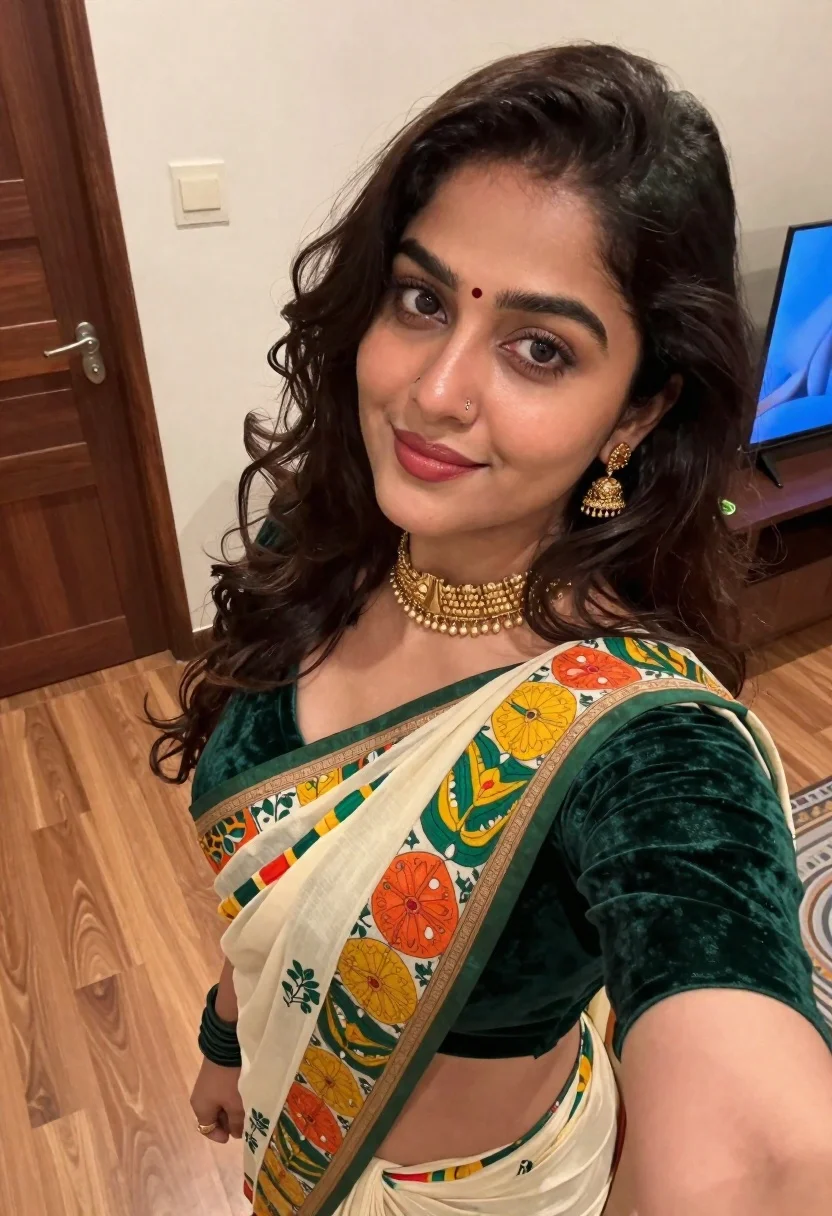
Young woman in green saree taking a close up indoor selfie portrait
Prompt
A young woman with dark wavy hair and a red bindi on her forehead takes a selfie indoors.

Subject: A young woman with long, dark brown wavy hair, fair skin, and a small red bindi centered on her forehead. She has defined eyebrows, subtle eye makeup, and glossy reddish-pink lipstick.

Clothing: She wears a traditional Indian saree consisting of a deep green velvet blouse and a cream-colored pallu featuring vibrant folk art illustrations in yellow, orange, and green. A gold multi-layered choker necklace sits around her neck, accompanied by gold dangling earrings and a small nose ring.

Action: The woman tilts her head slightly to the side while looking directly into the camera lens with a soft, gentle smile. Her right arm is extended forward holding the device used for the photo.

Environment: The setting is an indoor room with light-colored wood laminate flooring. A dark brown wooden door frame is visible on the left, and a glimpse of a television screen displaying blue imagery can be seen in the background on the right.

Lighting: The scene is illuminated by soft, warm ambient indoor lighting that creates gentle highlights on her hair and skin without harsh shadows.

Camera: The image is captured from a high-angle selfie perspective with a close-up framing that emphasizes facial features and upper body attire.

Style Details: The photograph has a naturalistic, candid aesthetic typical of modern smartphone photography with realistic textures and colors.
Description
This prompt is useful for creating personal social media portraits, cultural lifestyle blogs, and e-commerce catalog shots featuring traditional wear. The combination of 'soft, warm ambient indoor lighting' and the 'high-angle selfie perspective' mimics authentic smartphone photography while ensuring that the rich details of the 'deep green velvet blouse' remain visible without harsh shadows.
Suggestions
- Change 'red bindi' to 'marigold bindi' for a brighter pop of color.
- Swap 'velvet blouse' for 'silk blouse' if you want more sheen.
- Adjust 'soft, warm ambient indoor lighting' to 'bright window light' for sharper detail.
Category
Tags
Close UpFair SkinFemaleHigh AngleIndoorsRealisticSelfieTraditional Wear
Date added
June 19, 2026
Added by
PromptDexter Team
Related Prompts
More prompts with similar categories and tags.
Fair young woman with blonde hair taking a playful selfie in a
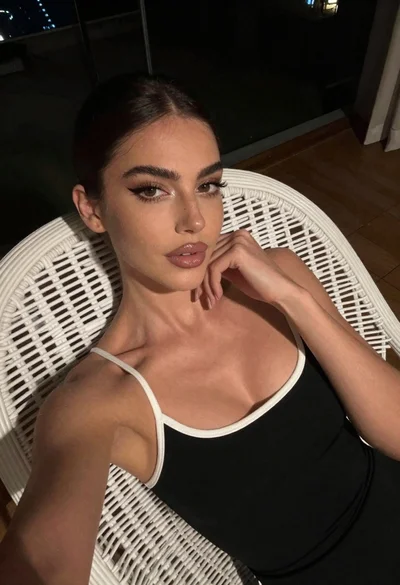
Woman reclining in black dress on white wicker chair dimly lit
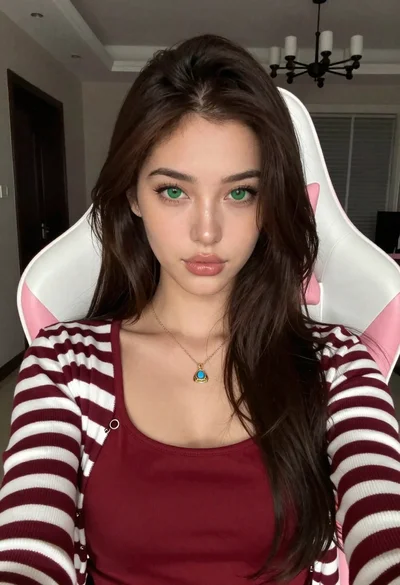
Close up portrait of young woman in gaming chair indoors
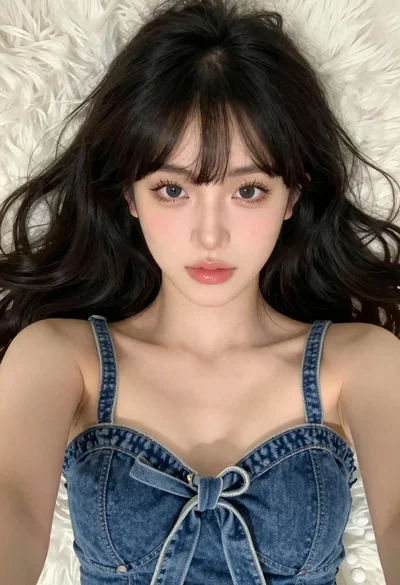
Close up selfie of young woman with black wavy hair on white
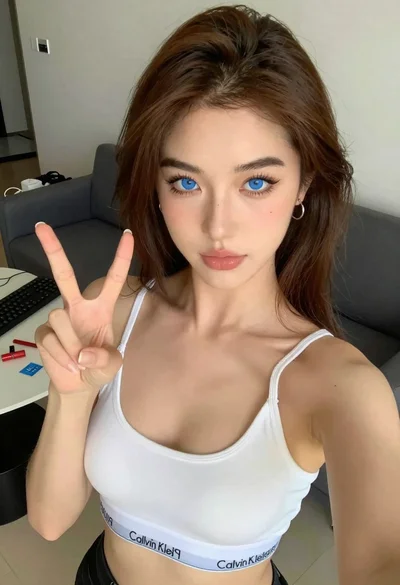
Close up selfie of young woman making peace sign indoors

Young woman taking a selfie seated in a car interior during daylight

Young woman taking a selfie in grocery aisle with pink smoothie
Young woman taking a selfie indoors against grey brick wall

Young woman taking a selfie on bed with white floral sheets
Young woman taking a selfie in a bedroom with white linens