
Close up portrait of young woman in gaming chair indoors
Prompt
A young woman with long dark brown hair sits in a white gaming chair facing the camera.

Subject: A young woman with long, wavy dark brown hair parted in the middle and striking green eyes. She has fair skin with a soft glow, defined eyebrows, and glossy lips. Her expression is calm and direct as she looks straight ahead.

Clothing: She wears a maroon and white horizontally striped long-sleeved cardigan over a deep red scoop-neck top. A gold chain necklace with a colorful pendant rests on her chest.

Action: She is seated in a relaxed pose, leaning slightly back in the chair with her shoulders turned toward the viewer. Her head is upright and centered.

Environment: The setting is an indoor room with dim ambient lighting. Behind her is a white gaming chair with pink accents. In the background, there is a dark wall, a doorway to the left, and a modern black chandelier hanging from the ceiling.

Camera: Close-up selfie-style shot taken at eye level with a shallow depth of field that keeps the subject sharp while blurring the background slightly.

Lighting: Soft frontal lighting illuminates her face evenly, creating a gentle glow on her skin with minimal harsh shadows. The background remains darker to emphasize the subject.

Style Details: High-definition portrait photography with a focus on realistic skin texture and detailed features, rendered in a modern aesthetic.
Description
This prompt is useful for creating character concept art for video game profiles, intimate influencer selfies, or stylized personal branding materials. The combination of 'soft frontal lighting' and the 'shallow depth of field' ensures the subject remains the absolute focus by gently obscuring background elements like the black chandelier, while the specified 'realistic skin texture' grounds the portrait in believable detail.
Suggestions
- Change 'maroon and white horizontally striped long-sleeved cardigan' to a specific brand name for more realism.
- Adjust 'dim ambient lighting' to specify a time of day, such as 'late afternoon glow'.
- Swap 'white gaming chair with pink accents' for a material like 'black leather gaming chair' to change the mood.
Category
Tags
Brown HairClose UpFair SkinFemaleIndoorsRealisticSelfieStudio
Date added
June 19, 2026
Added by
PromptDexter Team
Related Prompts
More prompts with similar categories and tags.

Young woman taking a selfie seated in a car interior during daylight
Young woman taking a selfie indoors against grey brick wall

Young woman taking a selfie on bed with white floral sheets
Young woman taking a selfie in a bedroom with white linens

Close up portrait of young woman in car with brown hair
Fair skinned young woman with brown hair taking a mirror selfie in

Fair blonde woman making playful face while taking a close up selfie

Blonde and brunette women taking a selfie on a yacht sofa at
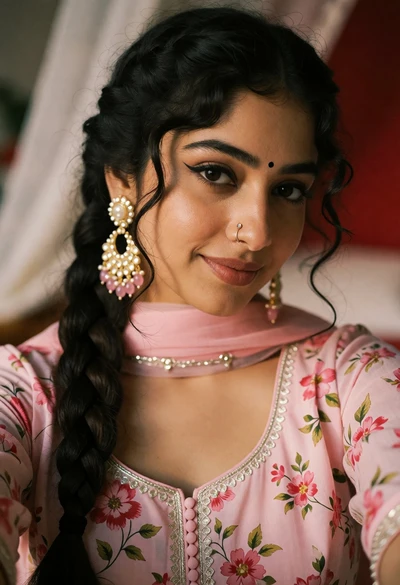
Close up portrait of young woman in pink traditional top with ornate

Young woman with brown hair under pink umbrella at outdoor cafe setting
