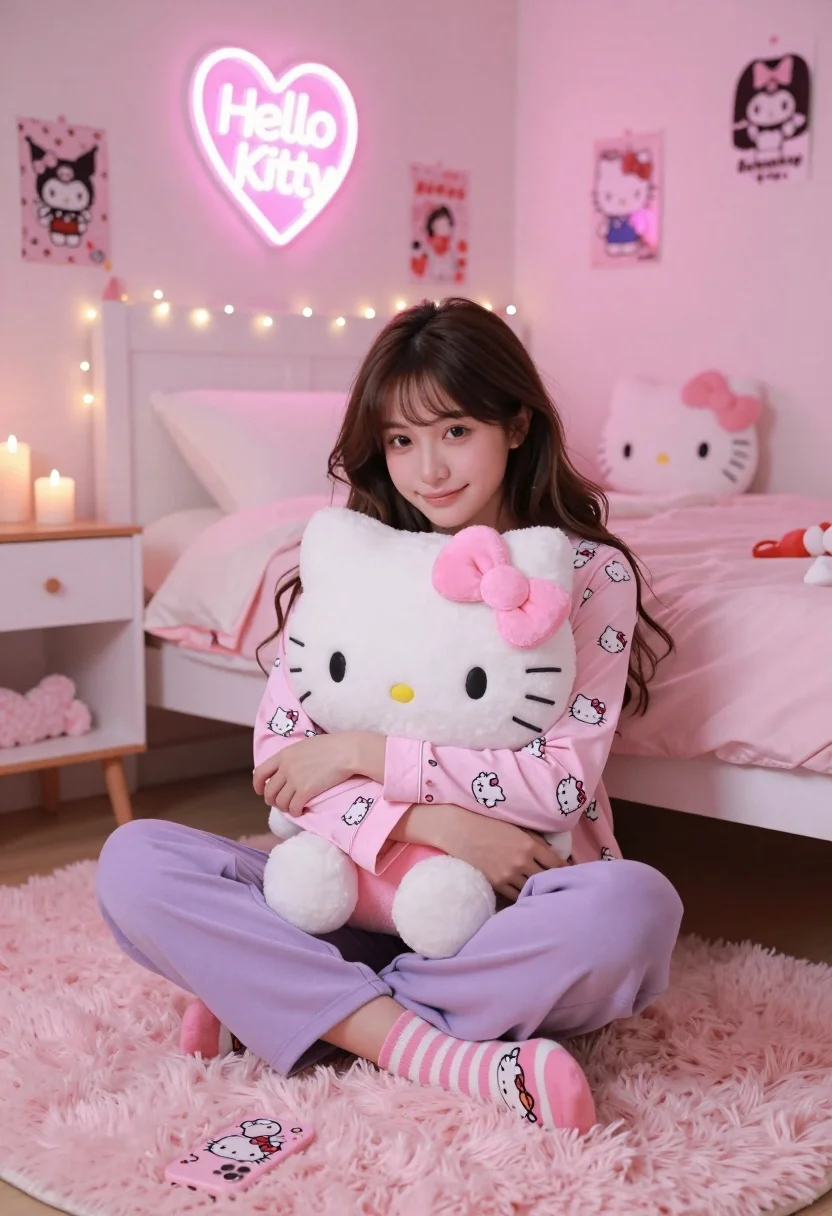
Young woman in hello kitty pajamas sitting on pink rug in decorated
Prompt
A young woman with long dark hair sits cross-legged on a fluffy pink rug while hugging a large Hello Kitty plush pillow.

Subject: A young woman with long wavy brown hair and a soft smile, looking directly at the camera.

Clothing: She wears a pink long-sleeved pajama top covered in small Hello Kitty prints, loose-fitting lavender sweatpants, and striped socks featuring cartoon faces.

Action: She is sitting cross-legged on the floor, hugging a large white Hello Kitty plush toy with both arms to her chest.

Environment: The setting is a bedroom decorated entirely in shades of pink, featuring a bed with a white headboard draped in fairy lights, a small side table with candles, and walls adorned with posters and a neon sign.

Lighting: The room is bathed in soft, warm ambient light that creates a cozy atmosphere, enhanced by the glow of a heart-shaped "Hello Kitty" neon sign on the wall and string lights along the bed frame.

Camera: The shot is taken from a slightly low angle at eye level with the subject, using a medium framing to capture her full seated pose and the immediate room details.

Objects: A Hello Kitty phone case lies on the rug in front of her, and another plush toy rests on the bed behind her.

Text/Graphics: A glowing pink neon sign on the wall displays the text "Hello Kitty" inside a heart shape, and posters with the character's face hang on the walls.

Style Details: The image features a pastel color palette dominated by pinks and lavenders, with a soft-focus aesthetic that emphasizes the cozy and dreamy mood of the scene.
Description
This prompt is useful for creating themed bedroom decor inspiration, character merchandise advertising, or whimsical lifestyle content. The combination of 'pastel color palette dominated by pinks and lavenders' with a 'soft-focus aesthetic' ensures that the entire composition feels cohesive and dreamy, preventing harsh lines that would detract from the intended cozy mood.
Suggestions
- Change 'fluffy pink rug' to 'velvet pink rug' for a richer texture.
- Swap 'Hello Kitty prints' for 'pastel cloud prints' to diversify the pattern.
- Adjust 'soft-focus aesthetic' to 'shallow depth of field' for more professional separation.
Category
Tags
BedroomBrown HairBrunetteCasual WearFemaleIndoorsLow AngleMedium ShotRealistic
Date added
August 5, 2026
Added by
PromptDexter Team
Related Prompts
More prompts with similar categories and tags.
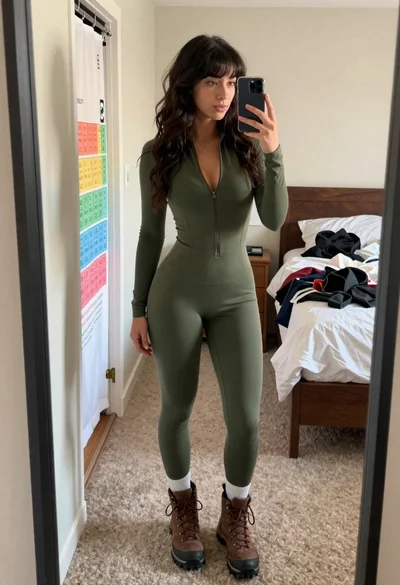
Young woman taking mirror selfie in bedroom wearing olive green jumpsuit

Young woman taking a mirror selfie in a modern bedroom setting
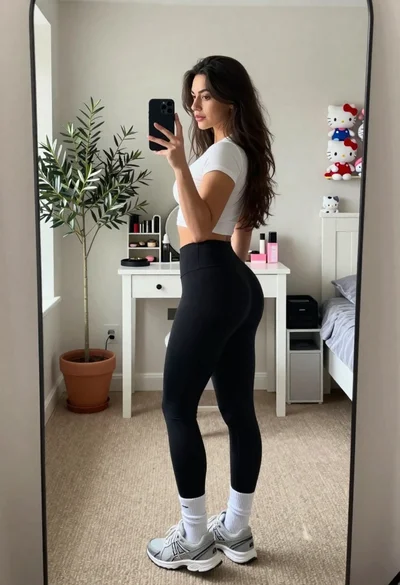
Young woman taking mirror selfie in cozy bedroom setting
Young woman in black dress sitting on edge of minimalist bed
Young woman sitting cross legged on bed holding mug looking back over
Young woman kneeling in kitchen drinking from glass bottle indoors

Anime girl holding toy blaster against bright blue sky
Woman in grey midi dress leaning through doorway looking back over shoulder

Close up portrait of young woman with brown braid indoors
Young woman in grey sweatshirt and maroon skirt looking over shoulder