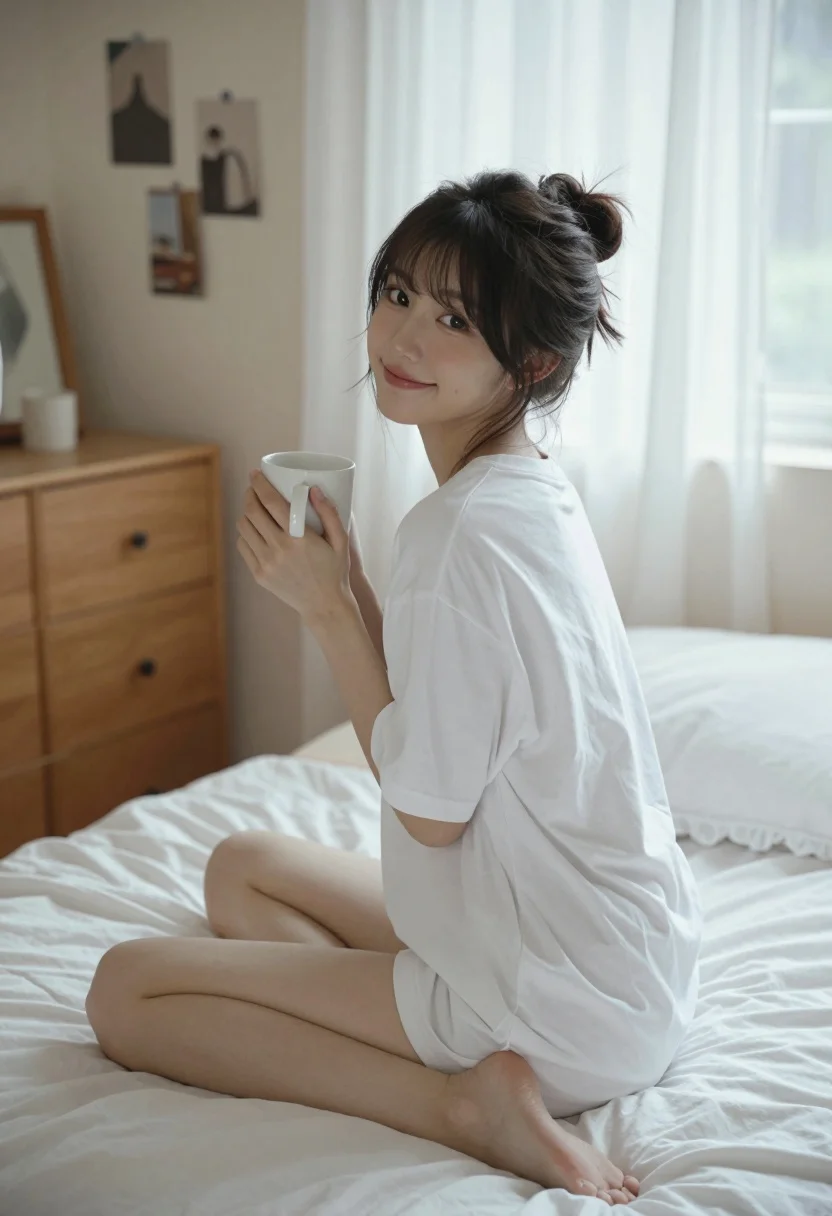
Young woman sitting cross legged on bed holding mug looking back over
Prompt
A young woman sits cross-legged on a rumpled bed holding a white mug while looking back over her shoulder with a gentle smile.

Subject: A young woman with dark hair styled in a messy bun and loose strands framing her face, featuring soft brown eyes and a relaxed expression.

Clothing: She wears an oversized plain white t-shirt that functions as a dress, covering her torso and thighs, with no visible undergarments or jewelry.

Action: She sits cross-legged on the bed holding a white ceramic mug in both hands near her chest, turning her upper body to look back at the camera while her legs remain forward.

Environment: A cozy bedroom interior featuring a wooden dresser with a mirror and framed photos in the background, a window covered by sheer white curtains letting in soft daylight, and fluffy white pillows on the bed.

Camera: Shot from a low angle looking slightly up at the subject, utilizing a shallow depth of field to blur the background furniture while keeping the woman sharp and centered.

Lighting: Soft natural light filters through the sheer curtains creating a bright, airy atmosphere with gentle highlights on her skin and soft shadows in the room corners.

Style Details: The image has a warm, cinematic aesthetic with a slightly desaturated color palette, smooth texture rendering, and a nostalgic film-like quality.
Description
This prompt is useful for creating intimate lifestyle portraits, cozy domestic scene illustrations, and editorial content evoking nostalgia. The combination of 'low angle looking slightly up' with the 'soft natural light filters through the sheer curtains' emphasizes vulnerability and approachability, making the subject appear gently observed within a private space.
Suggestions
- Change 'messy bun' to 'braided crown' for a more structured look.
- Swap 'plain white t-shirt' for 'silk slip dress' to alter the material feel.
- Adjust 'soft natural light' to 'rim lighting from one side' for more dramatic contrast.
Category
Tags
BedroomBrunetteCasual WearFemaleIndoorsLow AngleMedium ShotPortrait ShotRealistic
Date added
August 5, 2026
Added by
PromptDexter Team
Related Prompts
More prompts with similar categories and tags.
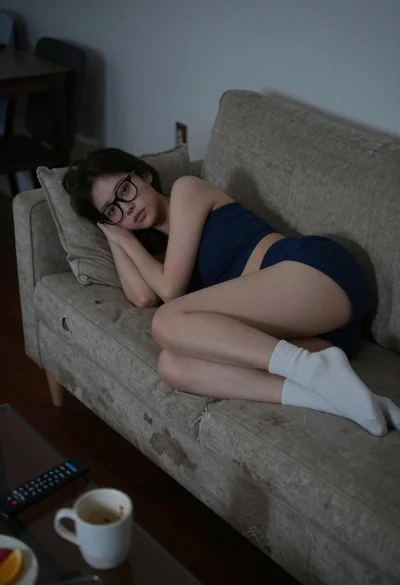
Young woman resting on a worn beige living room couch
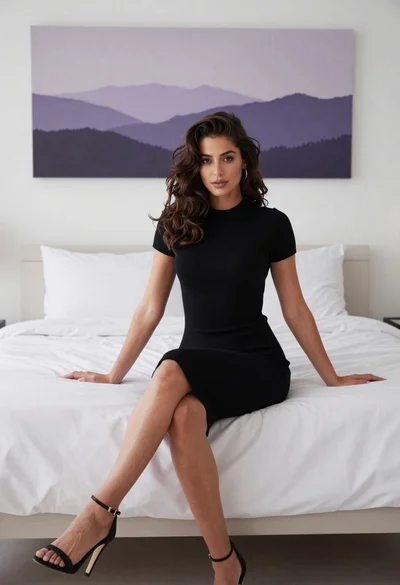
Young woman in black dress sitting on edge of minimalist bed
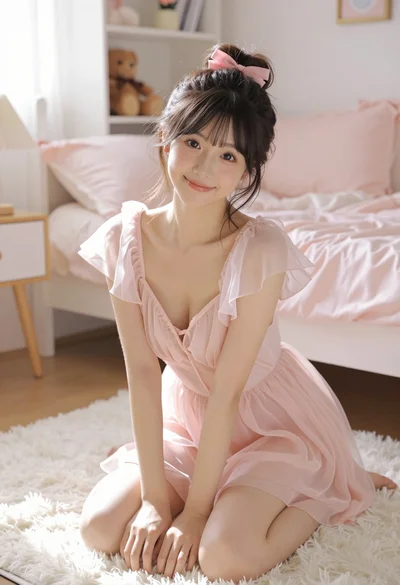
Young east asian woman kneeling on white rug in bright cozy bedroom

Young woman with dark hair wearing black sweater indoors in bedroom setting
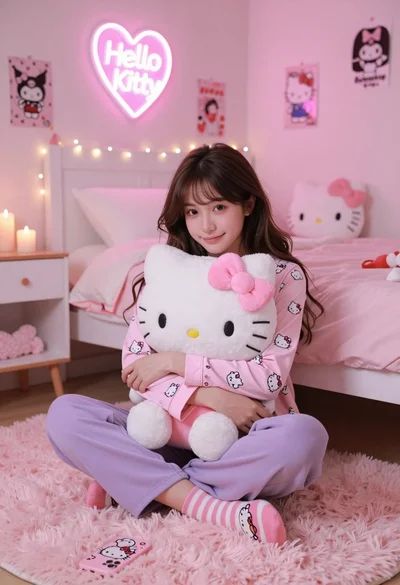
Young woman in hello kitty pajamas sitting on pink rug in decorated

Anime girl holding toy blaster against bright blue sky

Blonde woman in black lingerie taking a mirror selfie
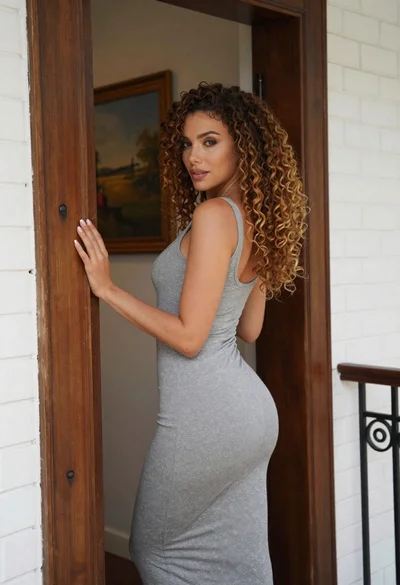
Woman in grey midi dress leaning through doorway looking back over shoulder
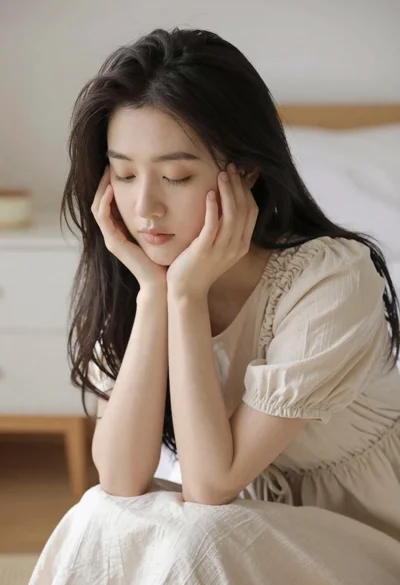
Serene portrait of young woman in beige dress resting chin on hand

Blonde woman at a bar counter in dimly lit pub