
Young woman in leather jacket seated against textured red backdrop
Prompt
A young woman with long dark hair styled in a high ponytail sits against a textured red backdrop.

Subject: A young woman with long, dark brown wavy hair pulled back into a high ponytail, featuring loose strands framing her face and bangs. She has a fair complexion, defined eyebrows, and is looking slightly upward and to the side with a soft, neutral expression. Her lips are closed and she wears subtle makeup.

Clothing: She wears a black off-the-shoulder top or bodysuit underneath a dark leather jacket featuring a monogrammed pattern on the shoulder panel and white piping along the edges. She is wearing shiny black patent leather boots. A silver chain necklace rests against her chest, and she wears large hoop earrings and rings on her fingers.

Action: She is seated in a relaxed pose with her legs bent, resting one hand near her knee while holding a small black object. Her body is angled slightly away from the camera, but her head is turned to face forward.

Environment: The background is a solid, textured red wall or curtain. She is sitting on a surface covered with a leopard print fabric.

Lighting: The lighting is soft and directional, illuminating the left side of her face and body while casting gentle shadows on the right, creating a moody atmosphere.

Camera: The shot is a medium close-up framed from a slightly low angle, emphasizing the subject against the vibrant background with a shallow depth of field that keeps the focus sharp on her features.

Style Details: The image has a cinematic, high-fashion aesthetic with rich, saturated colors and a smooth, polished digital rendering quality.
Description
This prompt is useful for creating edgy editorial fashion spreads, character portraits for album art, and stylized mood boards requiring strong color contrast. The combination of 'dark leather jacket' against the 'textured red backdrop,' coupled with 'soft and directional' lighting that sculpts her features, establishes a dramatic visual tension ideal for high-impact commercial or artistic photography.
Suggestions
- Change 'leopard print fabric' to 'black velvet' for a richer foreground texture.
- Swap 'dark leather jacket' for 'cropped faux fur jacket' to alter the material contrast.
- Adjust 'soft and directional' lighting to 'hard side light' for more dramatic shadows.
Category
Tags
Black HairCasual WearFair SkinFemaleLow AngleRealisticStudio
Date added
June 19, 2026
Added by
PromptDexter Team
Related Prompts
More prompts with similar categories and tags.

Fair blonde woman in black corset and denim shorts studio portrait
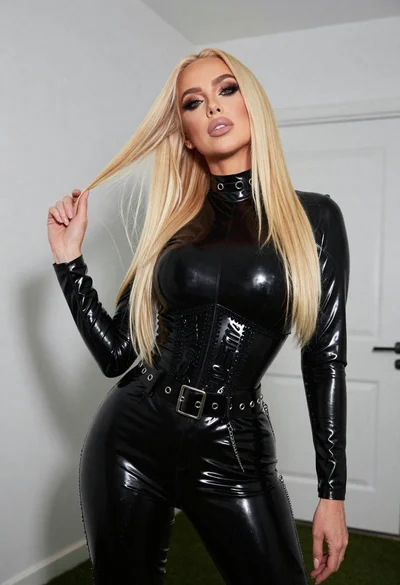
Fair blonde woman in black latex outfit posed indoors against white wall
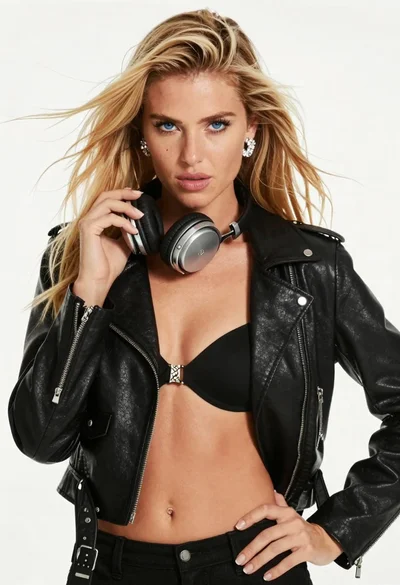
Blonde woman in black biker jacket holding headphones against white background
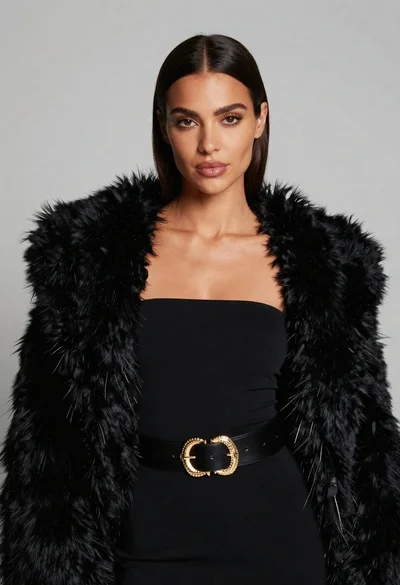
Poised woman in black fur stole against a plain light grey studio
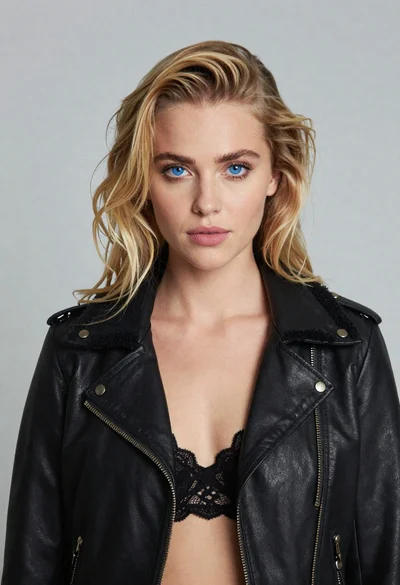
Portrait of blonde woman in black leather jacket against light grey studio
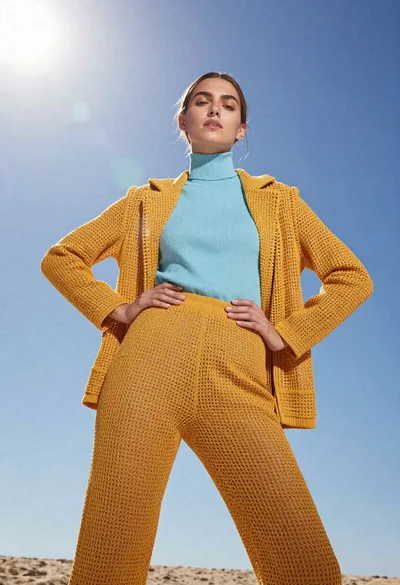
Model in yellow knit outfit against bright blue sky
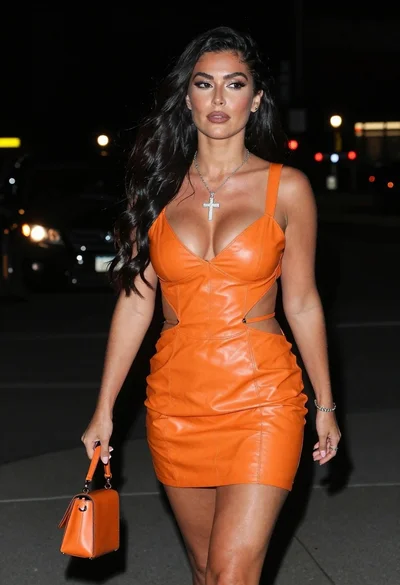
Woman walking down a dark urban street at night in orange leather
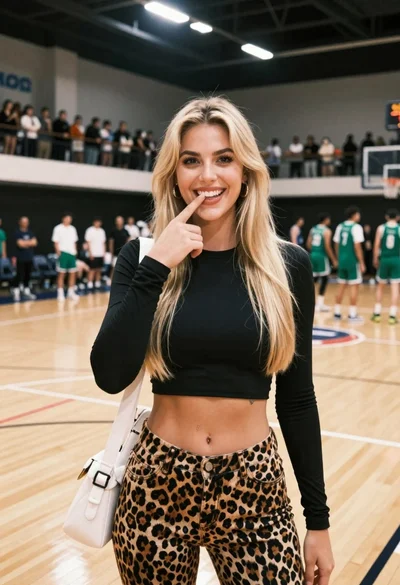
Smiling blonde woman in black crop top at indoor basketball court
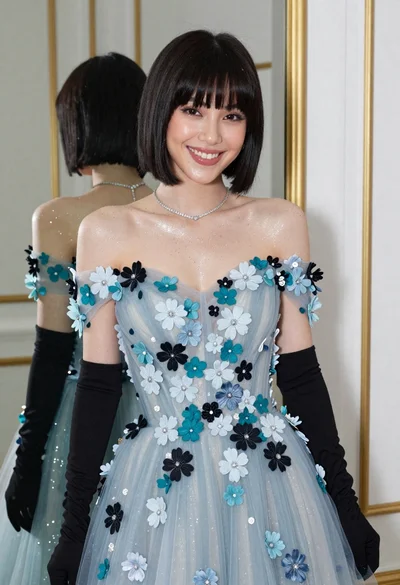
Smiling woman in blue floral dress posing before a mirror indoors
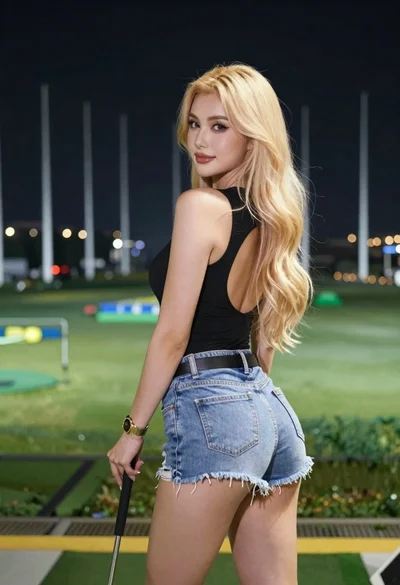
Young blonde woman in athletic wear at outdoor driving range at night