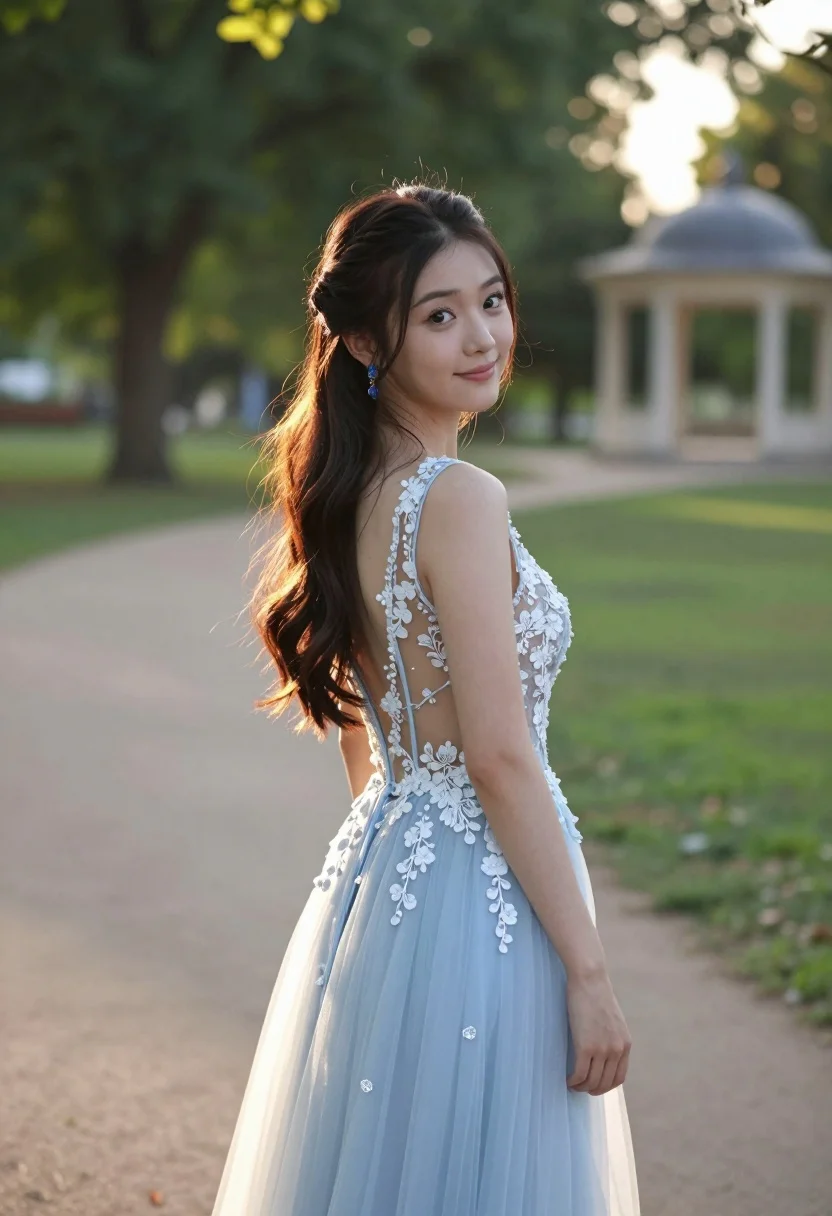
Young woman in light blue gown looking back over shoulder in sunlit
Prompt
A young woman stands in a sunlit park, looking back over her shoulder with a gentle smile.

Subject: A young woman with long dark brown hair styled in a half-up ponytail, featuring soft waves cascading down her back. She has a fair complexion and warm, engaging eyes.

Clothing: She wears an elegant light blue evening gown made of sheer fabric with intricate white floral lace appliqué detailing along the bodice and open back. The dress features a flowing tulle skirt. She is wearing dangling blue earrings that match the dress.

Action: She stands in a three-quarter pose, turning her head to look directly at the camera while her body faces slightly away. Her expression is soft and inviting with a subtle smile.

Environment: A lush green park setting with a dirt path behind her. Large trees with dense foliage are visible in the background, along with a blurred architectural structure resembling a gazebo or pavilion in the distance.

Lighting: Soft, golden hour sunlight illuminates the scene from the side, creating a warm glow on her skin and highlighting the texture of her hair and dress. The lighting is gentle with soft shadows.

Camera: Shot with a medium telephoto lens to compress the background and create a shallow depth of field that keeps the subject sharp while blurring the park scenery behind her.

Style Details: High-resolution photography with a natural color palette, emphasizing skin tones and the pastel blue of the dress against the green environment.
Description
This prompt is useful for creating romantic portraiture, bridal editorial concepts, and high-end catalog imagery featuring flowing gowns. The combination of 'soft, golden hour sunlight' side illumination sculpts the subject's form while the 'sheer fabric with intricate white floral lace appliqué' ensures that the delicate details remain visible rather than merging into a flat wash against the backdrop.
Suggestions
- Change 'light blue evening gown' to 'sky blue silk slip dress' for a different drape.
- Swap 'dangling blue earrings' for 'pearl drop earrings' to complement the skin tone.
- Adjust 'medium telephoto lens' to '85mm portrait lens' for more subject isolation.
Category
Tags
Brown HairCasual WearFair SkinFemaleMedium ShotOutdoorsRealistic
Date added
August 5, 2026
Added by
PromptDexter Team
Related Prompts
More prompts with similar categories and tags.

Young woman in black and white patterned outfit on urban rooftop

Smiling blonde woman in sports bra sitting on outdoor lounge chair
Woman in red halter dress sitting on stones against textured rock wall
Medium close up portrait of blonde woman in yellow top outdoors

Smiling blonde woman in cowboy hat standing outdoors with green foliage

Young woman with braided hair in misty woodland setting

Young woman in cow print top standing in green meadow field

Young woman in green jacket holding plush toy at festive carousel
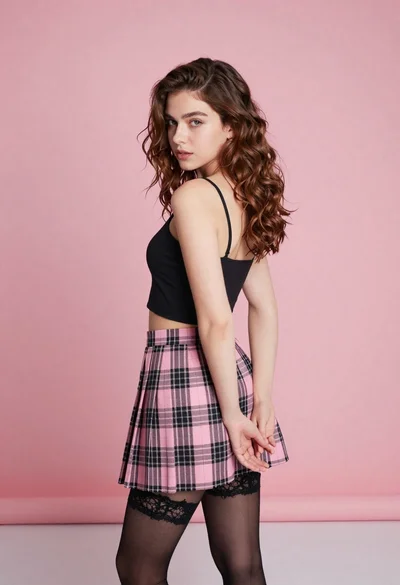
Young woman in pink plaid skirt looking back over shoulder in studio
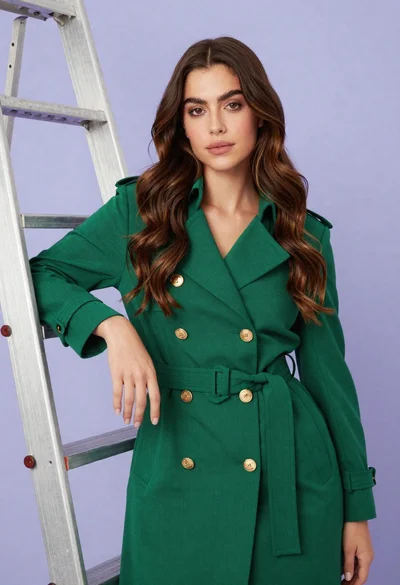
Confident woman in emerald green trench coat leaning against metal ladder in