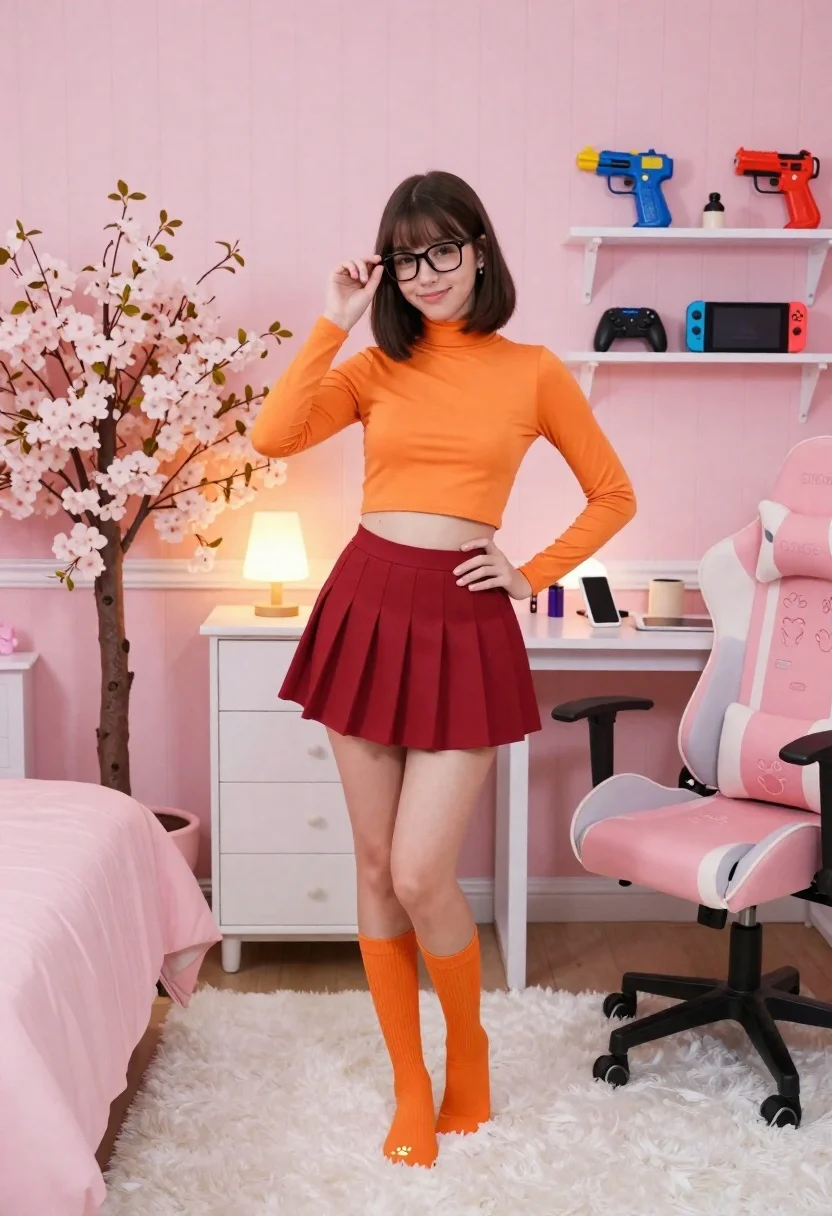
Young woman in orange turtleneck and red skirt posing in pink themed
Prompt
A young woman stands confidently in a cozy pink-themed bedroom, posing with one hand on her hip and the other adjusting her glasses.

Subject: A young woman with dark brown hair styled in a bob cut, wearing black-rimmed glasses, smiling gently at the camera.

Clothing: She wears a bright orange long-sleeved turtleneck crop top, a deep red pleated mini skirt, and matching orange knee-high socks that end in small paw-print details at the toes.

Action: Standing with her left hand on her hip and her right hand lifting her glasses slightly to frame her face, exuding a playful and confident demeanor.

Environment: The room features light pink vertical wood-paneled walls, a fluffy white rug underfoot, a white dresser with drawers behind her, and a large pink gaming chair with a grey paw-print cushion to the right. A tall artificial cherry blossom tree stands to the left near a pink bedspread.

Camera: Shot from a medium-full body angle with a straight-on perspective, capturing the entire figure and surrounding decor clearly.

Lighting: Soft, warm ambient lighting fills the room, casting gentle shadows and highlighting the pastel tones of the space.

Objects: A white desk holds a smartphone; shelves display a Nintendo Switch console, toy guns, and a game controller; a small lamp glows warmly on the dresser.

Style Details: The image has a clean, polished aesthetic with vibrant colors and a focus on cute, youthful interior design elements.
Description
This prompt is useful for creating themed character concept art, playful lifestyle editorials, and niche cosplay photography. The combination of 'bright orange long-sleeved turtleneck crop top' against the 'light pink vertical wood-paneled walls' establishes a high-saturation, deliberately curated aesthetic that prevents the scene from feeling too sterile or overly muted.
Suggestions
- Change 'deep red pleated mini skirt' to 'velvet A-line skirt' for more texture.
- Swap 'fluffy white rug' for 'faux fur pink rug' to enhance the cozy feel.
- Adjust 'soft, warm ambient lighting' to 'rim light from a window' for more drama.
Category
Tags
BedroomFemaleIndoorsMedium ShotRealistic
Date added
June 26, 2026
Added by
PromptDexter Team
Related Prompts
More prompts with similar categories and tags.
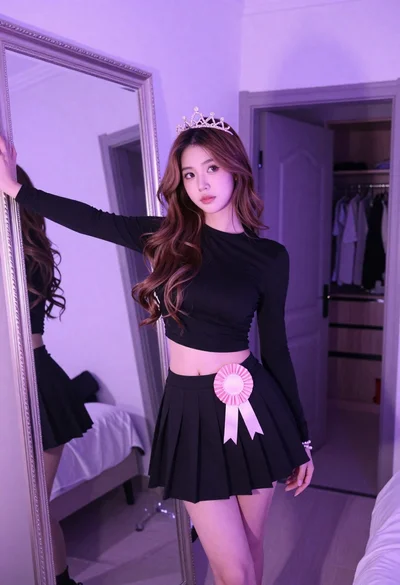
Young woman in black outfit with tiara standing in purple lit bedroom
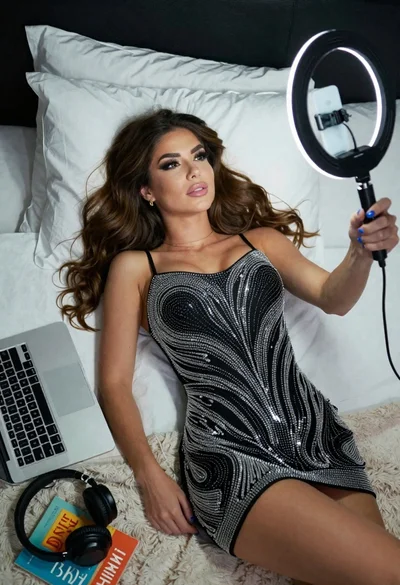
Woman taking a selfie in bed with ring light and patterned black

Blonde woman reading magazine at pink vanity in soft bedroom light
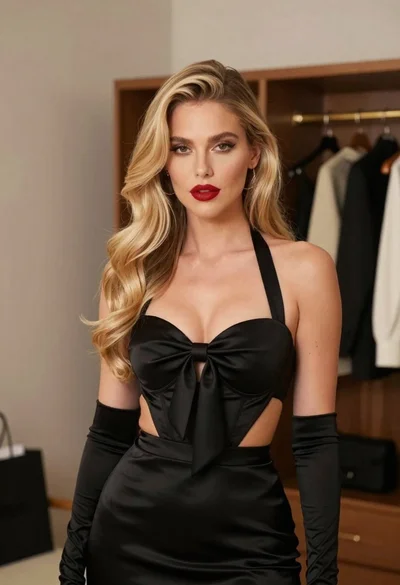
Glamorous blonde woman in black satin dress inside softly lit bedroom
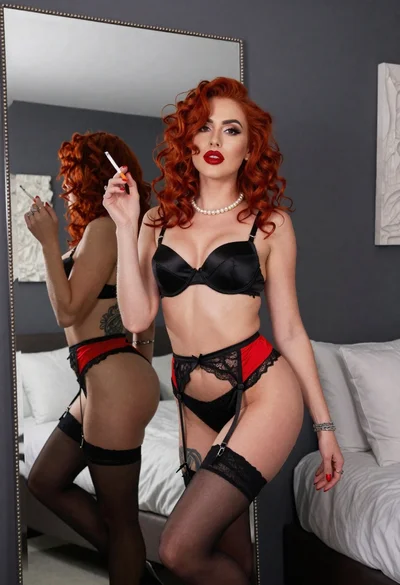
Woman with red curly hair posing in black lingerie near large mirror
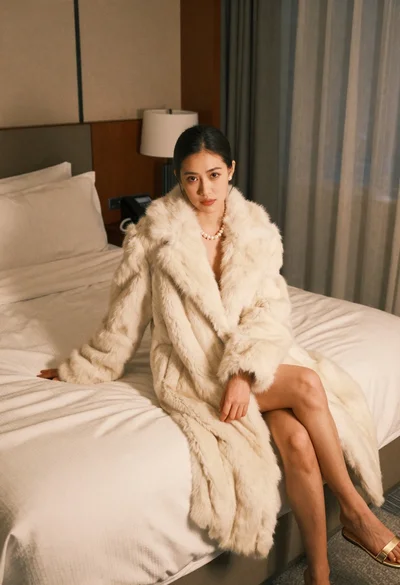
Woman in cream fur coat seated on bed looking at camera

Young woman in white crop top and sequined skirt in decorated bedroom

Blonde woman seated sideways in black mini dress by window