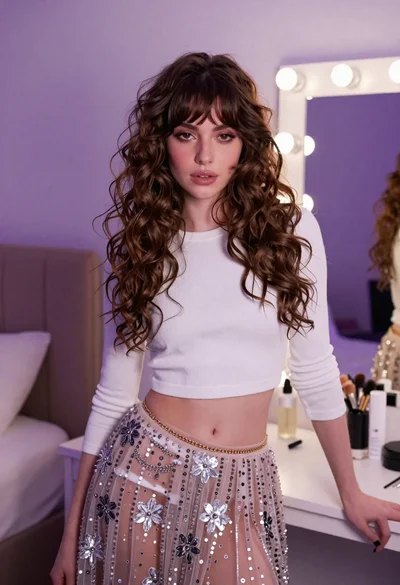

Young woman in black outfit with tiara standing in purple lit bedroom
Prompt
A young woman with long wavy brown hair stands in a bedroom wearing a black outfit and a tiara.

Subject: A young woman with long, wavy brown hair featuring lighter highlights, fair skin, and a confident expression looking slightly to the side. She wears a sparkly pink tiara on her head.

Clothing: She is dressed in a tight-fitting black long-sleeved crop top that reveals her midriff and a matching black pleated mini-skirt. A large pink rosette badge with a ribbon is pinned to the front of her skirt. She wears a pearl bracelet on her left wrist.

Action: The woman stands facing forward, leaning slightly against a large mirror with her right arm extended along its frame. Her posture is relaxed yet posed for the camera.

Environment: The setting is a bedroom or dressing room bathed in soft purple ambient light. A large ornate silver-framed mirror dominates the left side of the view. To the right, an open grey door reveals a glimpse into a walk-in closet with hanging clothes and wooden shelving units.

Camera: The shot is taken from a medium-full length perspective, capturing the subject from head to mid-thigh. The angle is slightly low, emphasizing the subject's height against the tall mirror frame.

Lighting: The scene is illuminated by a strong purple hue that casts a cool, dreamy glow over the entire room. Soft shadows are visible on the floor and walls, suggesting an overhead or ambient light source mixed with the colored lighting.

Style Details: The image has a polished social media aesthetic with high saturation and a focus on fashion and lifestyle content.
Description
This prompt is useful for creating editorial fashion moodboards, themed portrait photography, and stylized character concept art. The combination of 'soft purple ambient light' and the 'sparkly pink tiara' establishes a highly saturated, dreamlike atmosphere that suits dramatic lifestyle content by preventing the black outfit from appearing too harsh against the colored backdrop.
Suggestions
- Change 'sparkly pink tiara' to 'crystal silver tiara' for a more cohesive look.
- Swap 'soft purple ambient light' for 'deep magenta neon glow' for higher contrast.
- Adjust 'medium-full length perspective' to 'full body shot' to better showcase the environment.
Category
Tags
BedroomBrown HairBrunetteCasual WearFair SkinFemaleIndoorsMedium ShotRealistic
Date added
June 19, 2026
Added by
PromptDexter Team
Related Prompts
More prompts with similar categories and tags.
Woman in tweed dress seated elegantly on black ottoman indoors

Two women in red mini dresses posing indoors at an opulent setting

Young woman in black graphic tshirt against white paneled wall
Woman taking a selfie in bed with ring light and patterned black

Woman with brown hair in white top and black skirt indoors

Fair skinned woman sitting on bed near lavender suitcase in bright bedroom

Woman in red and white checkerboard set sitting in modern living room
Young woman in teal lingerie sitting on bed looking back over shoulder
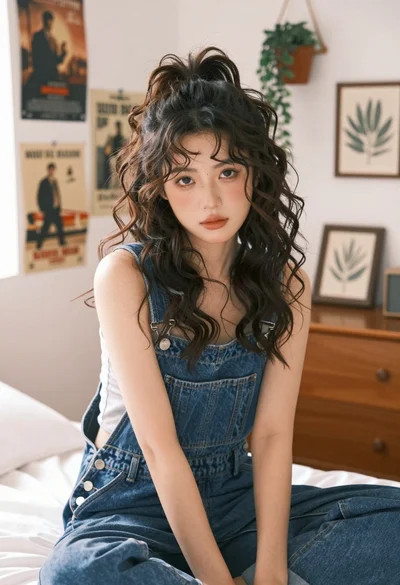
Young woman in denim overalls sitting on bed with messy bun hairstyle

Glamorous woman taking mirror selfie in sheer sequined top
