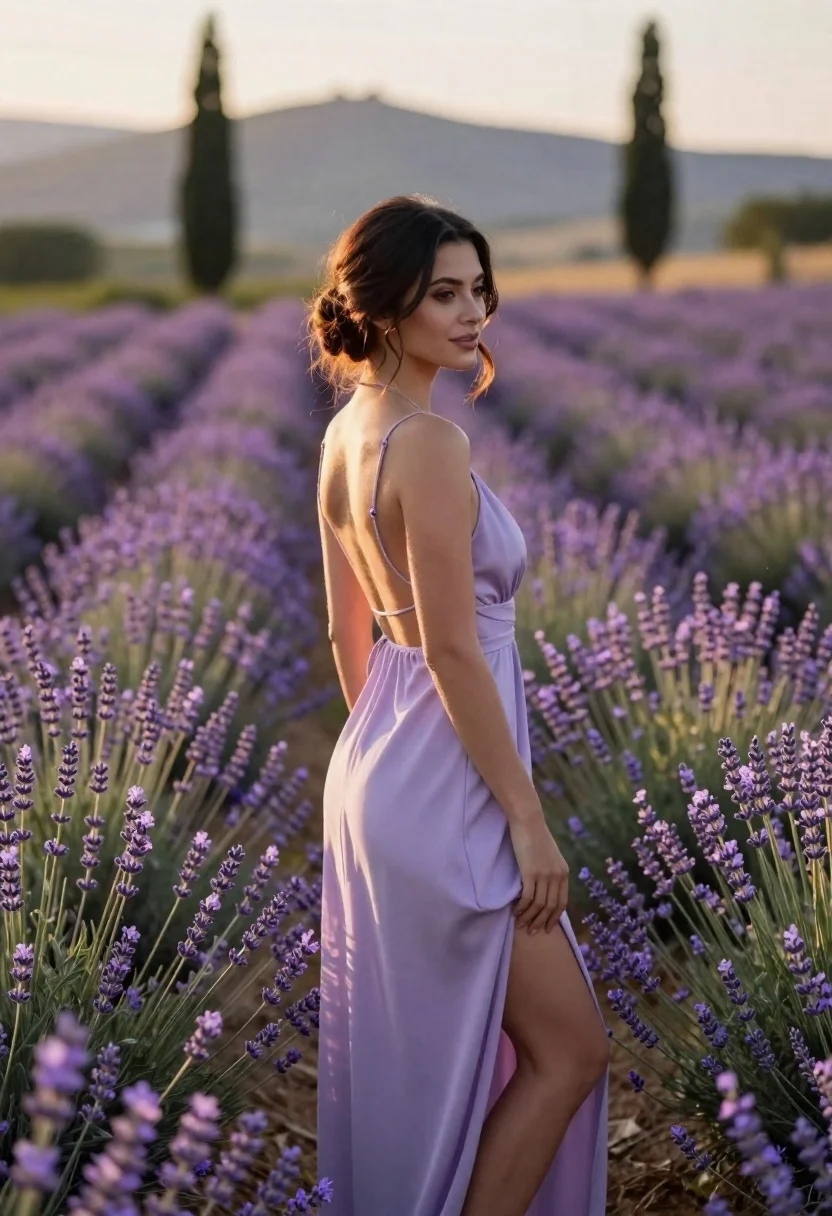
Young woman in pale lilac slip dress standing in lavender field at
Prompt
A woman stands in profile within a field of blooming lavender flowers.

Subject: A young woman with dark hair styled in an elegant updo and loose tendrils framing her face, featuring a soft, confident expression.

Clothing: She wears a flowing, pale lilac slip dress with thin spaghetti straps, a low-cut back, and a high slit on the side revealing her leg.

Action: She stands gracefully amidst the flowers, looking away to the right with a gentle smile, her hand resting lightly near the lavender blooms.

Environment: A vast field of purple lavender stretches into the distance, set against a backdrop of rolling hills and tall cypress trees under a soft sky.

Camera: Shot from a medium-full length perspective with a shallow depth of field that blurs the background to emphasize the subject.

Lighting: Warm, golden hour sunlight illuminates her skin and dress from the side, creating a soft glow and gentle shadows.

Style Details: The image features a photorealistic aesthetic with smooth textures and a dreamy, romantic atmosphere.
Description
This prompt is useful for creating editorial fashion moodboards, ethereal bridal campaigns, and high-end lifestyle advertisements featuring natural settings. The combination of 'pale lilac slip dress' against the 'vast field of purple lavender' utilizes complementary cool tones while the 'warm, golden hour sunlight' sculpts the subject with soft highlights that prevent harsh shadows, which is crucial for maintaining a dreamy aesthetic.
Suggestions
- Change 'pale lilac slip dress' to 'ivory silk slip dress' for higher contrast.
- Swap 'rolling hills and tall cypress trees' for 'Mediterranean stone architecture' to change the setting.
- Adjust 'medium-full length perspective' to 'full body shot' to better showcase the high slit.
Category
Tags
Casual WearFemaleFull BodyMedium ShotOutdoorsRealisticSide Profile
Date added
June 23, 2026
Added by
PromptDexter Team
Related Prompts
More prompts with similar categories and tags.
Young man walking through sun dappled forest path wearing stylish cardigan
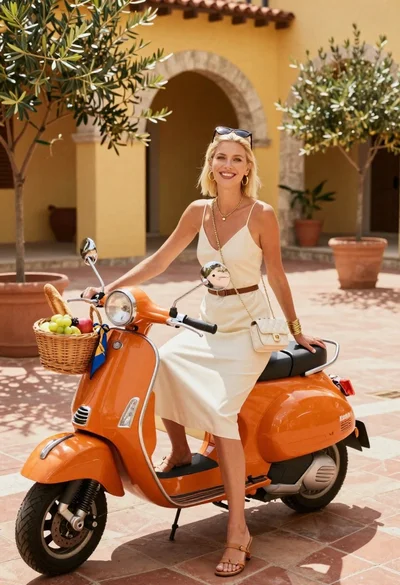
Smiling blonde woman in cream slip dress sitting on vintage orange scooter
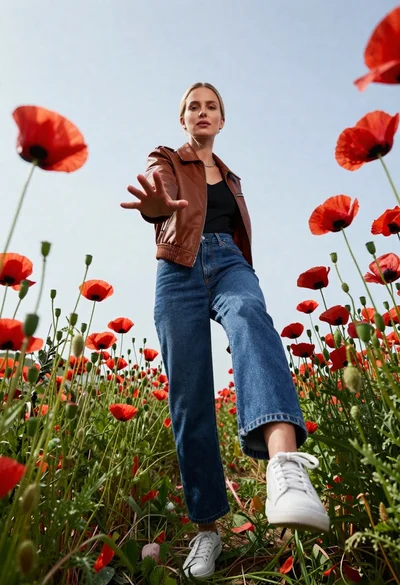
Fair skinned blonde woman in brown bomber jacket reaching from low angle
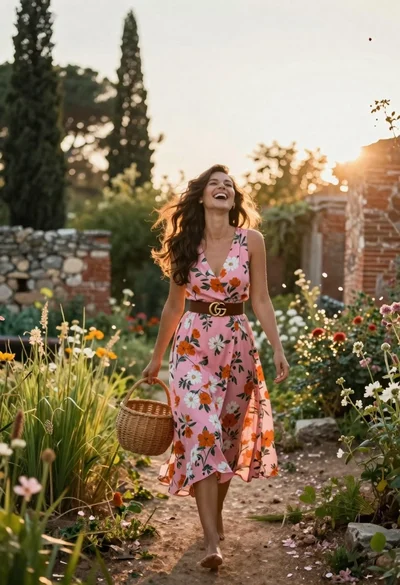
Joyful woman walking barefoot in sunlit garden holding woven basket

Woman in gold sequin slip dress looking over shoulder in forest
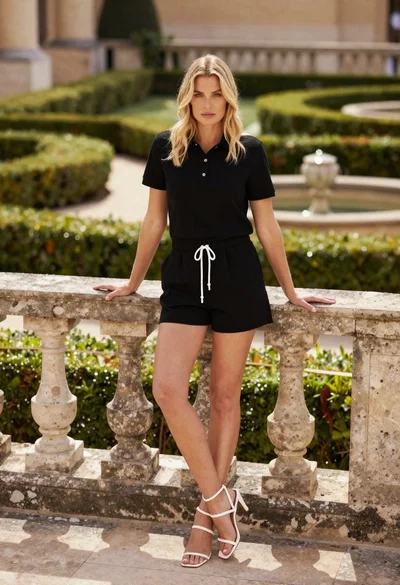
Blonde woman leaning on stone balustrade in manicured garden setting

Young woman sitting among colorful clothes in minimalist studio setting

Woman in black coat standing in golden grass field with rolling hills