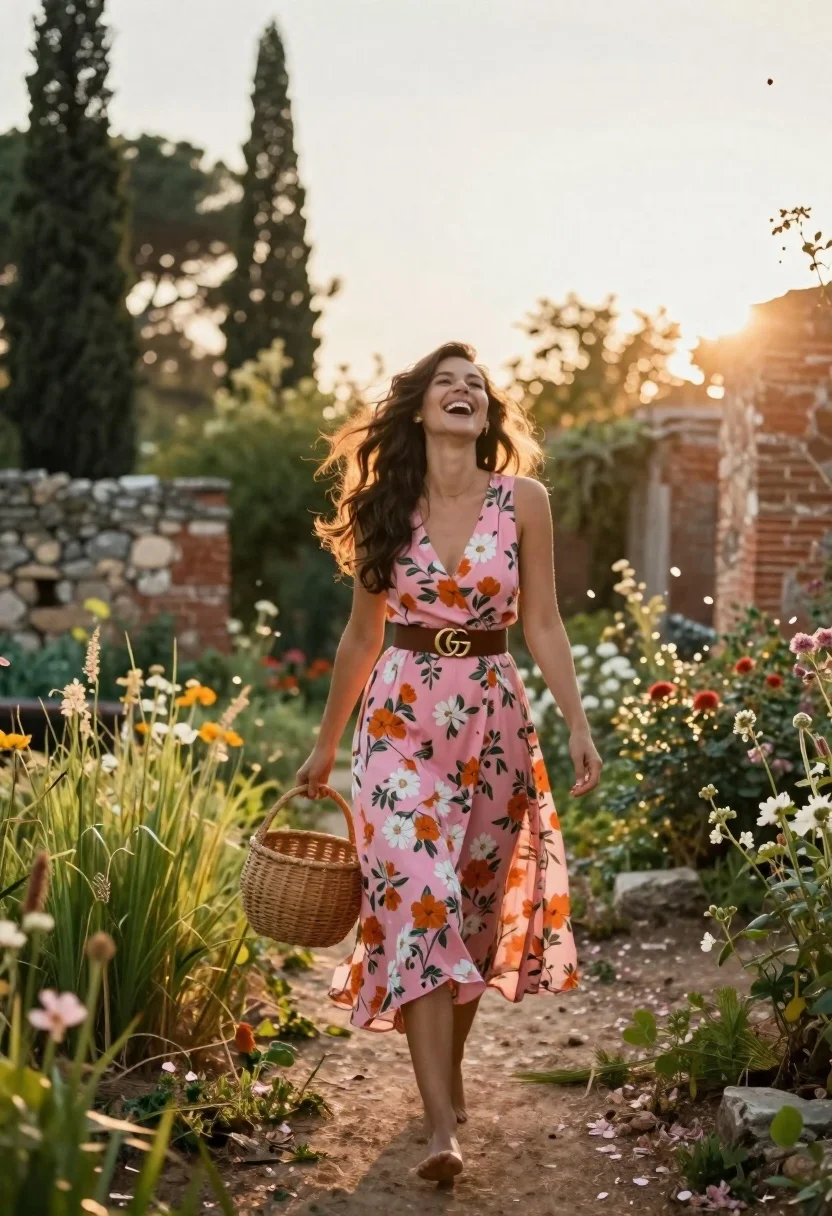
Joyful woman walking barefoot in sunlit garden holding woven basket
Prompt
A joyful woman walks barefoot through a sun-drenched garden path, laughing with her head tilted back as she carries a round woven basket.

Subject: A smiling woman with long dark hair flowing in the wind, wearing a pink floral dress and a brown belt.

Clothing: She wears a sleeveless pink wrap dress featuring a large floral pattern of orange and white flowers, cinched at the waist with a wide brown leather belt that has a gold double-G buckle.

Action: She is walking forward barefoot on a dirt path, laughing heartily with her mouth open, looking upward and to the side, holding a round woven rattan basket in her right hand.

Environment: The setting is an overgrown garden or courtyard with tall green grass, wildflowers, stone walls, and ancient brick ruins in the background, framed by tall cypress trees against a bright sky.

Camera: Shot from a low angle looking up at the subject, utilizing a wide aperture to create a soft bokeh effect on the background trees and sun flare.

Lighting: Strong backlighting from the setting sun creates a golden hour glow, rim lighting the subject's hair and silhouette, with dappled light filtering through the foliage.

Style Details: The image has a dreamy, cinematic quality with warm color grading, soft focus in the background, and floating petals adding to the romantic atmosphere.
Description
This prompt is useful for creating editorial fashion moodboards, lifestyle advertising featuring natural elements, and romantic portraiture series. The combination of 'low angle looking up at the subject' and 'strong backlighting from the setting sun' emphasizes the woman's joyful movement against the backdrop of 'ancient brick ruins,' giving a monumental yet ethereal feel that elevates casual wear into high art.
Suggestions
- Change 'pink floral dress' to 'yellow gingham dress' for a brighter, more summery feel.
- Swap 'woven rattan basket' for 'ceramic pitcher' to change the object's texture.
- Adjust 'golden hour glow' to 'mid-morning sunlight' for harsher shadows.
Category
Tags
Casual WearFemaleLow AngleNatureOutdoorsRealisticWide Shot
Date added
June 23, 2026
Added by
PromptDexter Team
Related Prompts
More prompts with similar categories and tags.
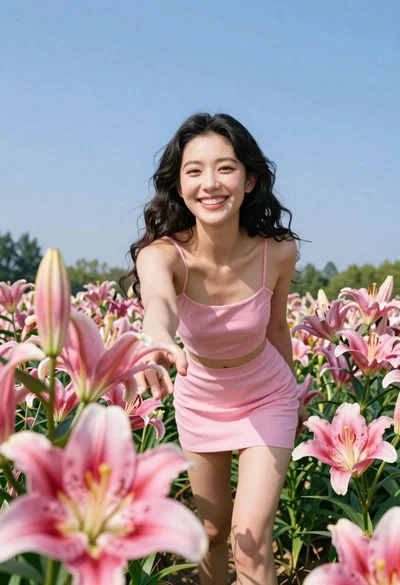
Joyful woman in pink outfit reaching for lily in flower field
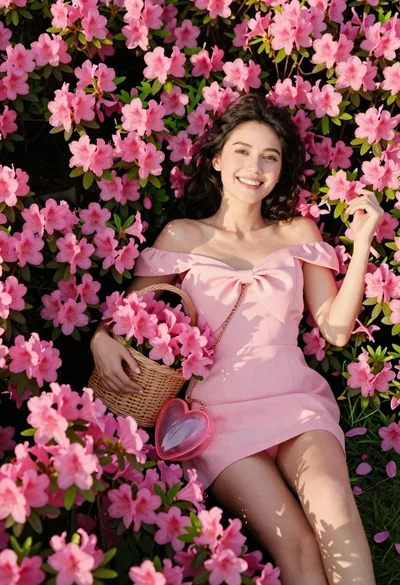
Smiling woman in pink dress lying among vibrant azalea flowers in a
Young woman in pale lilac slip dress standing in lavender field at
Young man walking through sun dappled forest path wearing stylish cardigan

Blonde woman in white dress holding lawn mower in grassy field

Woman posing on terrace at golden hour by mediterranean buildings
Woman in red satin slip dress standing barefoot on stone terrace at

Woman in black coat standing in golden grass field with rolling hills