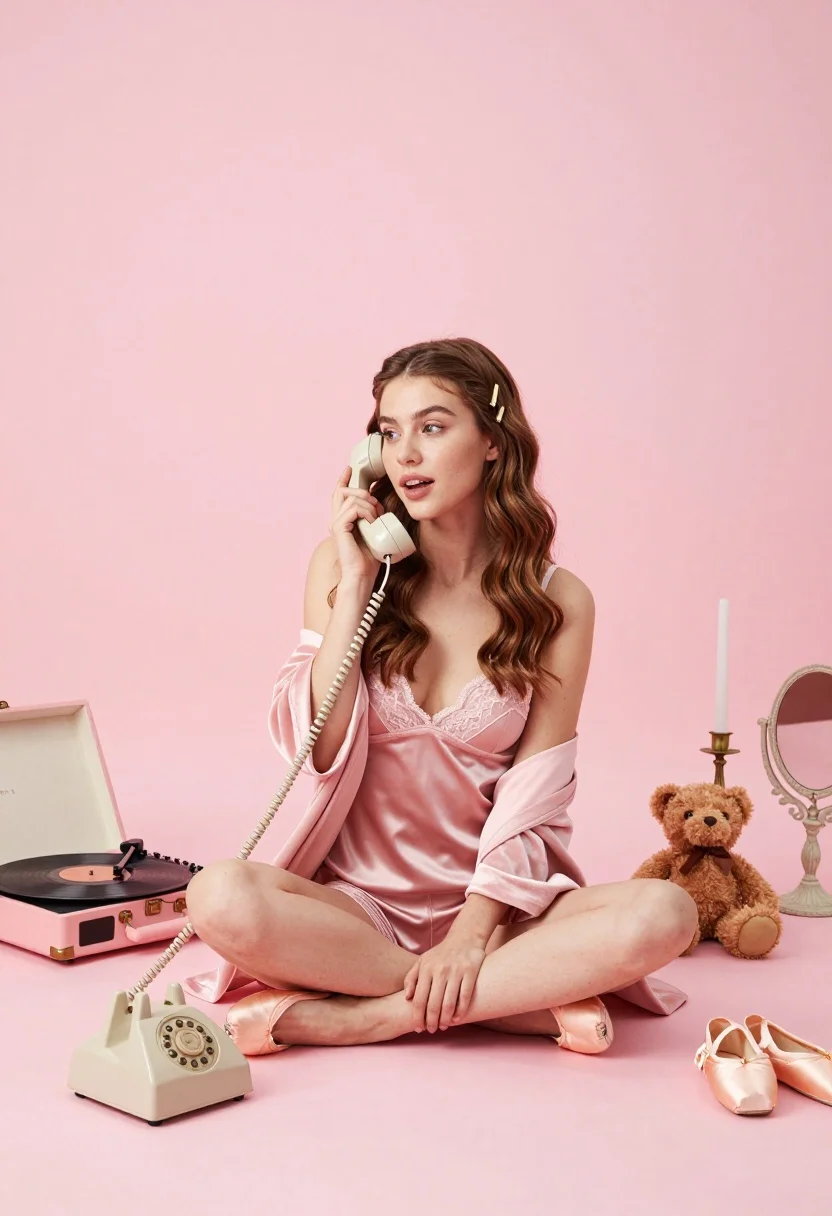
Young woman in pink lingerie sitting on floor with vintage rotary phone
Prompt
A young woman with long wavy brown hair sits cross-legged on a pink floor holding a vintage rotary phone to her ear.

Subject: A young woman with long wavy brown hair and small gold clips in her hair, looking slightly to the side with an engaged expression.

Clothing: She wears a silky pink lace lingerie set underneath a soft pink velour robe.

Action: She holds a cream-colored vintage rotary telephone receiver to her ear with her right hand while sitting on the floor.

Environment: The setting is a minimalist studio space with a solid pastel pink background and matching pink floor.

Objects: Surrounding her are a pink record player with a vinyl disc, a small brown teddy bear, a pair of pink ballet slippers, a vanity mirror, candlesticks, and a decorative vase.

Lighting: The lighting is soft and diffused, creating a gentle glow that highlights the pastel tones without harsh shadows.

Camera: Shot from a low angle at eye level with the subject, utilizing a wide composition to capture the surrounding props in a flat-lay style.

Style Details: The image features a cohesive pastel color palette dominated by shades of pink and cream, rendered with high commercial quality and smooth textures.
Description
This prompt is useful for creating boudoir editorial spreads, vintage romance advertisements, and stylized personal portraiture. The combination of 'silky pink lace lingerie' against the 'solid pastel pink background' establishes a cohesive, dreamlike aesthetic, while the 'low angle' wide composition ensures that all surrounding props are visible in a deliberate, curated manner.
Suggestions
- Change 'vintage rotary telephone receiver' to 'antique gramophone horn' for a different era feel.
- Swap 'soft pink velour robe' for 'sheer blush chiffon wrap' to increase transparency.
- Adjust the lighting by adding 'rim light from the left' to separate the subject more dramatically.
Category
Tags
Brown HairBrunetteFemaleFull BodyIndoorsLingerieLow AngleRealisticStudioWide Shot
Date added
July 3, 2026
Added by
PromptDexter Team
Related Prompts
More prompts with similar categories and tags.
Woman in pink dress posing by vintage car under tall palm trees
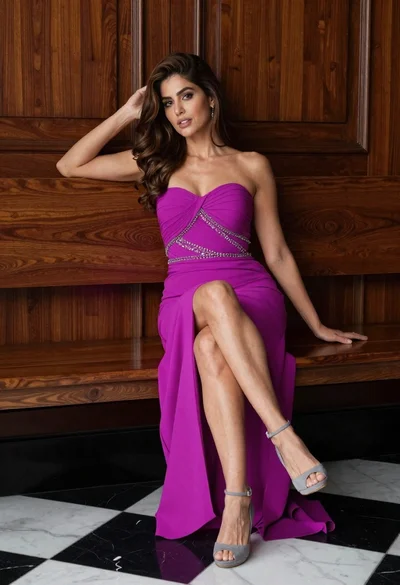
Glamorous woman in magenta gown sitting on wooden bench indoors
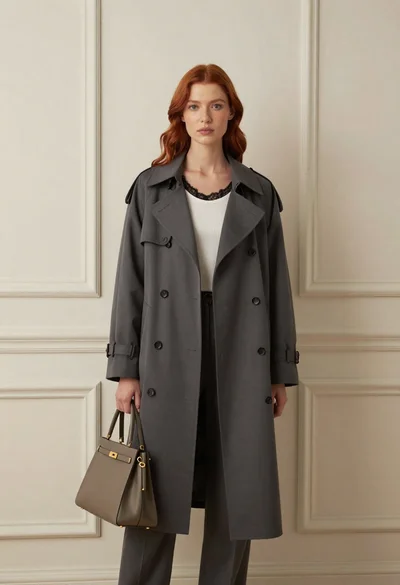
Stylish woman in trench coat against cream paneled wall studio portrait
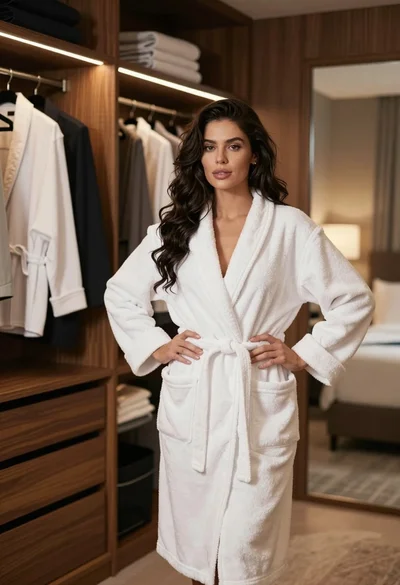
Woman in white bathrobe standing in luxurious walkin closet full body shot
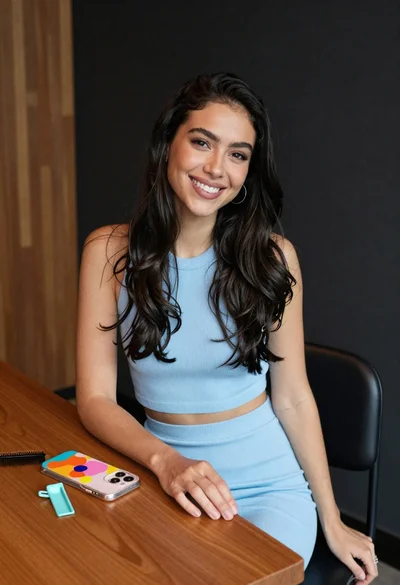
Smiling woman with dark hair at wooden table wearing blue ribbed outfit

Woman seated on mid century chair wearing beige suit
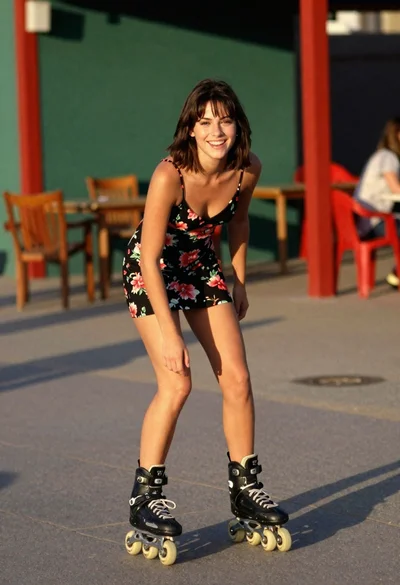
Young woman rollerblading outdoors in black floral slip dress at golden hour
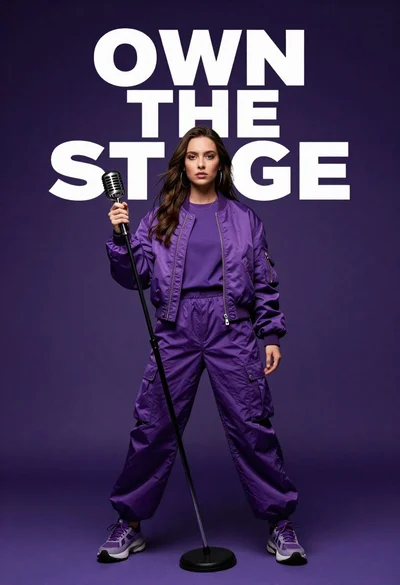
Singer in purple outfit with microphone against violet background
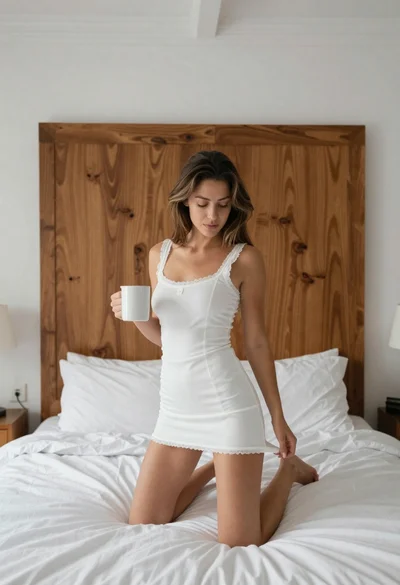
Young woman kneeling on bed holding mug in white dress

Woman sitting gracefully indoors wearing yellow skirt and top