
Young woman in pink satin pajamas sitting on white leather sofa
Prompt
A young woman with light brown hair styled in pigtails sits on a white leather sofa, looking directly at the camera with a soft expression.

Subject: A young woman with light brown hair tied into two low pigtails, featuring a small pink bow clip in her hair and prominent eyelashes.

Clothing: She wears a shiny pink satin pajama set with black piping trim and cartoon character prints on the fabric.

Action: Her right hand gently touches her cheek while she sits with her legs crossed, leaning slightly against a grey ruffled pillow.

Environment: The setting is a modern living room featuring a white leather sectional sofa, dark horizontal blinds covering a window to the left, and a black door with a frosted glass panel in the background.

Lighting: The scene is lit by soft indoor artificial light that creates gentle highlights on her skin and the satin fabric without harsh shadows.

Style Details: The image has a candid, high-quality portrait aesthetic with natural color tones and sharp focus on the subject.
Description
This prompt is useful for creating intimate lifestyle portraits, character concept art for animation, and themed bedroom editorial spreads. The combination of 'soft indoor artificial light' ensuring gentle highlights across the 'shiny pink satin pajama set' prevents harsh specular reflections that would distract from the subject's soft expression, while the inclusion of specific background elements like 'dark horizontal blinds' grounds the scene in a believable domestic setting.
Suggestions
- Change 'pink satin pajama set' to 'velvet pajamas' for a different tactile feel.
- Add 'bokeh effect' to the lighting description for more depth.
- Swap 'light brown hair' for 'auburn hair' to shift the overall color palette.
Category
Tags
Casual WearFemaleIndoorsPortrait ShotRealisticStudio
Date added
June 19, 2026
Added by
PromptDexter Team
Related Prompts
More prompts with similar categories and tags.
Portrait of woman in black dress with rose arch backdrop

Medium close up portrait of young woman wearing black top and sunglasses
Young woman in black dress sitting contemplatively against a white wall
Young woman with red hair seated at wooden desk in cozy studio

Red haired woman in workshop with tools background
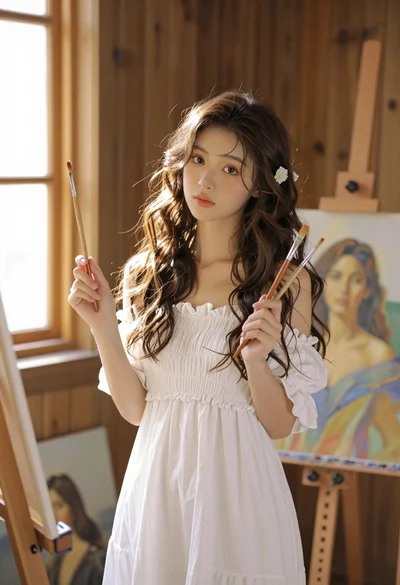
Young woman with brown hair in white dress holding brushes in sunlit

Anime girl holding toy blaster against bright blue sky
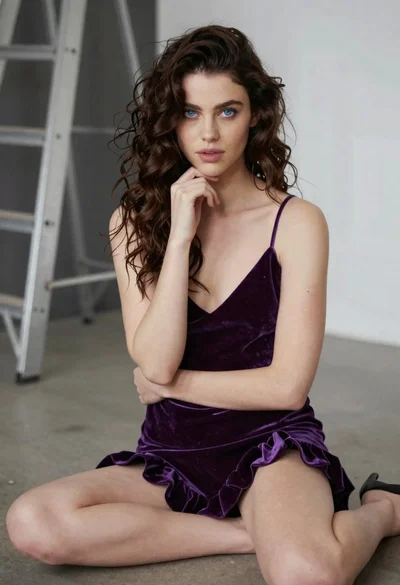
Young woman in purple velvet slip dress seated thoughtfully in studio
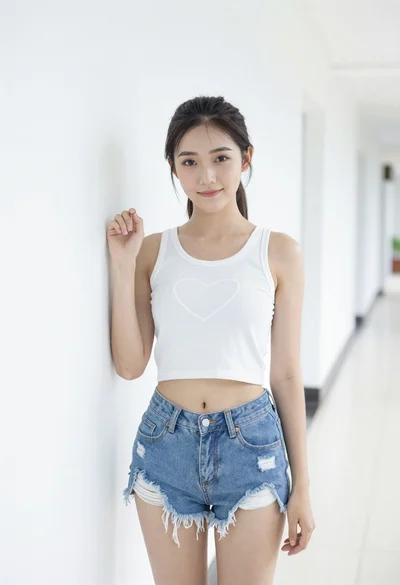
Young woman in white crop top and denim shorts leaning against white
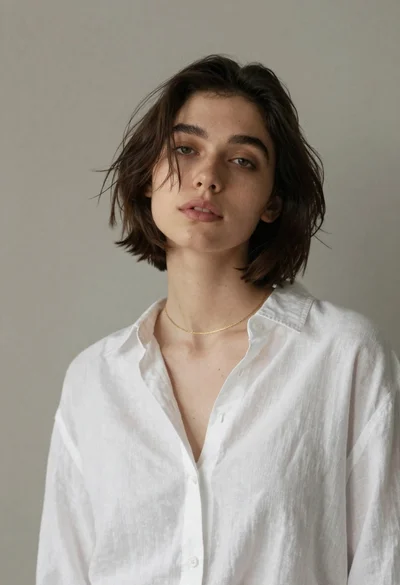
Young woman with bob haircut in white linen shirt