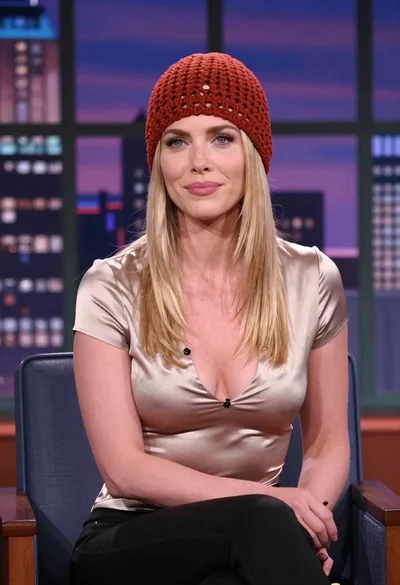

Blonde woman smiling while waving on blue armchair studio set
Prompt
A blonde woman with long wavy hair sits smiling warmly on a blue armchair while waving her hand in greeting.

Subject: A fair-skinned woman with long, voluminous blonde hair styled in loose waves cascading over her shoulders. She has a bright, engaging smile showing her teeth and is looking directly at the camera. Her legs are crossed at the knee, revealing bare skin.

Clothing: She wears a short black off-the-shoulder mini dress featuring a large bow detail on the chest and white floral embroidery along the side panel. She is wearing black pointed-toe high heels.

Action: The woman is seated in a relaxed pose with her right hand raised in a friendly wave, fingers spread open. Her left hand rests gently on her crossed knee.

Environment: A professional television talk show set featuring a large window backdrop displaying a blurred nighttime city skyline with bokeh lights. To the right is a wooden desk with a vintage-style silver microphone and a black mug.

Camera: Medium shot capturing the subject from the knees up, framed slightly to the side to include the furniture and background elements. The depth of field is shallow, keeping the subject sharp while softening the city background.

Lighting: Bright studio lighting illuminates the subject evenly from the front, creating a polished look with soft shadows and highlighting her skin tone and hair texture.

Style Details: High-definition television broadcast photography with a clean, glossy aesthetic typical of late-night talk shows.
Description
This prompt is useful for creating lifestyle advertisements, virtual set mockups, and promotional headshots for media appearances. The combination of 'bright studio lighting' ensuring even illumination across the subject, paired with the 'blurred nighttime city skyline with bokeh lights,' establishes a polished, high-definition aesthetic that mimics professional television broadcast photography.
Suggestions
- Change 'blue armchair' to 'velvet emerald armchair' for a richer color contrast.
- Swap 'black pointed-toe high heels' for 'nude strappy sandals' to lighten the lower half of the image.
- Adjust 'medium shot' to 'waist up' to focus more on the upper body interaction.
Category
Tags
BlondeCasual WearFair SkinFemaleIndoorsMedium ShotRealisticStudio
Date added
June 19, 2026
Added by
PromptDexter Team
Related Prompts
More prompts with similar categories and tags.
Young blonde woman in black tshirt sitting in makeup chair looking at
Fair skinned woman with blonde hair in cream satin shirt studio portrait
Young woman in light green embroidered dress leaning indoors

Blonde woman at a bar counter in dimly lit pub
Blonde woman taking a mirror selfie in a hallway entryway

Close up portrait of blonde woman in black top inside luxury car
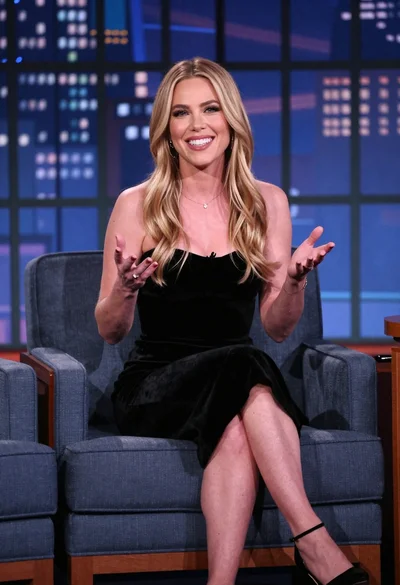
Smiling blonde woman in black dress seated on blue armchair at talk
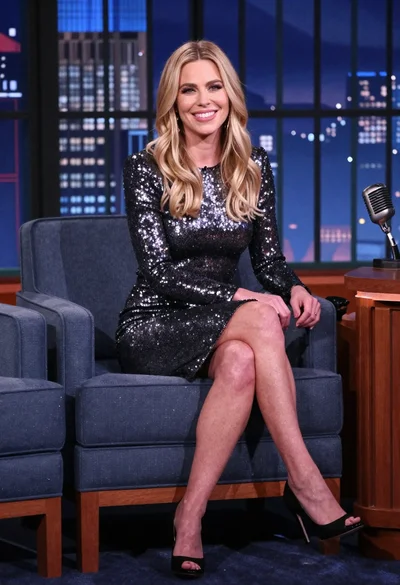
Blonde woman in silver dress seated on talk show set overlooking city
Young woman in white top and denim jeans against concrete wall
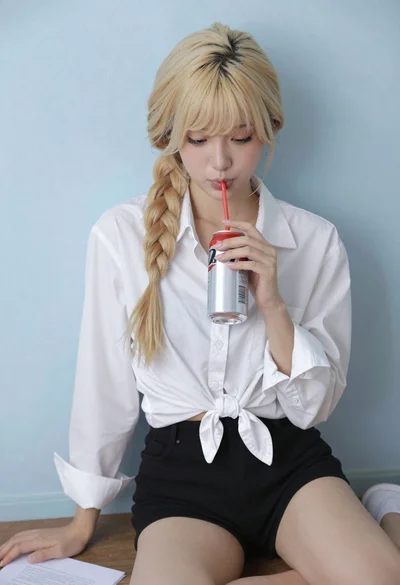
Blonde woman with side braid drinking from soda can indoors
