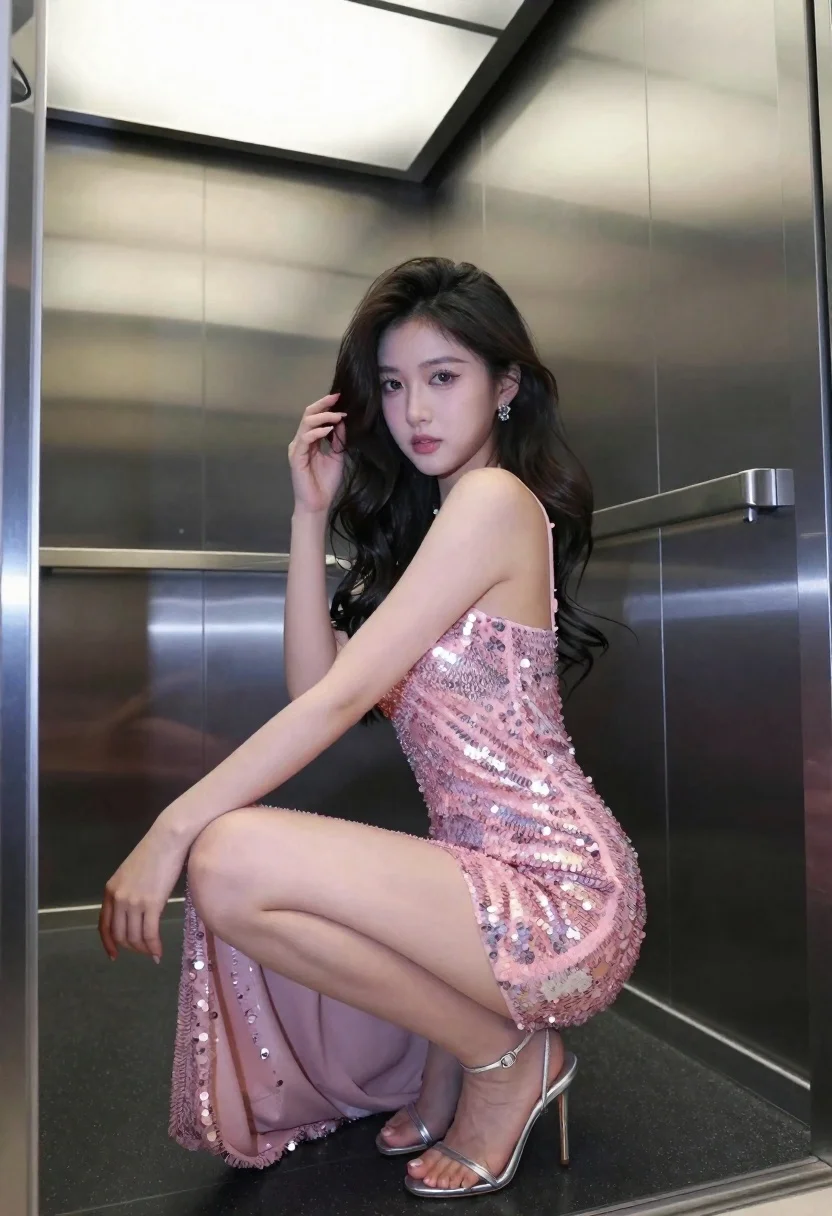
Young woman in pink sequin dress crouching inside modern elevator
Prompt
A woman crouching in a sleek elevator wearing a shimmering pink sequin dress and silver high heels.

Subject: A young woman with long dark wavy hair and a serious expression looking directly at the camera.

Clothing: She wears a sleeveless, floor-length pink mini-dress covered in sparkling sequins that catch the light, paired with strappy silver stiletto heels.

Action: She is crouching low to the ground with her knees bent, one hand resting on the wall and the other touching her hair near her face.

Environment: The setting is a modern elevator interior featuring polished stainless steel walls and a dark floor.

Lighting: Bright artificial overhead lighting reflects off the metallic surfaces and the sequins on her dress, creating high contrast and sharp highlights.

Camera: Shot with a medium close-up framing that captures the subject from the knees up, emphasizing the texture of the fabric and the reflective environment.

Style Details: High-gloss photography style with vibrant colors and a focus on fashion and glamour.
Description
This prompt is useful for creating high-fashion editorial spreads, album cover art for pop music, and dramatic portraiture showcasing nightlife attire. The combination of 'shimmering pink sequin dress' against the 'polished stainless steel walls' utilizes 'bright artificial overhead lighting' to generate intense specular highlights that emphasize both the garment's texture and the hard, reflective nature of the urban setting.
Suggestions
- Change 'pink sequin dress' to 'iridescent sequins' for a more complex color shift.
- Add 'bokeh effect' to soften the background reflections slightly.
- Swap 'medium close-up framing' for 'full body shot' to better utilize the elevator space.
Category
Tags
Black HairFemaleIndoorsMedium ShotPortrait ShotRealisticUrban
Date added
June 21, 2026
Added by
PromptDexter Team
Related Prompts
More prompts with similar categories and tags.

Young woman seated on grey sofa against pink wall fashion portrait
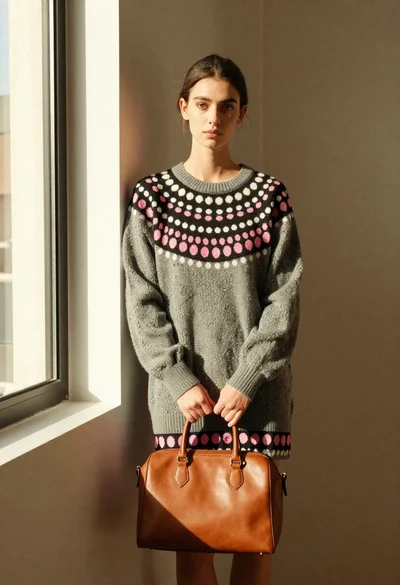
Young woman in grey sweater holding handbag in sunlit indoor corner
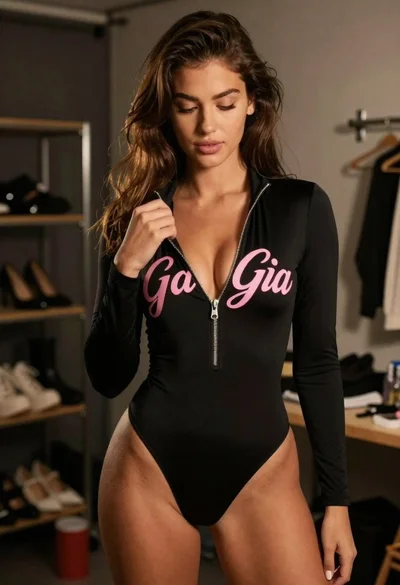
Young woman in black bodysuit standing in dimly lit dressing room
Woman in black mini dress seated on patterned sofa indoors
Woman seated in luxury car interior by city street

Poised woman in black gown posing indoors with dramatic low key lighting
Woman sitting in wooden armchair with black embroidered top indoors

Man and woman in formal attire posing in an ornate ballroom
