Young woman with dark pigtails holding designer handbags indoors
Prompt
A young woman with long dark hair styled in pigtails sits on a white chair holding two designer handbags.

Subject: A young woman with long dark hair styled in high pigtails and prominent makeup featuring winged eyeliner and glossy lips.

Clothing: She wears a tight white short-sleeved crop top with the text "BABY GIRL" printed across the chest, pink thong underwear, and a belly button piercing.

Action: She is seated looking off to the side with a neutral expression, holding a cylindrical pink floral handbag in her right hand while another patterned bag rests on the arm of the chair beside her.

Environment: The setting appears to be an indoor room with a plain light-colored wall and a dark floor visible in the background.

Camera: The shot is a medium close-up taken from a slightly low angle, focusing on the subject's upper body and lap.

Lighting: Soft, diffused lighting illuminates the scene evenly, creating gentle shadows and highlighting the textures of her skin and clothing.

Objects: Two luxury-style handbags are prominent; one is a pink cylindrical bag with floral patterns and gold hardware held in her hand, and the other is a white monogrammed tote with colorful logos resting on the chair.

Text/Graphics: The words "BABY GIRL" are printed in black capital letters across the front of her white t-shirt.

Style Details: The image has a polished fashion photography aesthetic with high color saturation and a focus on trendy streetwear and luxury accessories.
Description
This prompt is useful for creating editorial fashion moodboards, themed character portraits, and niche social media content focusing on hyper-stylized youth culture. The combination of 'soft, diffused lighting' with high color saturation ensures that the visible textures of the 'white monogrammed tote' and the subject's makeup remain detailed without harsh shadows, which is crucial for showcasing both streetwear elements and luxury accessories simultaneously.
Suggestions
- Change 'plain light-colored wall' to 'velvet curtain backdrop' for more depth.
- Swap 'pink cylindrical bag' for 'structured black top-handle bag' to change the accessory focus.
- Adjust 'medium close-up' to 'full body shot' to better display the clothing ensemble.
Category
Tags
Black HairCasual WearFemaleIndoorsMedium ShotPortrait ShotRealistic
Date added
June 19, 2026
Added by
PromptDexter Team
Related Prompts
More prompts with similar categories and tags.
Young woman in grey sweater holding handbag in sunlit indoor corner
Young woman in black bodysuit standing in dimly lit dressing room
Woman seated in luxury car interior by city street
Woman sitting in wooden armchair with black embroidered top indoors
Glamorous blonde woman in black satin dress inside softly lit bedroom
Young woman looking back over shoulder in black dress indoors
Young woman in black dress seated in upscale restaurant setting
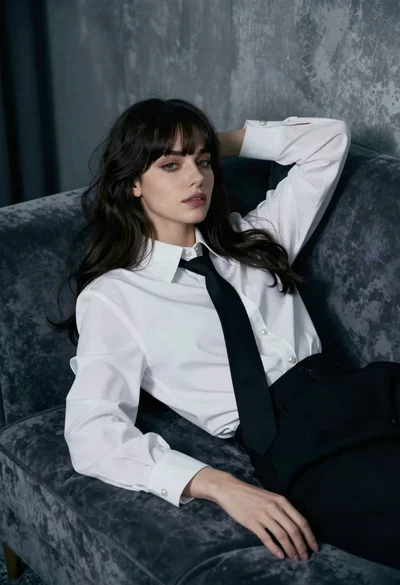
Woman reclining on velvet sofa in moody dimly lit interior setting
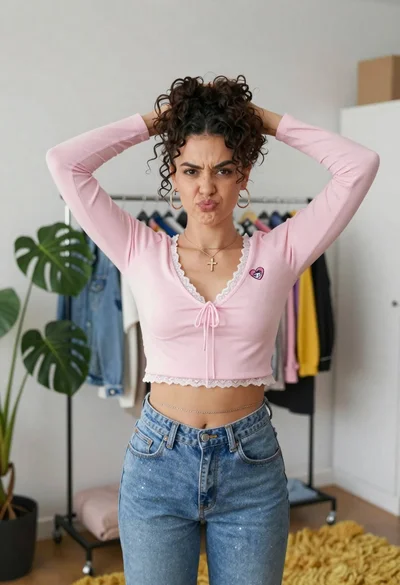
Young woman in pink crop top and denim jeans posing in bedroom
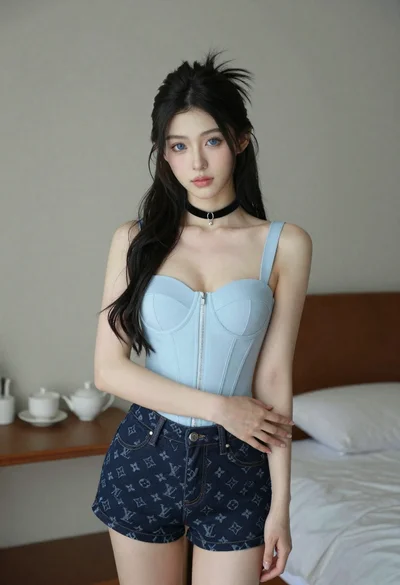
Young woman with long dark hair in blue top and denim shorts