

Young woman in red satin dress sitting on bed looking over shoulder
Prompt
A woman with dark hair styled in an elegant updo sits on a bed, looking back over her shoulder at the camera.

Subject: A young woman with fair skin and striking green eyes, featuring a soft, glowing complexion and defined facial features.

Clothing: She wears a luxurious, deep red satin slip dress with thin spaghetti straps that cross elegantly on the open back.

Action: She is seated on a bed, leaning slightly forward with her left arm resting on the surface behind her while her right hand rests near her thigh; she turns her head to look directly at the viewer with a calm expression.

Environment: The setting is a soft, romantic bedroom featuring white rumpled sheets and pillows, with warm ambient lighting and blurred background elements including a gold-framed mirror and floral decorations.

Lighting: The scene is bathed in warm, golden-hour style light that creates soft highlights on her skin and the satin fabric, casting gentle shadows to enhance depth and mood.

Camera: Shot from a medium close-up angle with a shallow depth of field that keeps the subject sharp while blurring the background into a creamy bokeh.

Style Details: The image has a cinematic, high-fashion aesthetic with rich color grading, smooth textures, and a polished, dreamy atmosphere.
Description
This prompt is useful for creating intimate editorial portraits, luxury lingerie advertising concepts, and romantic mood imagery for film promotion. The combination of 'deep red satin slip dress' against 'white rumpled sheets' utilizes high contrast to make the luxurious fabric pop while the 'warm, golden-hour style light' ensures soft highlights on her skin that avoid harshness, fitting a polished, dreamy atmosphere.
Suggestions
- Change 'deep red satin slip dress' to 'black velvet chemise' for a moodier feel.
- Replace 'gold-framed mirror' with 'antique vanity table' for more props.
- Adjust the lighting by adding 'rim light from the left' to sculpt her silhouette.
Category
Tags
BedroomBlack HairClose UpFair SkinFemaleIndoorsMedium ShotRealistic
Date added
June 21, 2026
Added by
PromptDexter Team
Related Prompts
More prompts with similar categories and tags.

Young woman in mustard yellow outfit looking over shoulder in bedroom

Young woman seated on grey sofa against pink wall fashion portrait

Poised woman in black gown posing indoors with dramatic low key lighting
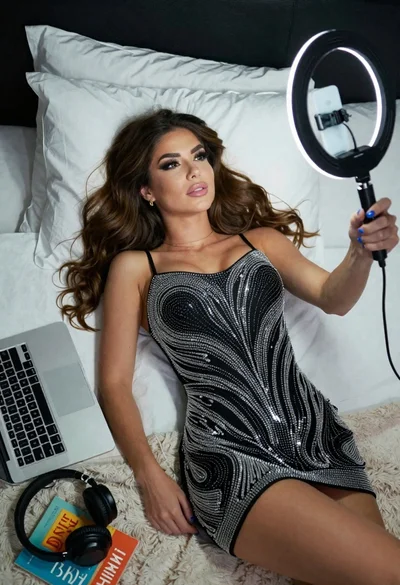
Woman taking a selfie in bed with ring light and patterned black
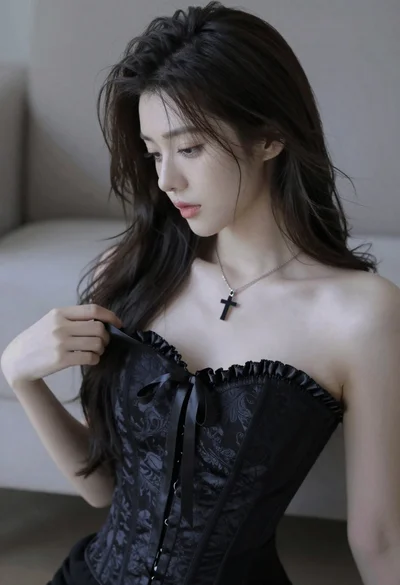
Medium close up portrait of young woman wearing black strapless corset

Glamorous blonde woman in black satin dress inside softly lit bedroom
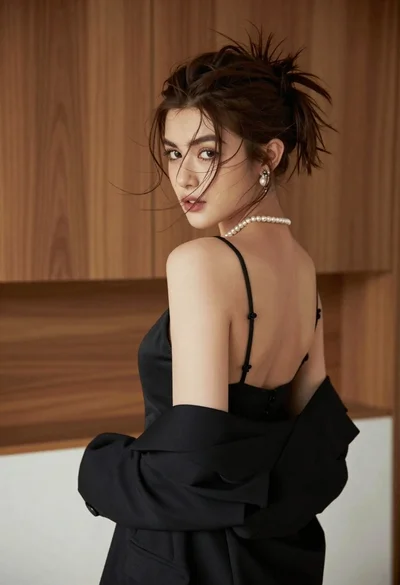
Young woman looking back over shoulder in black dress indoors
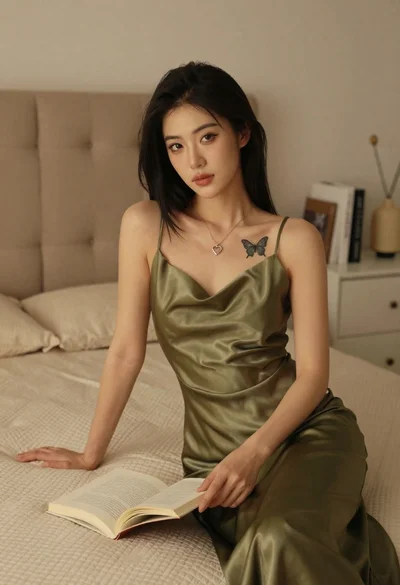
Woman in olive green silk dress reading a book on bed