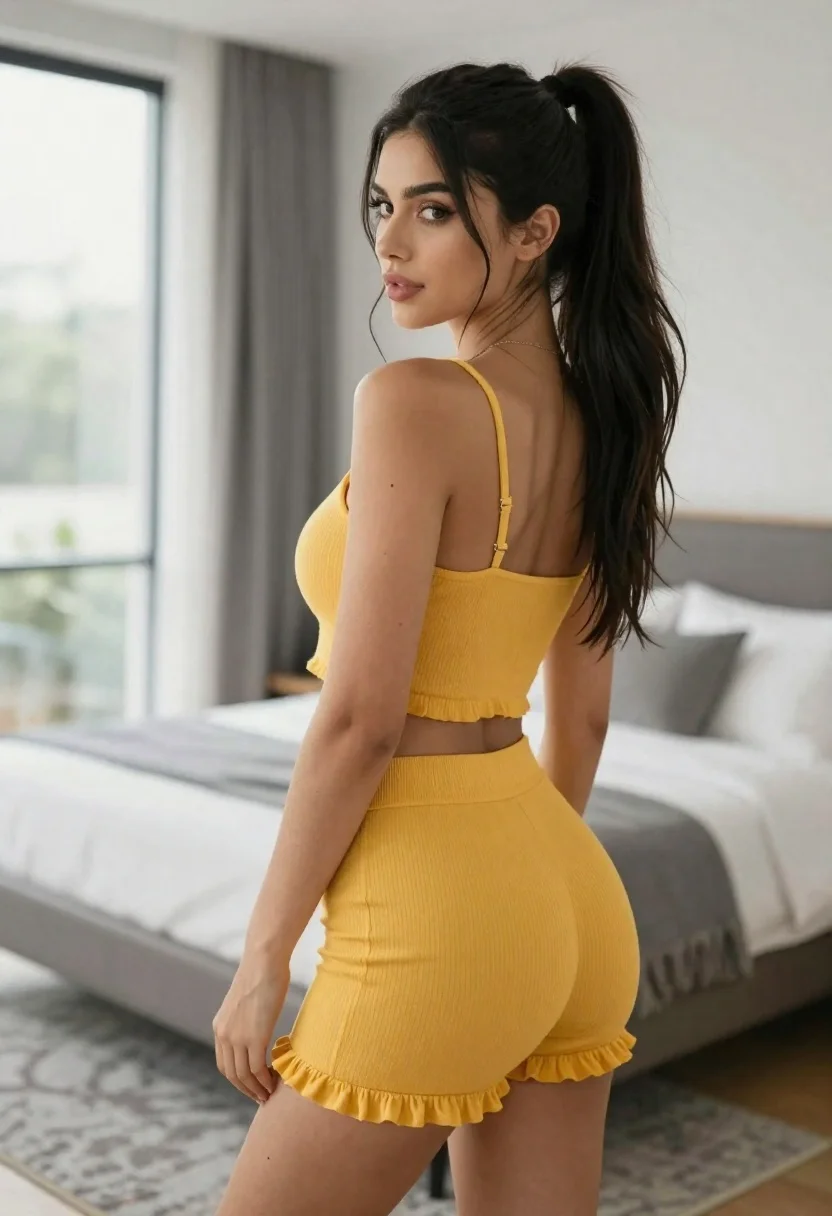
Young woman in mustard yellow outfit looking over shoulder in bedroom
Prompt
A young woman with long dark hair tied in a high ponytail stands indoors looking back over her shoulder.

Subject: A woman with fair skin and long black hair styled in a high ponytail with loose strands framing her face, featuring defined eyebrows and subtle makeup.

Clothing: She wears a matching mustard yellow ribbed two-piece outfit consisting of a spaghetti strap crop top with ruffled detailing at the hem and high-waisted shorts.

Action: The woman is captured from a rear three-quarter view, turning her head to look back over her left shoulder with a soft expression and slightly parted lips.

Environment: A modern bedroom setting featuring a large window on the left letting in natural light, a bed with white linens and a grey throw blanket in the background, and a textured grey rug on the floor.

Camera: Shot from a medium distance at eye level with a shallow depth of field that keeps the subject sharp while softly blurring the bedroom background.

Lighting: Bright and airy natural lighting coming from the large window to the left, creating soft highlights on her skin and casting gentle shadows.

Style Details: High-resolution photography with a clean aesthetic, smooth color grading, and a focus on fashion and lifestyle presentation.
Description
This prompt is useful for creating intimate editorial portraiture, lifestyle blog features, and mood boards showcasing coordinated outfits. The combination of 'mustard yellow ribbed two-piece outfit' against the muted backdrop of white linens and a grey throw blanket ensures the subject remains the focal point while the 'natural light coming from the large window to the left' sculpts soft highlights that flatter the skin tone.
Suggestions
- Change 'high ponytail' to 'loose waves' for a softer overall look.
- Swap 'mustard yellow' for 'terracotta' to deepen the autumnal feel.
- Adjust 'shallow depth of field' to 'bokeh effect' for more background separation.
Category
Tags
3/4 AngleBedroomBlack HairFair SkinFemaleIndoorsMedium ShotOver The ShoulderPortrait ShotRealistic
Date added
June 21, 2026
Added by
PromptDexter Team
Related Prompts
More prompts with similar categories and tags.
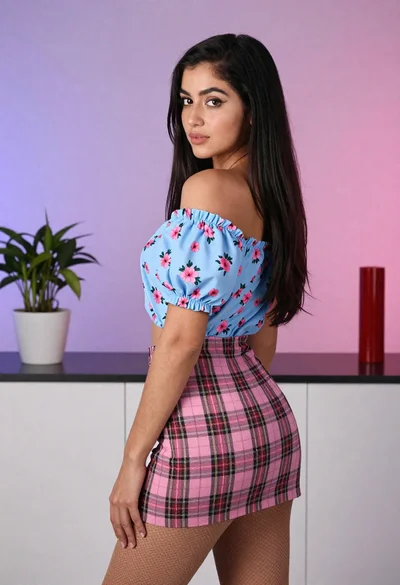
Young woman in floral blouse and plaid skirt looking over shoulder

Young woman seated on grey sofa against pink wall fashion portrait

Poised woman in black gown posing indoors with dramatic low key lighting
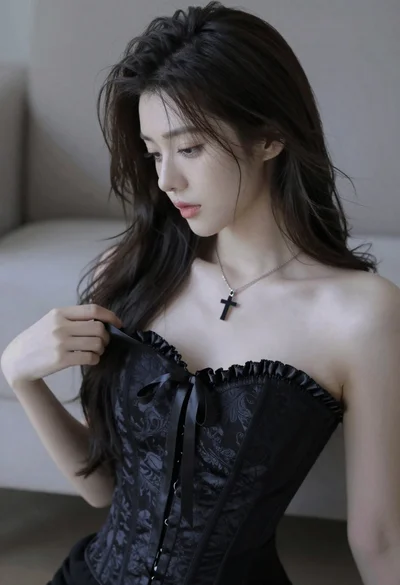
Medium close up portrait of young woman wearing black strapless corset
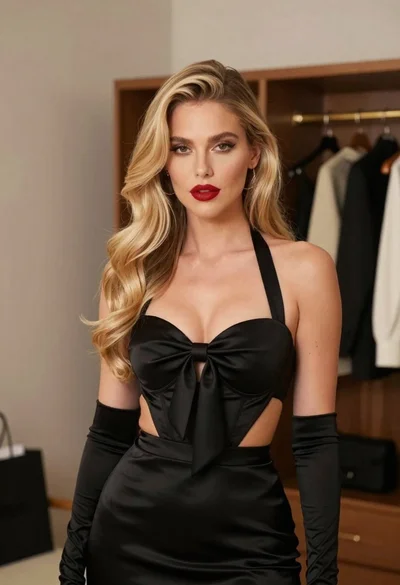
Glamorous blonde woman in black satin dress inside softly lit bedroom
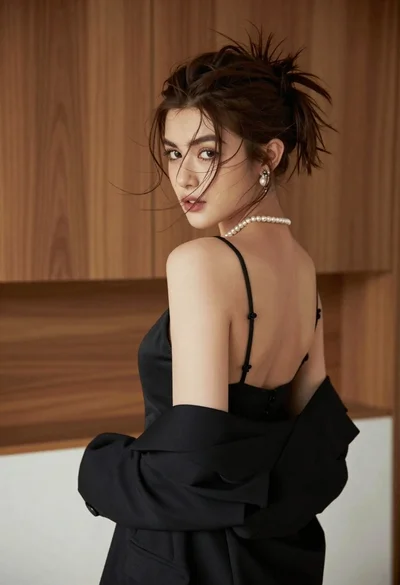
Young woman looking back over shoulder in black dress indoors

Woman in black satin slip dress holding champagne flute in luxurious bedroom
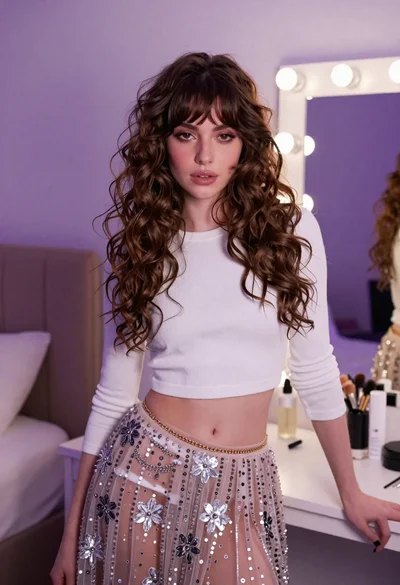
Young woman in white crop top and sequined skirt in decorated bedroom
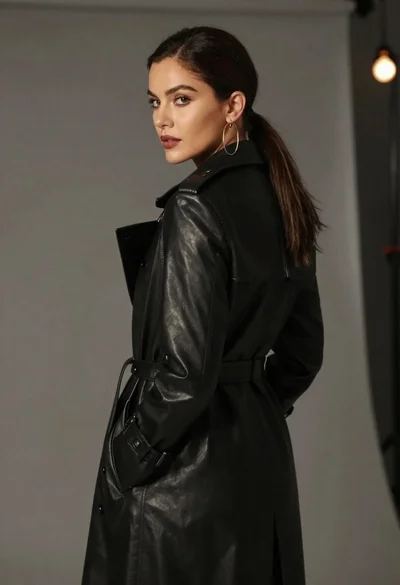
Woman in black trench coat looking over shoulder
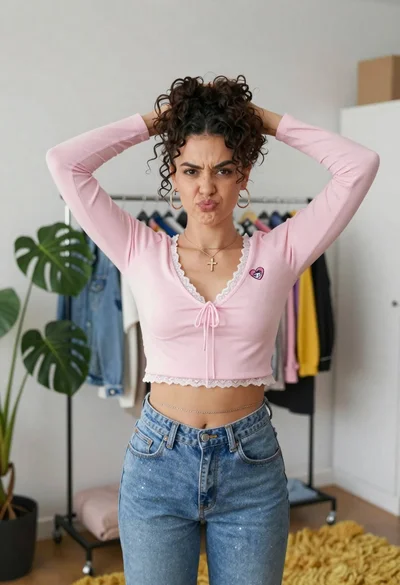
Young woman in pink crop top and denim jeans posing in bedroom