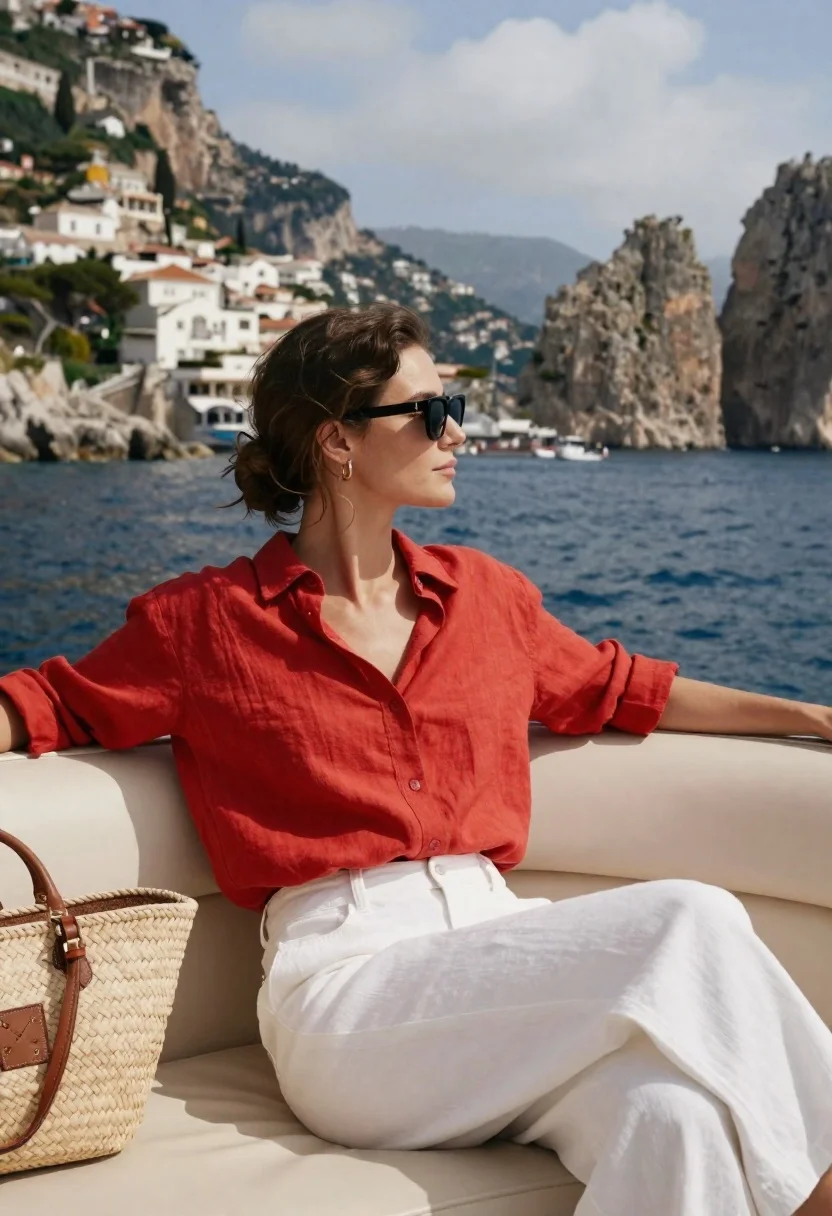
Young woman in red shirt sitting on a boat with coastal cliffs
Prompt
A woman sits relaxed on the cream-colored seating of a moving boat with her arms resting along the backrest.

Subject: A young woman with dark brown hair styled in a loose low bun with wispy strands framing her face, wearing large black sunglasses and small gold hoop earrings.

Clothing: She wears a vibrant red linen button-down shirt with sleeves rolled up to the elbows and white wide-leg trousers made of a textured fabric.

Action: She is seated in profile facing right, looking out at the water with a calm expression, her posture relaxed and open.

Environment: The background features a stunning coastal landscape with steep limestone cliffs rising from deep blue water, dotted with white villas and buildings cascading down the hillside under a bright sky with wispy clouds.

Camera: Shot from a slightly low angle capturing the subject in profile against the expansive seascape, utilizing a shallow depth of field to keep the woman sharp while softly blurring the distant mountains and coastline.

Lighting: Bright natural sunlight illuminates the scene from the side, casting soft shadows on her face and highlighting the texture of her red shirt and white pants.

Objects: A woven straw tote bag with brown leather straps rests beside her on the boat seat.

Style Details: High-resolution fashion photography with a warm color palette emphasizing the contrast between the red clothing and the blue sea, featuring natural skin tones and realistic fabric textures.
Description
This prompt is useful for creating travel editorial spreads, lifestyle magazine features, and destination mood boards showcasing Mediterranean vibes. The combination of 'bright natural sunlight' casting soft shadows against the 'vibrant red linen button-down shirt' ensures that the clothing remains a focal point while the shallow depth of field keeps the subject sharp against the expansive seascape.
Suggestions
- Change 'deep blue water' to 'turquoise bay' for a more tropical feel.
- Swap 'woven straw tote bag' for 'rattan beach bag' for a different texture.
- Adjust 'bright natural sunlight' to 'late afternoon sun' for longer shadows.
Category
Tags
Casual WearFemaleOutdoorsRealisticSide Profile
Date added
June 26, 2026
Added by
PromptDexter Team
Related Prompts
More prompts with similar categories and tags.
Blonde woman in white shirt on stone balcony overlooking green valley
Young woman in white top and jeans standing on sandy beach
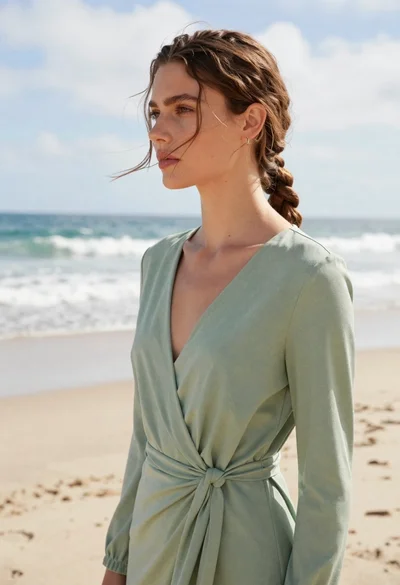
Young woman in sage green dress standing on bright beach overlooking ocean
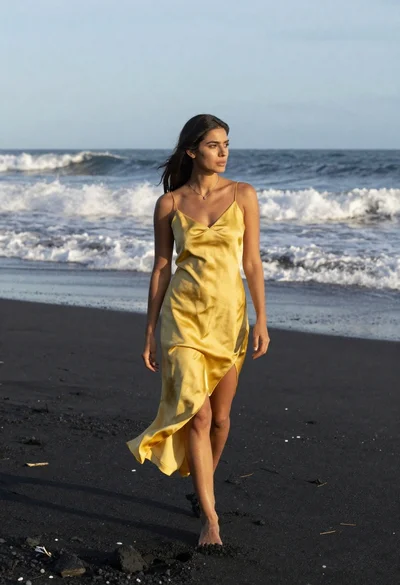
Woman in yellow slip dress walking on black sand beach near ocean
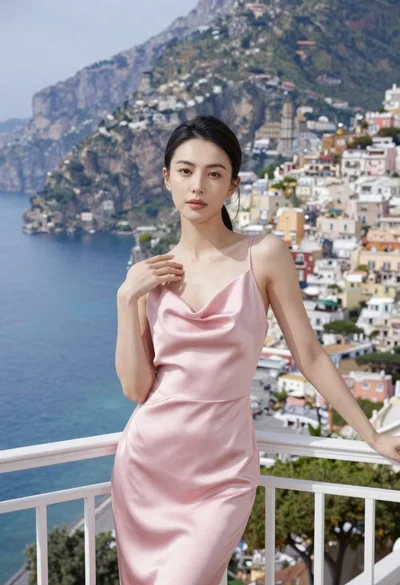
Woman in pink satin slip dress on balcony overlooking coastal town
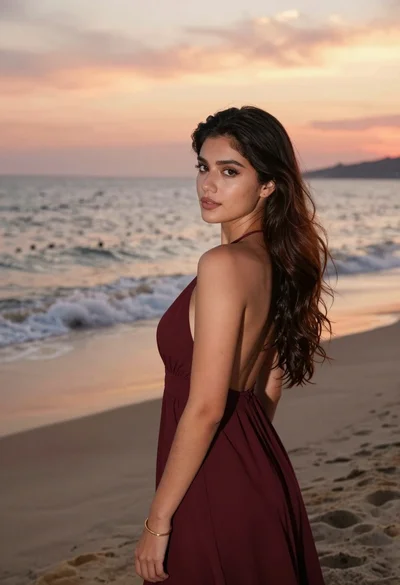
Young woman in maroon gown on beach looking back at sunset golden
Young woman in yellow shirt leaning on railing overlooking blue water and

East asian woman resting head on vermilion pillar