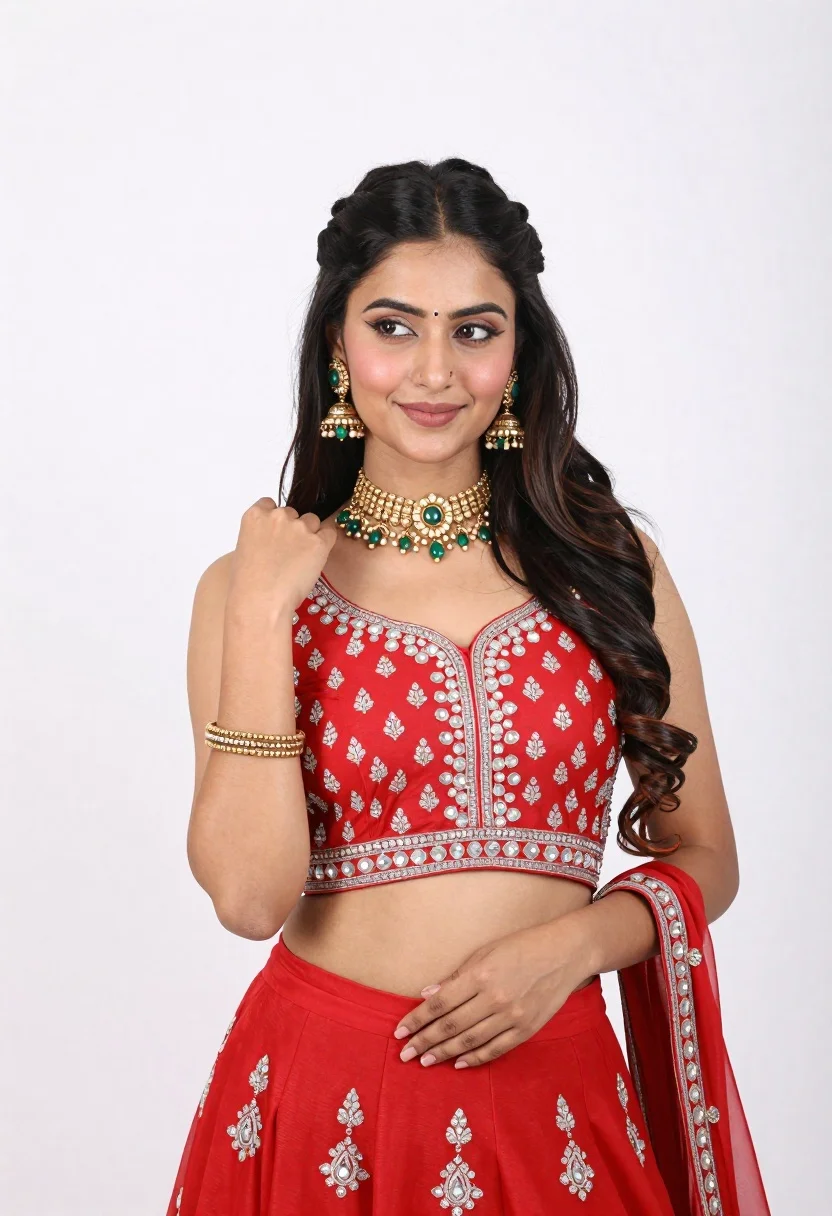
Young woman in red traditional outfit posing against white studio background
Prompt
A young woman with long dark hair styled in a half-updo poses against a plain white background.

Subject: A woman with fair skin and long, wavy black hair featuring a braided half-updo on the crown of her head. She has a small bindi on her forehead and is looking off to the side with a soft smile.

Clothing: She wears a vibrant red sleeveless traditional outfit, likely a lehenga or saree blouse, adorned with intricate silver embroidery and mirror work around the neckline and bodice. A matching red skirt features similar embroidered floral patterns near the hem.

Action: Her right hand is raised to her shoulder in a poised gesture, while her left hand rests gently on her waist. She wears traditional gold jewelry including large jhumka earrings, an ornate choker necklace with green stones, and a gold bangle on her wrist.

Environment: The setting is a minimalist studio environment with a seamless white background that isolates the subject completely.

Camera: The shot is a medium close-up framed from the waist up, utilizing a soft depth of field to keep the focus sharply on the woman while slightly blurring the edges of the frame.

Lighting: Bright and even studio lighting illuminates the scene from the front, creating soft shadows that define her features without harsh contrast, resulting in a clean and polished look.

Style Details: The image exhibits high-definition clarity with vibrant color saturation, particularly in the red fabric, and a smooth, professional photographic finish typical of fashion portraiture.
Description
This prompt is useful for creating cultural editorial spreads, e-commerce catalog shots for ethnic wear, and beauty portfolio pieces requiring high focus on costume detail. The combination of 'vibrant red sleeveless traditional outfit' against a 'plain white background' ensures the garment remains the primary focal point, while the 'soft depth of field' prevents distracting environmental elements from pulling attention away from the intricate silver embroidery.
Suggestions
- Change 'medium close-up framed from the waist up' to 'full body shot' for better outfit context.
- Swap 'intricate silver embroidery' for 'gold zari work' to adjust the metallic feel.
- Add 'rim lighting' to the prompt to separate the hair and silhouette more dramatically.
Category
Tags
Black HairBrunetteFair SkinFemaleFull BodyRealisticStudioTraditional Wear
Date added
June 19, 2026
Added by
PromptDexter Team
Related Prompts
More prompts with similar categories and tags.

Fair blonde woman in black corset and denim shorts studio portrait
Full length portrait of woman in black traditional outfit indoors
Confident woman in black striped outfit posing against a plain white background
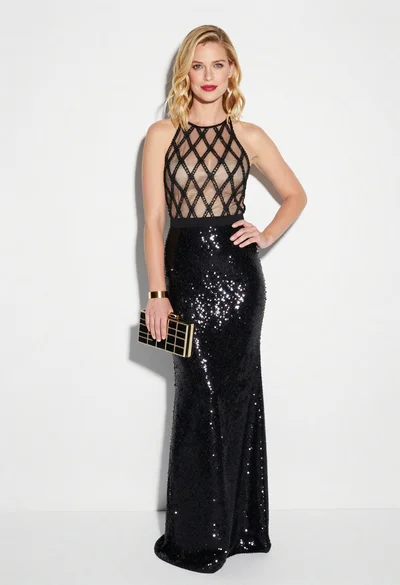
Blonde woman in black gown posing against white studio background
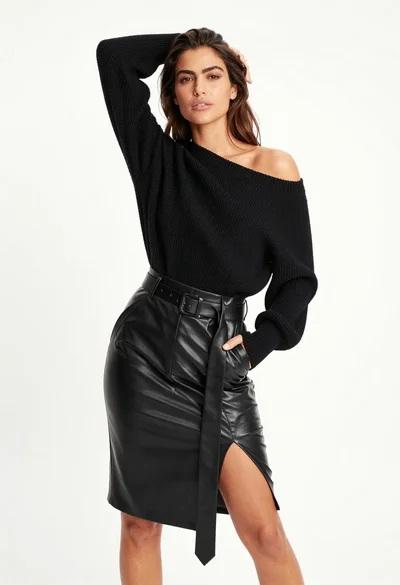
Fair skinned woman in black sweater and leather skirt against white background
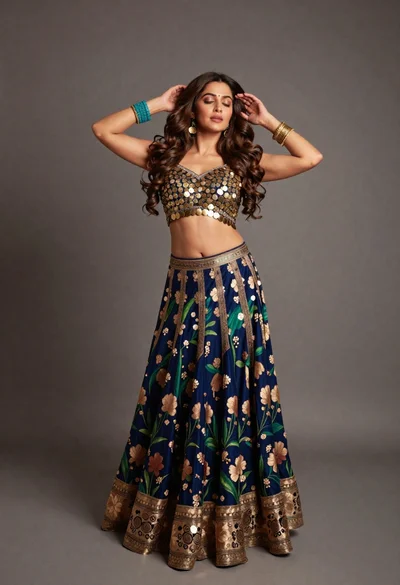
Full body portrait of woman in embellished lehenga choli studio setting
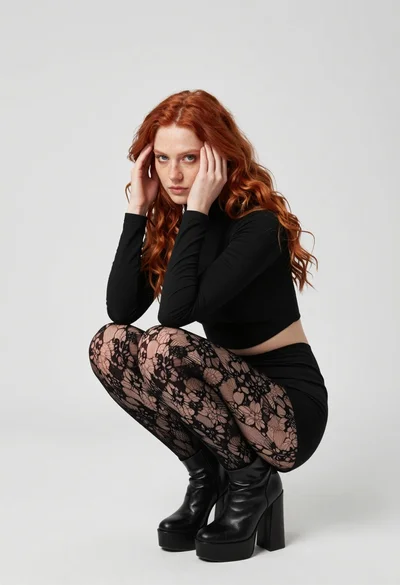
Fair young woman in black outfit crouching in minimalist studio setting
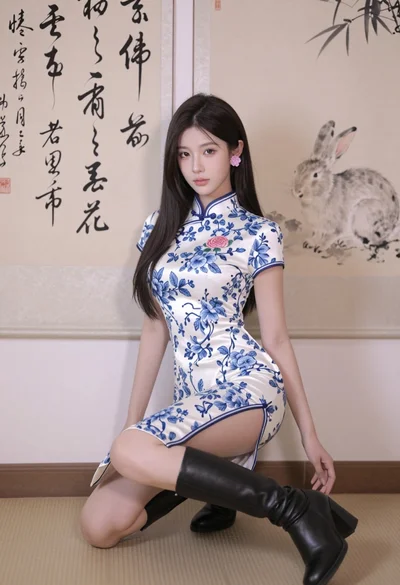
Poised young east asian woman in white cheongsam against chinese calligraphy art
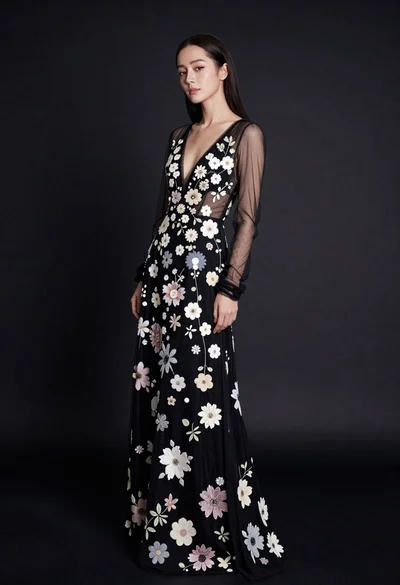
Full body portrait of woman in embellished black gown against dark studio
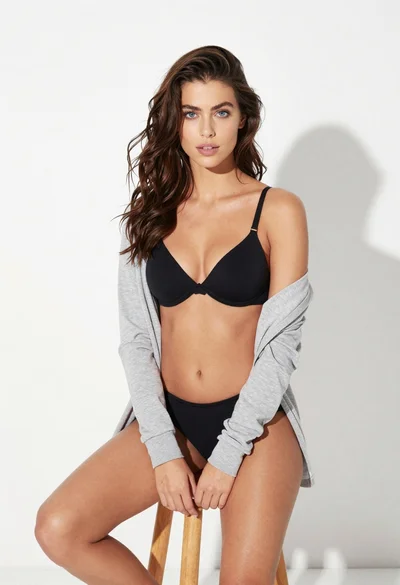
Young woman in black lingerie with grey cardigan on stool