
Young woman in school uniform looking at reflection in full length mirror
Prompt
A young woman with long black hair stands in front of a large mirror, looking at her reflection while wearing a dark blue school uniform jacket over a striped shirt and pleated skirt.

Subject: A young woman with long, straight black hair featuring bangs, standing in profile facing a full-length mirror to view her reflection.

Clothing: She wears a navy blue blazer-style school uniform jacket, a grey and white vertically striped collared shirt underneath, a dark pleated mini-skirt, opaque black thigh-high socks, and dark brown leather loafers.

Action: The subject stands with her back mostly to the camera, looking into the mirror where her reflection shows her hand raised near her mouth in a shy or contemplative gesture.

Environment: A bright indoor setting with white tiled floors and plain white walls, likely inside a clothing store or fitting room area.

Camera: Medium shot capturing the full body of the subject from head to toe, framed vertically to include both the person and their reflection in the mirror.

Lighting: Bright, even overhead artificial lighting that creates soft reflections on the floor and highlights the clean white surroundings without harsh shadows.

Objects: A large black leather shoulder bag with a light green plush keychain hanging from it is slung over her left shoulder.

Style Details: Clean, high-resolution photography with a focus on fashion styling and a modern, minimalist aesthetic.
Description
This prompt is useful for creating character studies in intimate settings, editorial pieces focusing on personal reflection, or mood boards depicting youthful contemplation. The combination of 'bright, even overhead artificial lighting' against the 'plain white walls' ensures that all details—from the 'navy blue blazer-style school uniform jacket' to the leather bag—are visible without harsh shadows distracting from the subject's pose.
Suggestions
- Change 'dark pleated mini-skirt' to 'pleated plaid skirt' for more pattern interest.
- Swap 'black leather shoulder bag' for a 'canvas tote bag' for a softer feel.
- Adjust 'medium shot' to 'full body portrait' to emphasize the height of the mirror.
Category
Tags
Black HairBrunetteCasual WearFemaleFull BodyIndoorsMedium ShotRealisticUniform
Date added
June 19, 2026
Added by
PromptDexter Team
Related Prompts
More prompts with similar categories and tags.
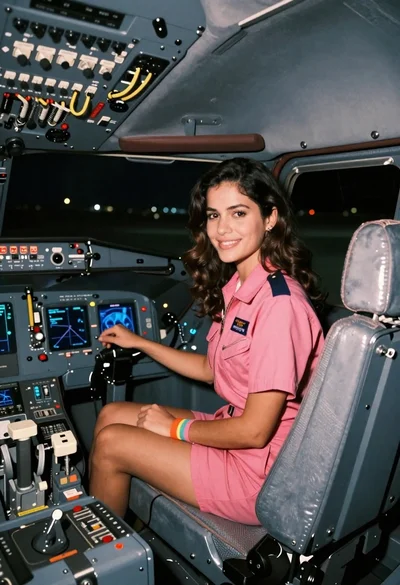
Young woman in pink flight suit in airplane cockpit at night
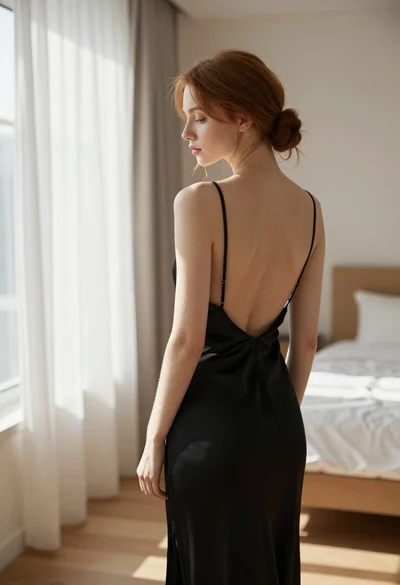
Young woman in black slip dress standing by window in bright bedroom

Close up portrait of young woman with brown braid indoors
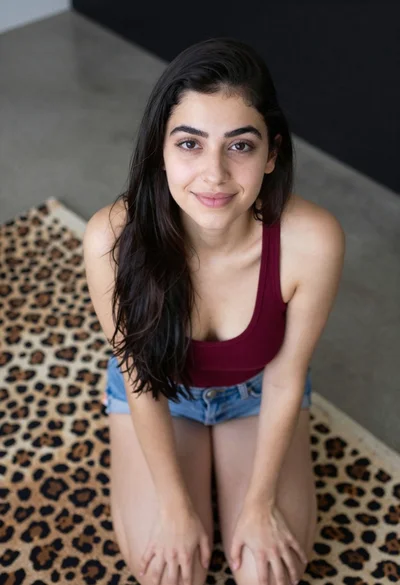
Young woman kneeling indoors wearing tank top and denim shorts
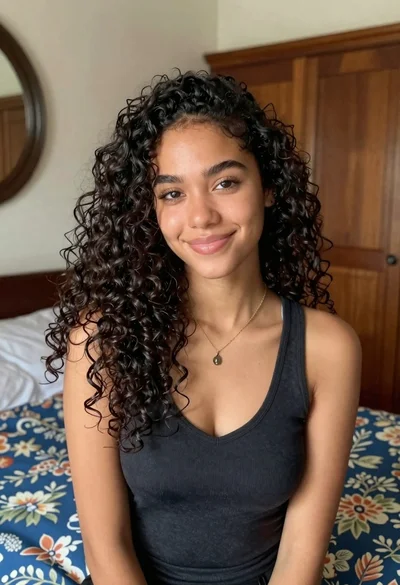
Medium close up portrait of young woman with dark curly hair indoors
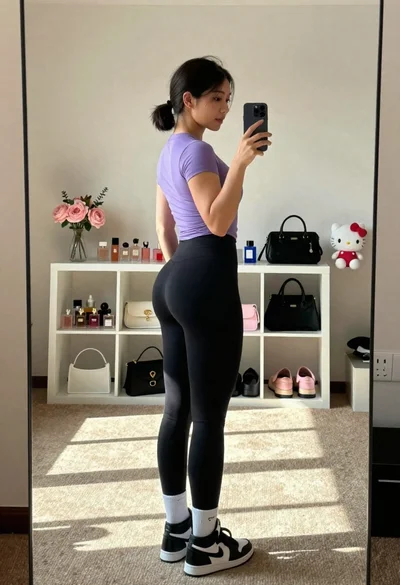
Profile selfie of fit woman in purple shirt and black leggings
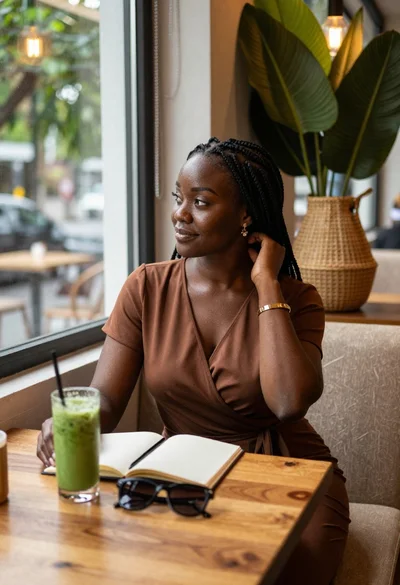
Black woman in brown dress at cafe window
Young woman taking mirror selfie in bathroom wearing black corset and blue jeans
Young woman in black dress sitting contemplatively against a white wall
Young woman taking mirror selfie in black lingerie at bedroom