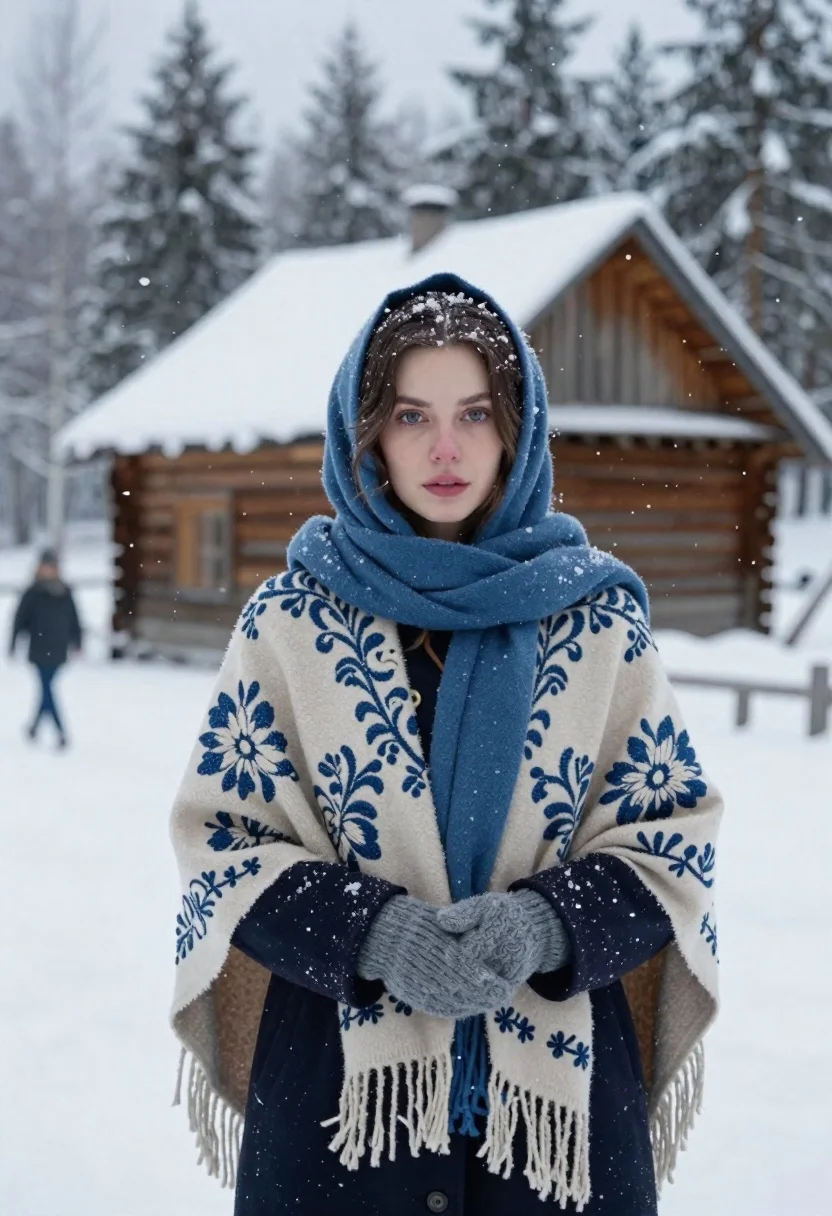
Young woman in shawl standing before snowy wooden cabin forest
Prompt
A young woman stands in a snowy landscape with a rustic wooden house and forest behind her.

Subject: A young woman with fair skin and striking blue eyes looking directly at the camera with a calm expression. Her dark hair is partially visible beneath a patterned headscarf, dusted lightly with falling snowflakes.

Clothing: She wears a thick, beige woolen shawl with intricate blue and cream floral embroidery and long fringes hanging from the edges. Underneath, she has on a dark navy coat and a matching blue scarf wrapped around her neck. Her hands are tucked into the sleeves of her coat or covered by a knitted glove, suggesting cold weather.

Action: She stands still in a frontal pose with her arms crossed over her chest to keep warm. Snowflakes gently fall around her face and shoulders.

Environment: The setting is a winter scene with deep snow covering the ground. Behind her is a traditional wooden cabin with a steep roof covered in snow, surrounded by tall evergreen trees dusted in white. A blurred figure walks away in the background to the left.

Camera: The shot is a medium close-up focusing on the woman’s upper body and face, with a shallow depth of field that softly blurs the background elements like the house and trees.

Lighting: Soft, diffused natural light typical of an overcast winter day creates gentle shadows and highlights the texture of her clothing and skin without harsh contrasts.

Style Details: The image has a cinematic, photorealistic quality with a cool color palette dominated by blues, whites, and earthy browns, evoking a quiet, atmospheric mood reminiscent of Nordic winter photography.
Description
This prompt is useful for creating editorial portraiture for winter lifestyle magazines, concept art for Nordic-themed media, and moody fine art prints. The combination of 'soft, diffused natural light' with the cool color palette dominated by blues, whites, and earthy browns ensures that the visible texture of the 'beige woolen shawl' remains palpable without harsh highlights, which is crucial for conveying a quiet, atmospheric mood.
Suggestions
- Change 'deep snow covering the ground' to 'icy sheen on the ground' for more dramatic reflections.
- Swap 'dark navy coat' for 'charcoal wool coat' to better complement the blue embroidery.
- Adjust 'medium close-up' to 'waist shot' to emphasize the shawl and hands.
Category
Tags
Fair SkinFemaleForestOutdoorsRealistic
Date added
June 19, 2026
Added by
PromptDexter Team
Related Prompts
More prompts with similar categories and tags.
Young woman lying in grass with red roses
Young woman in black jacket near snow capped mountains
Fair skinned woman in brown coat looking back over shoulder in snowy
Portrait of young woman in light teal camisole in garden
Young woman in brown top standing in sun dappled forest
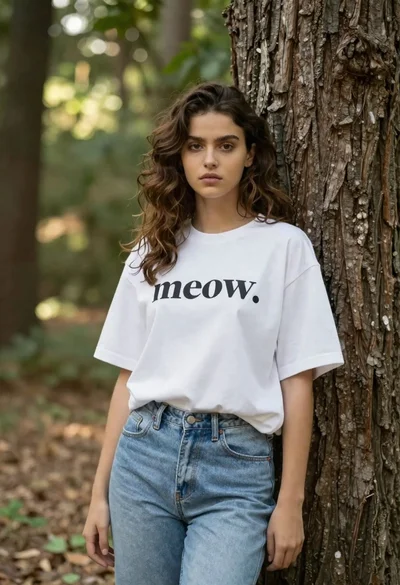
Young woman in oversized white tshirt leaning against tree in forest
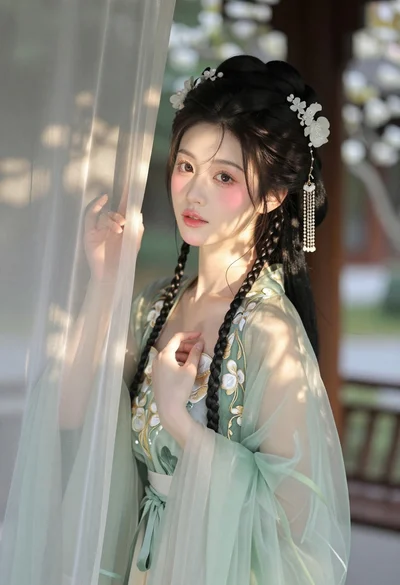
East asian woman in pale green hanfu robe near white blossoms
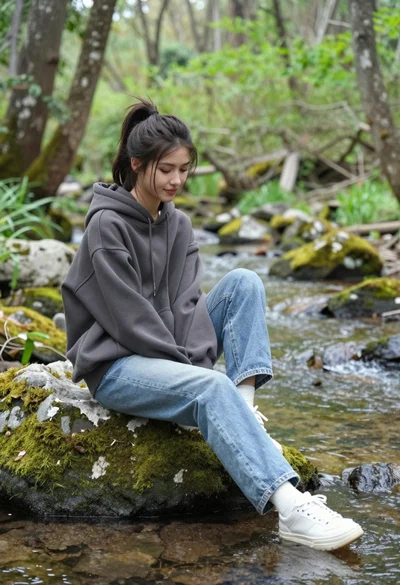
Young woman sitting on rock by stream in lush forest setting
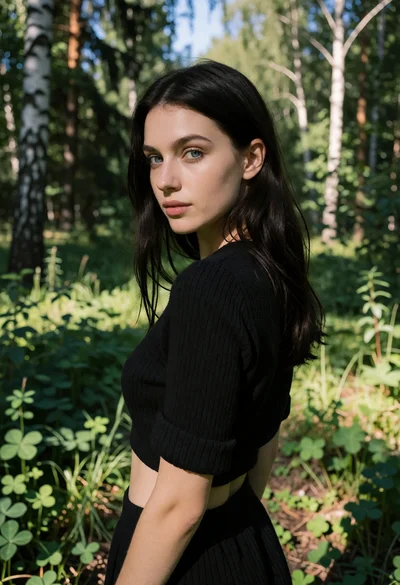
Young woman in black knit top standing in sunlit forest clearing

Young woman in white dress standing in sunlit forest looking back over