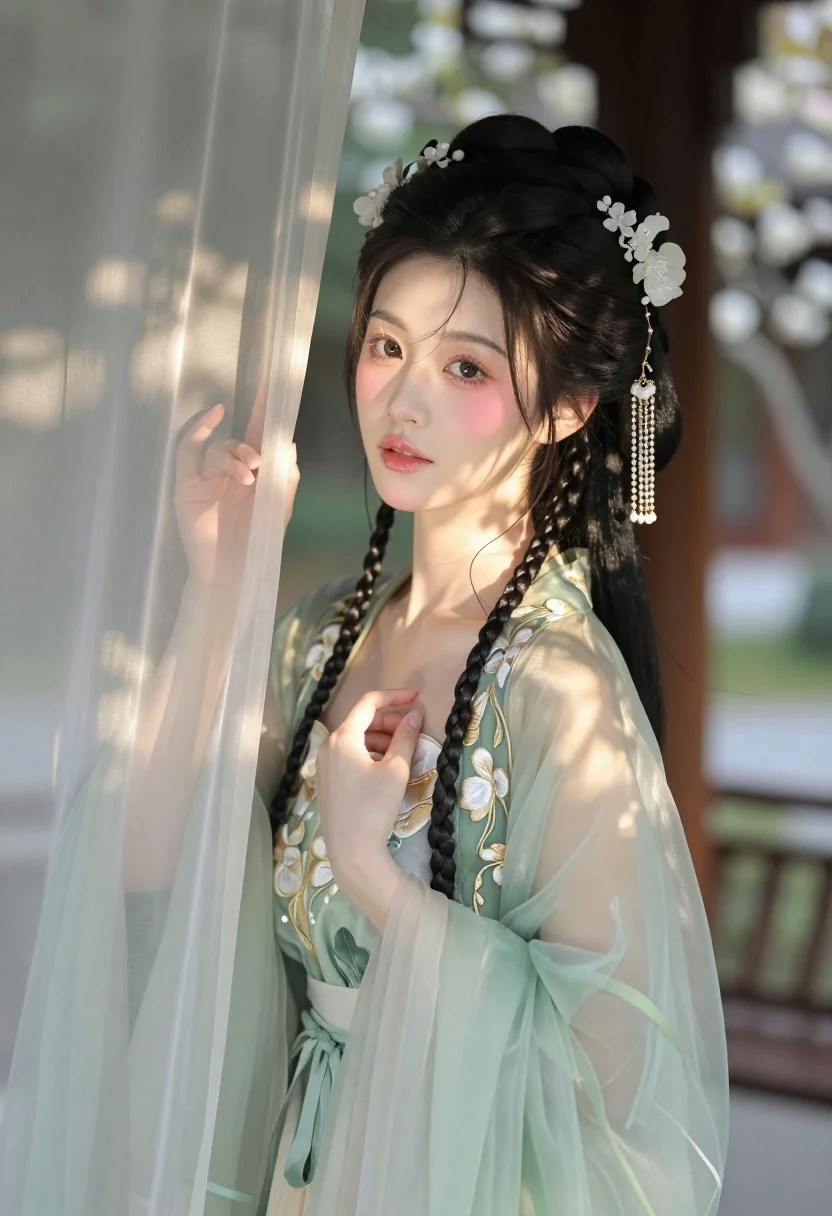
East asian woman in pale green hanfu robe near white blossoms
Prompt
A young woman with dark hair styled in an elaborate updo adorned with white floral hairpins and dangling pearl chains gazes softly at the camera while holding a sheer curtain.

Subject: A young East Asian woman with fair skin, large expressive eyes, soft pink blush on her cheeks, and glossy lips. Her long black hair is intricately braided and pinned up with ornate accessories.

Clothing: She wears a translucent, pale green traditional Hanfu-style robe made of sheer fabric with delicate gold floral embroidery along the edges and sleeves. The garment features a low-cut neckline revealing a hint of skin underneath.

Action: Her head is turned slightly to the side as she looks directly at the viewer with a gentle expression. One hand gently touches the edge of a sheer curtain, while the other rests softly against her chest.

Environment: She stands in front of a wooden structure with blurred greenery and white blossoms visible in the background suggesting a garden or courtyard setting.

Camera: The shot is a medium close-up focusing on her upper body and face with shallow depth of field blurring the background to emphasize her features.

Lighting: Soft natural sunlight filters through the curtain creating dappled shadows across her skin and clothing while casting a warm golden glow on her face.

Style Details: The image has a dreamy ethereal quality with soft focus rendering delicate textures in the fabric and floral details resembling traditional Chinese painting aesthetics.
Description
This prompt is useful for creating historical costume concept art, romantic portraiture for digital albums, and editorial spreads mimicking classical Asian painting styles. The combination of 'soft natural sunlight filtering through the curtain' creates dappled shadows that prevent harsh highlights on the 'sheer fabric,' while the 'shallow depth of field' ensures the viewer’s focus remains entirely on her face and the delicate embroidery.
Suggestions
- Change 'pale green' to 'sky blue' for a cooler, more ethereal tone.
- Add 'cinematic volumetric lighting' to enhance the dappled shadows.
- Swap 'white blossoms' for 'cherry blossoms' to specify the season.
Category
Tags
Black HairBrunetteFair SkinFemaleForestOutdoorsRealisticTraditional Wear
Date added
July 3, 2026
Added by
PromptDexter Team
Related Prompts
More prompts with similar categories and tags.
Young woman in black dress against concrete wall and green foliage
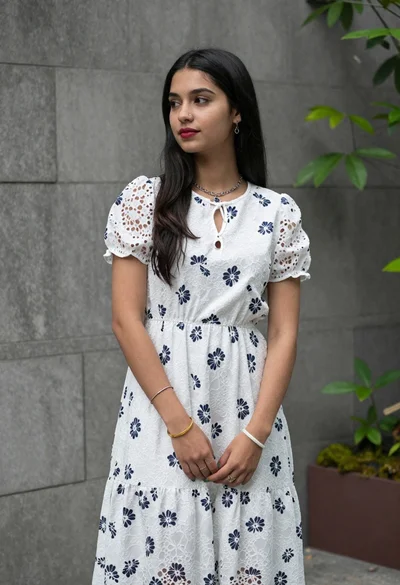
Young woman in white floral lace midi dress against grey stone wall
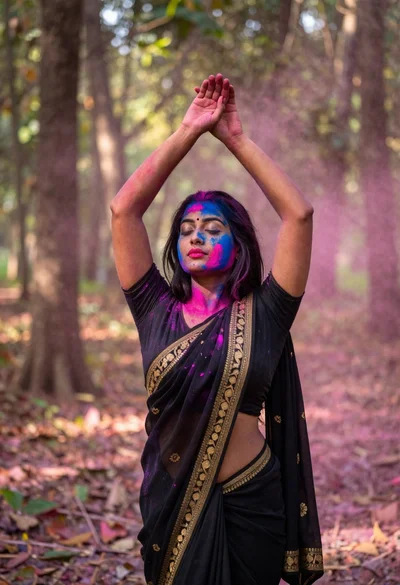
Woman in black saree raising arms in a sunlit forest clearing
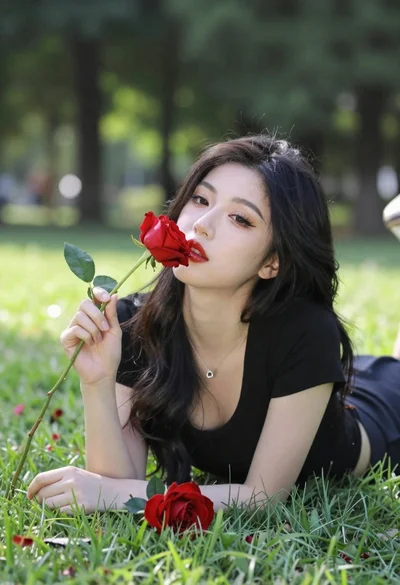
Young woman lying in grass with red roses
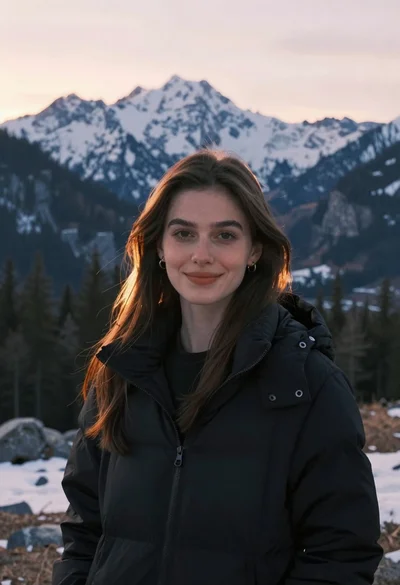
Young woman in black jacket near snow capped mountains
Fair skinned woman in brown coat looking back over shoulder in snowy
Smiling indian woman in traditional white saree standing before an ornate temple

Young woman in denim dress standing on balcony before hawa mahal
Young woman in leather jacket standing before traditional japanese temple gate
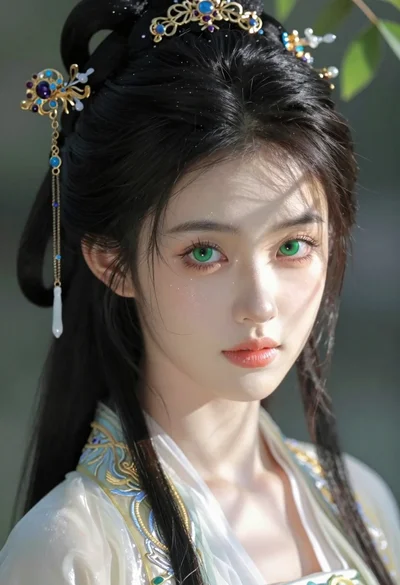
Close up portrait of young woman in traditional attire with golden headpiece