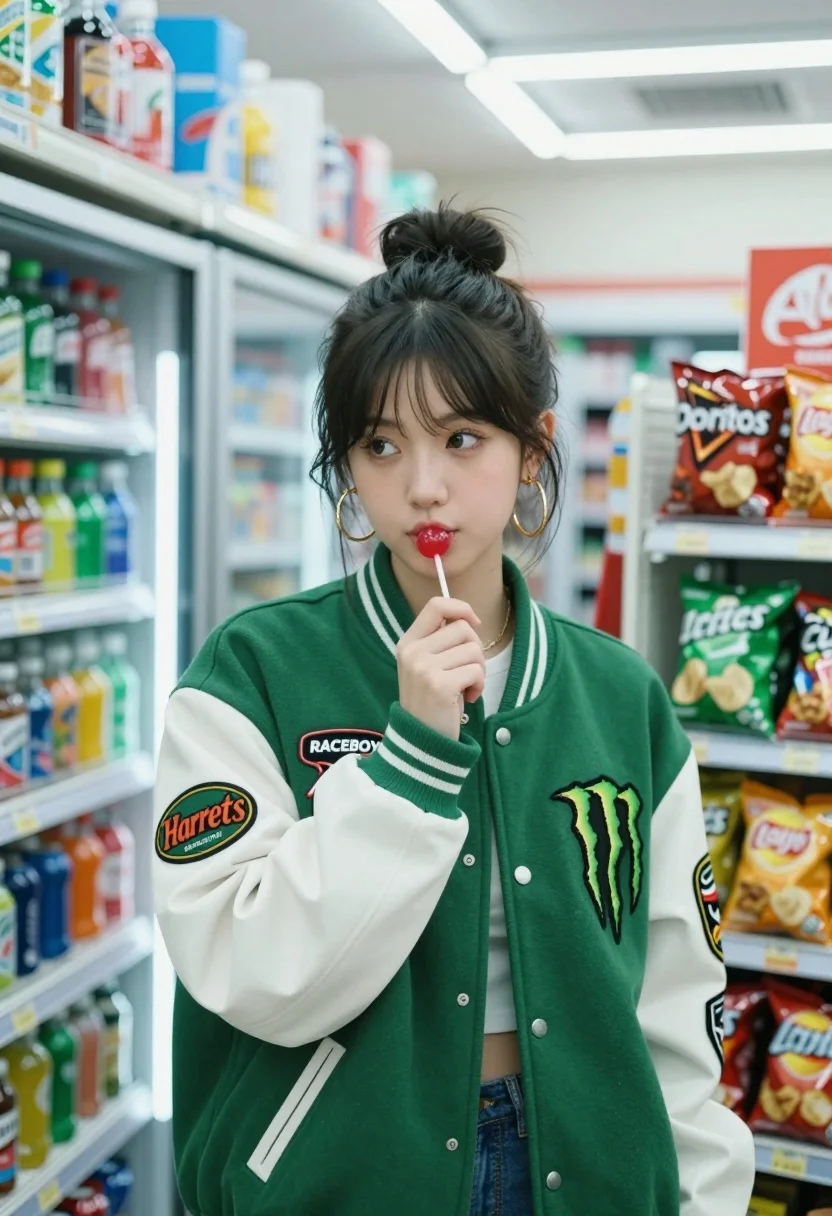
Young woman in varsity jacket holding lollipop inside brightly lit convenience store
Prompt
A young woman with dark hair tied in a messy bun stands inside a brightly lit convenience store aisle, holding a red lollipop to her lips.

Subject: A young woman with brown eyes and a relaxed expression, wearing large gold hoop earrings.

Clothing: She wears a green and white varsity-style jacket featuring multiple patches, including a Monster Energy logo, a "Harrets" patch, and the word "RACEBOY" on the shoulder.

Action: She holds a red lollipop in her right hand near her mouth while looking slightly to the side with a calm demeanor.

Environment: The background consists of refrigerated shelves stocked with colorful soda bottles and cans, alongside snack racks holding bags of chips like Doritos and Lay's.

Camera: A medium shot capturing the subject from the waist up with a shallow depth of field that blurs the background shelves slightly.

Lighting: Bright, cool-toned fluorescent lighting typical of a grocery store creates soft highlights on her face and jacket while casting gentle shadows.

Style Details: The image features a cinematic color palette with high contrast between the vibrant green jacket and the cool blue tones of the refrigerated display cases.
Description
This prompt is useful for creating editorial streetwear lookbooks, character portraits set in mundane locations, and advertising mockups for youth culture brands. The combination of 'brightly lit convenience store' setting with a 'cinematic color palette' ensures the vibrant green jacket pops against the cool blue tones of the refrigerated display cases, preventing the image from looking flat under harsh fluorescent light.
Suggestions
- Change 'Monster Energy logo' to a more subtle brand patch for broader appeal.
- Swap 'red lollipop' for a brightly colored candy wrapper to enhance the pop art feel.
- Adjust 'shallow depth of field' to 'medium depth of field' to keep more background detail visible.
Category
Tags
Brown HairBrunetteCasual WearFemaleIndoorsMedium ShotRealisticStreetwear
Date added
August 5, 2026
Added by
PromptDexter Team
Related Prompts
More prompts with similar categories and tags.
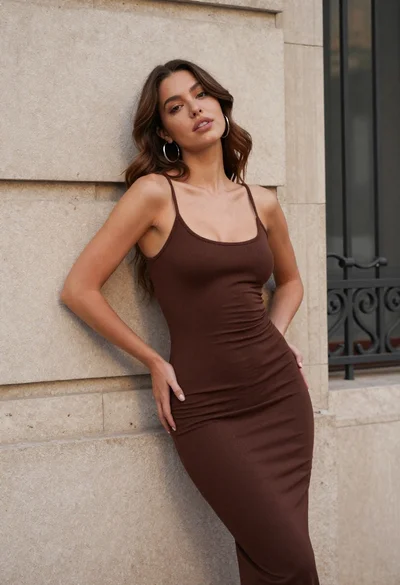
Young woman in brown dress leaning against beige stone wall

Smiling blonde woman in black leather outfit at an indoor evening event
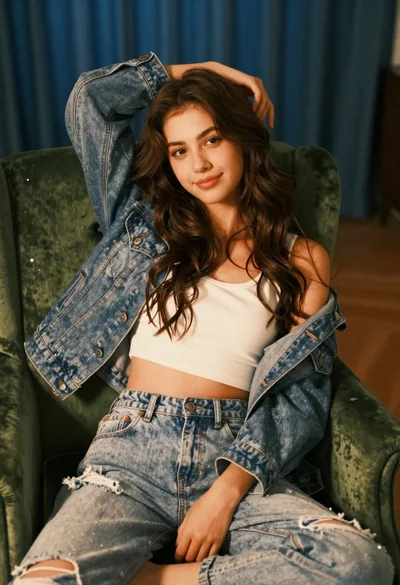
Young woman with brown hair sitting on green velvet chair indoors

Woman in dusty rose slip dress looking over shoulder against light blue

Blonde woman in black coat leaning against white wall by window

Young woman in black velvet dress looking over shoulder at event
Young woman walking down city sidewalk in brown leather jacket
Poised woman in black blazer seated against white brick wall backdrop

Blonde woman in black slip dress winking at table in upscale restaurant
Woman in white bathrobe standing in luxurious walkin closet full body shot