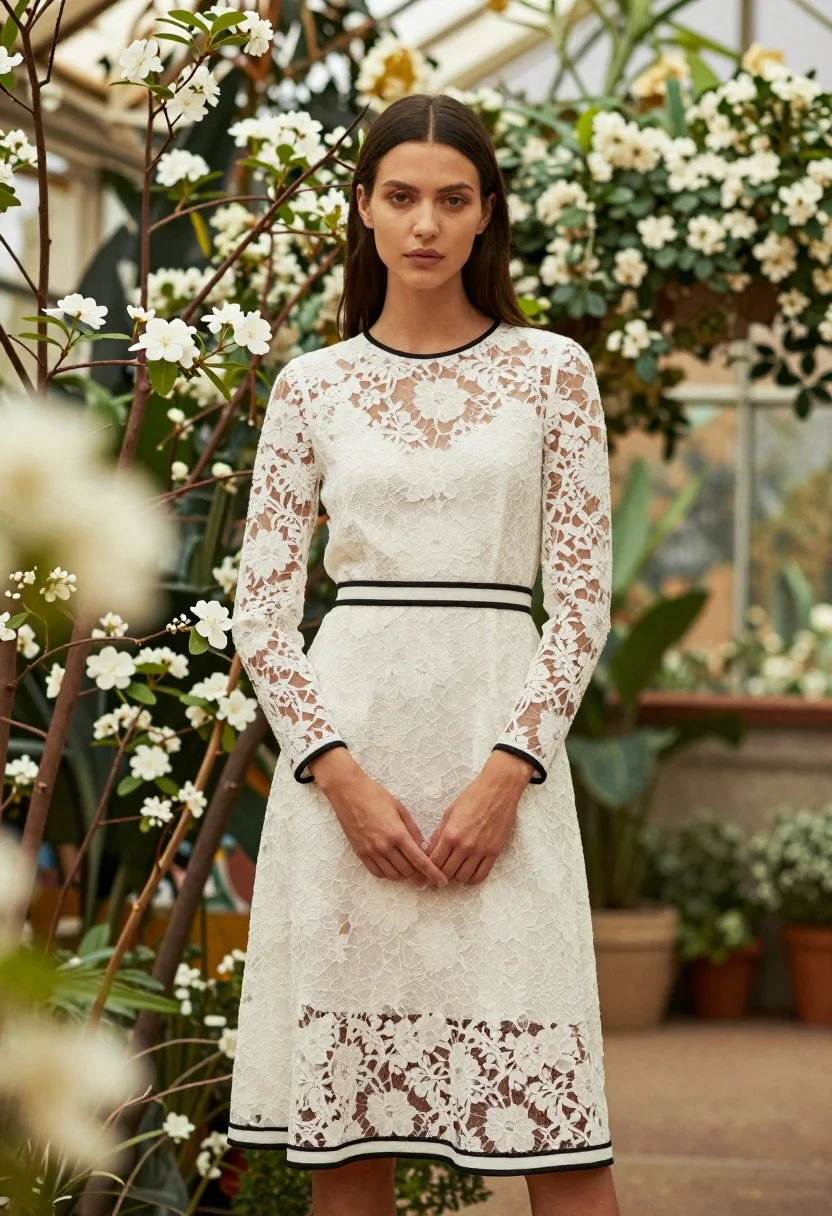
Young woman in white lace dress standing in lush floral garden setting
Prompt
A woman stands in a lush floral garden wearing an elegant white lace dress with black trim.

Subject: A young woman with dark hair parted in the center and styled straight down her back, featuring high cheekbones and a neutral facial expression.

Clothing: An intricate white lace midi dress with long sheer sleeves, detailed floral patterns, and distinct black piping outlining the neckline, waist, and hem.

Action: Standing upright with hands clasped gently in front of her waist, looking directly at the camera.

Environment: Surrounded by tall branches of white flowers and greenery, with a blurred background suggesting an indoor garden or conservatory setting.

Camera: Medium shot capturing the subject from head to mid-thigh, utilizing a shallow depth of field that blurs the foreground and background foliage.

Lighting: Soft, diffused natural light illuminating the scene evenly, creating gentle shadows and highlighting the texture of the lace fabric.

Style Details: High-fashion editorial photography with a romantic and sophisticated aesthetic, featuring warm color tones and a soft focus on the edges.
Description
This prompt is useful for creating high-end bridal lookbooks, romantic portraiture for wedding magazines, and delicate fashion editorials. The combination of 'soft, diffused natural light' and the 'shallow depth of field' ensures that the intricate details of the white lace dress remain visible while the surrounding greenery recedes into a pleasing blur, supporting the sophisticated aesthetic.
Suggestions
- Change 'white lace midi dress' to 'ivory Chantilly lace gown' for a more luxurious feel.
- Add 'bokeh effect' to the camera section for enhanced background separation.
- Swap 'warm color tones' for 'cool pastel tones' if you want a different mood.
Category
Tags
Black HairFemaleIndoorsMedium ShotNaturePortrait ShotRealistic
Date added
June 19, 2026
Added by
PromptDexter Team
Related Prompts
More prompts with similar categories and tags.
Young woman in grey sweater holding handbag in sunlit indoor corner

Young woman in black bodysuit standing in dimly lit dressing room

Woman in black mini dress seated on patterned sofa indoors

Woman seated in luxury car interior by city street

Poised woman in black gown posing indoors with dramatic low key lighting
Woman sitting in wooden armchair with black embroidered top indoors

Young woman with dark pigtails holding designer handbags indoors
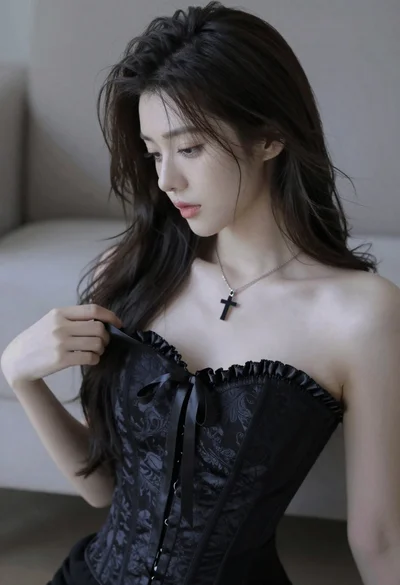
Medium close up portrait of young woman wearing black strapless corset

Glamorous blonde woman in black satin dress inside softly lit bedroom
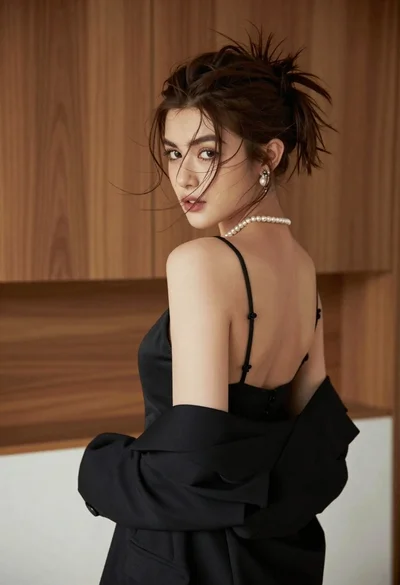
Young woman looking back over shoulder in black dress indoors