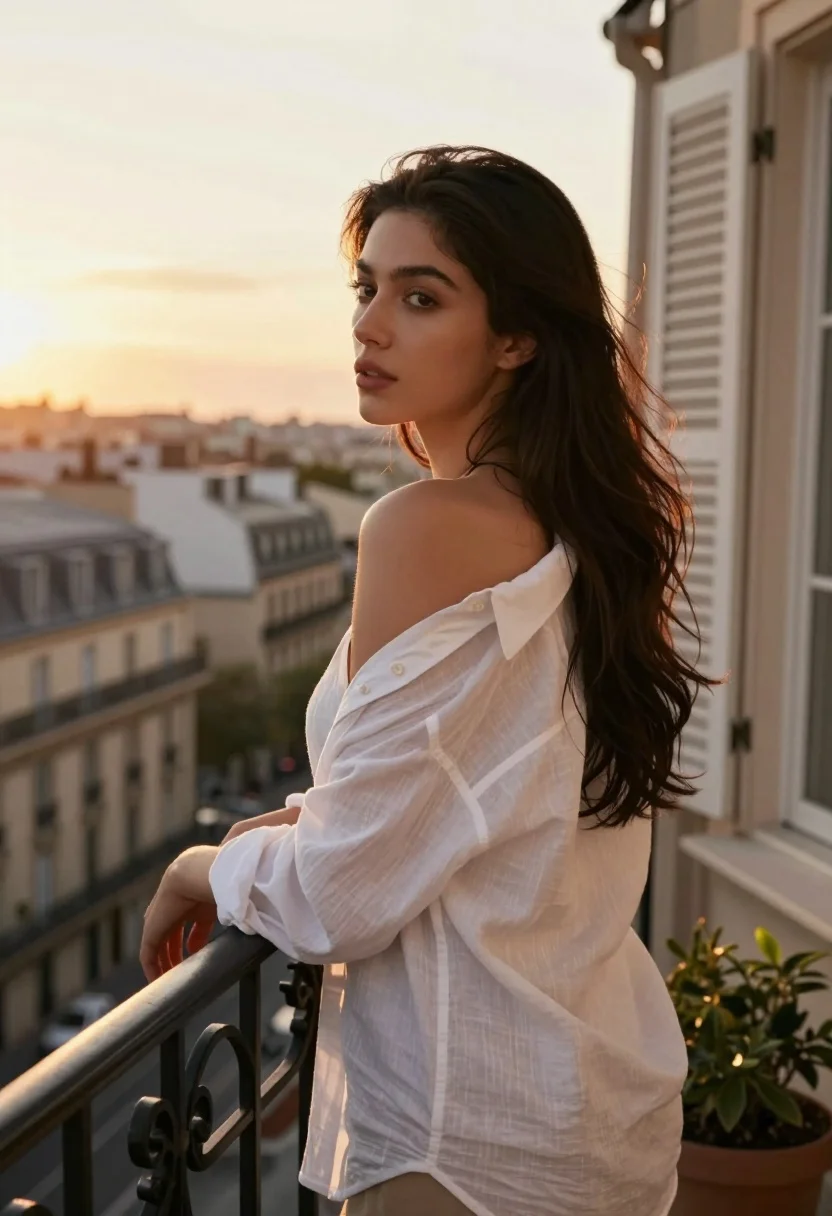
Young woman in white shirt on balcony overlooking european city skyline at
Prompt
A young woman with long dark hair stands on a balcony overlooking a city skyline at sunset.

Subject: A young woman with long, dark, wavy hair that cascades over her shoulders and back. She has a fair complexion and is looking away from the camera towards the left side of the frame. Her expression is calm and contemplative.

Clothing: She wears a loose-fitting, white button-down shirt made of a sheer, lightweight fabric like cotton or linen. The shirt is worn off one shoulder, exposing her collarbone and upper arm. The sleeves are rolled up to the elbows.

Action: She leans casually against a black wrought-iron railing with her left arm resting on it. Her body is angled slightly away from the camera while her head turns back towards the viewer.

Environment: The setting is an urban balcony with a view of classic European-style buildings and rooftops in the background. To the right, there is a white window frame with closed wooden shutters and a small potted plant on the ledge.

Camera: The shot is taken from a medium distance at eye level, utilizing a shallow depth of field that keeps the subject sharp while blurring the cityscape in the background.

Lighting: Warm, golden hour sunlight streams in from the left, backlighting the woman and creating a soft halo effect around her hair and shoulders. The light highlights the translucency of her shirt and casts gentle shadows on her face.

Style Details: The image features a cinematic aesthetic with a warm color palette dominated by golds and oranges. It has a soft focus and high-quality rendering that mimics professional portrait photography.
Description
This prompt is useful for creating editorial fashion moodboards, romantic travel narratives, and sophisticated lifestyle branding imagery. The combination of 'warm, golden hour sunlight' backlighting the subject creates a luminous halo effect around her hair and shoulders, which perfectly complements the soft focus needed to keep attention on the model while allowing the blurred cityscape background to suggest an aspirational European setting.
Suggestions
- Change 'white button-down shirt' to 'sheer silk blouse' for more dramatic light interaction.
- Add 'bokeh' to the camera section for a stronger separation from the background.
- Swap 'golden hour sunlight' for 'soft diffused daylight' if you want less intense rim lighting.
Category
Tags
BrunetteCasual WearFair SkinFemaleMedium ShotOutdoorsRealisticRooftopUrban
Date added
July 3, 2026
Added by
PromptDexter Team
Related Prompts
More prompts with similar categories and tags.

Glamorous woman on balcony overlooking city skyline at night
Blonde woman sitting on concrete steps outdoors near brick wall
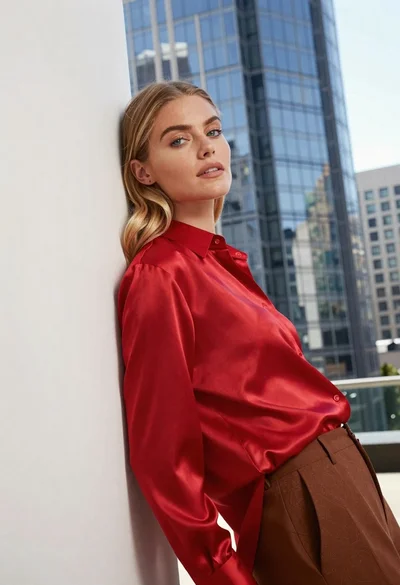
Blonde woman in red satin shirt leaning against white architecture

Fair blonde woman touching hair outdoors overlooking hazy cityscape
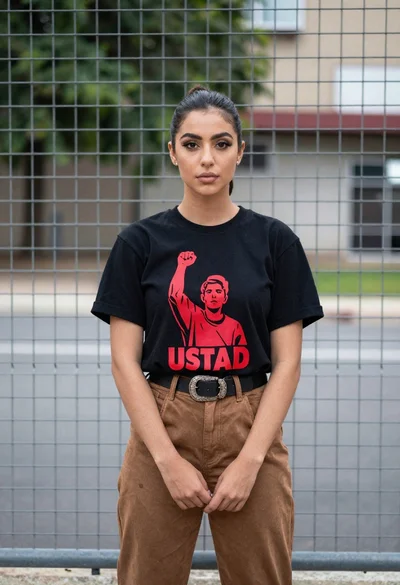
Young woman in black graphic tshirt by metal fence outdoors
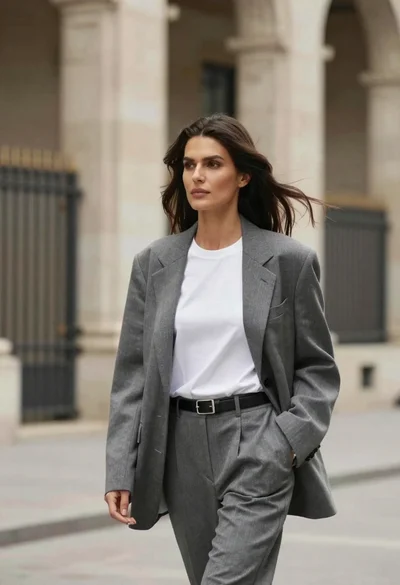
Woman in blazer walking through urban architecture with flowing dark hair
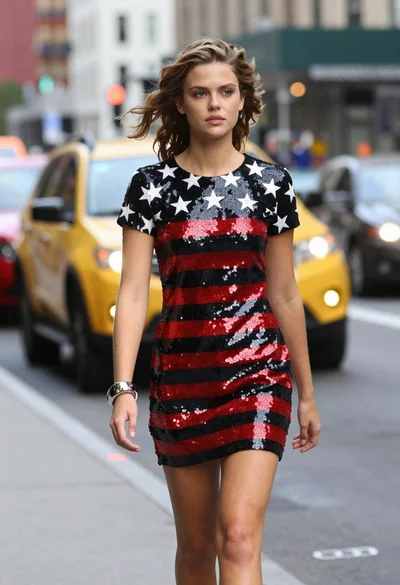
Young woman walking down city street in sequined striped mini dress
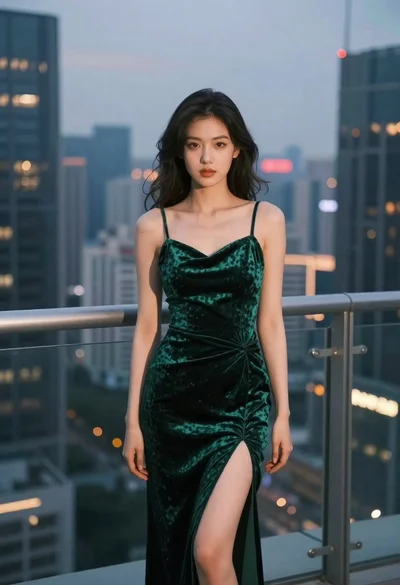
Woman on city balcony at dusk overlooking skyline
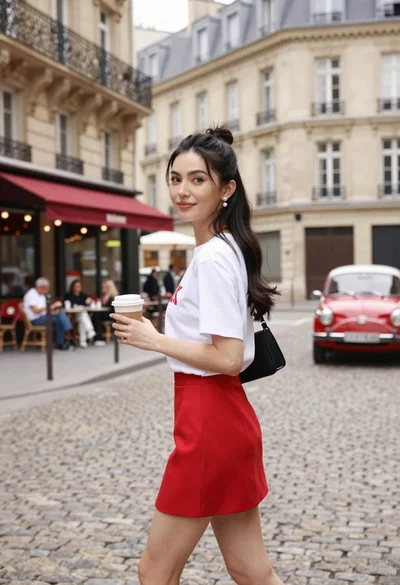
Stylish woman walking down cobblestone street in paris holding coffee

Young woman in black turtleneck looking over shoulder at street