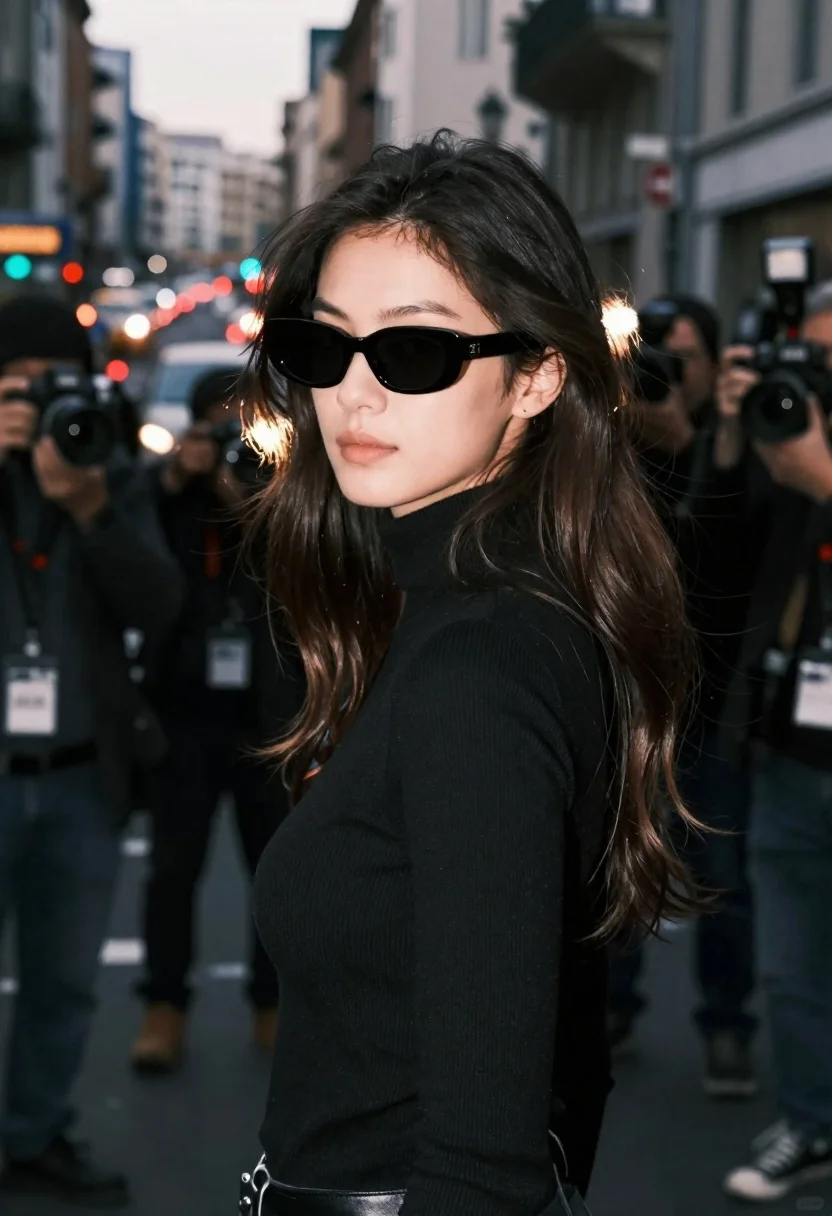
Young woman in black turtleneck looking over shoulder at street
Prompt
A woman with long dark hair wearing black sunglasses and a black turtleneck stands in the foreground looking over her shoulder.

Subject: A young woman with long, wavy dark brown hair that catches the light, fair skin, and a neutral expression while looking back over her left shoulder. She wears large, rectangular black sunglasses that obscure her eyes.

Clothing: She is dressed in a simple, tight-fitting black ribbed turtleneck sweater. A small stud earring is visible on her earlobe.

Action: The woman stands with her body angled slightly away from the camera but turns her head to look back over her shoulder. Her hair flows loosely around her shoulders and neck.

Environment: She is surrounded by a crowd of photographers in an urban street setting during twilight or early evening. The background features blurred city buildings, streetlights, and car taillights creating bokeh effects.

Camera: The shot is a medium close-up with a shallow depth of field that keeps the woman sharp while blurring the surrounding crowd and background. The angle is slightly low, looking up at her face.

Lighting: The scene is lit by ambient evening light mixed with bright flashes from camera strobes in the background, creating high contrast highlights on her hair and shoulders against a darker environment.

Style Details: The image has a cinematic, documentary photography aesthetic with a cool color temperature, soft focus in the background, and a sense of motion and paparazzi atmosphere.
Description
This prompt is useful for creating editorial street portraits, cinematic character studies, and moody fashion editorials capturing an 'in-the-moment' feel. The combination of 'ambient evening light mixed with bright flashes from camera strobes' establishes the high contrast necessary to make her hair shine against the dark setting, while the 'shallow depth of field' ensures the focus remains tightly on her expression despite the busy background.
Suggestions
- Swap 'dark brown hair' for 'raven black hair' for a more dramatic look.
- Change 'black turtleneck sweater' to 'leather collar turtleneck' for added texture.
- Adjust 'cool color temperature' to 'muted teal and orange' for a specific cinematic grade.
Category
Tags
Black HairBrown HairCasual WearDark SkinFair SkinFemaleLow AngleMedium ShotOutdoorsRealisticStreetUrban
Date added
June 23, 2026
Added by
PromptDexter Team
Related Prompts
More prompts with similar categories and tags.
Confident woman in red top and black leather pants on city street

Woman in black dress by window overlooking ocean at golden hour
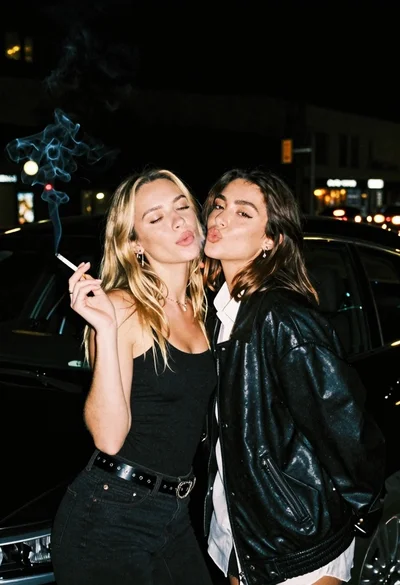
Two young women posing by a car at night

Stylish woman in white crop top in an urban alleyway setting
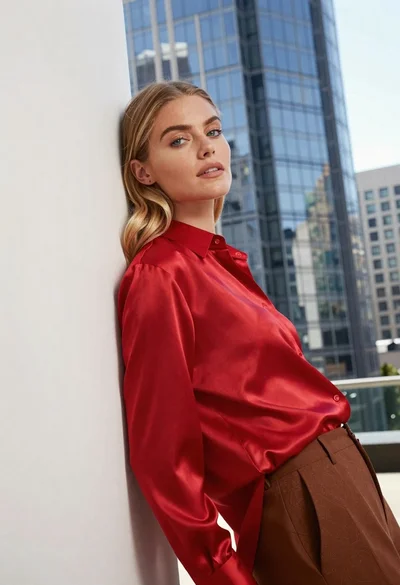
Blonde woman in red satin shirt leaning against white architecture
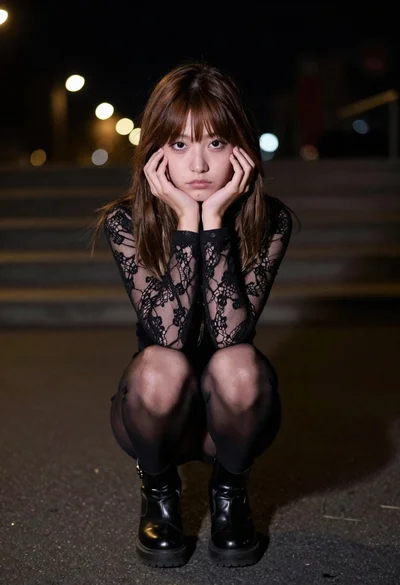
Moody portrait of young woman crouching on asphalt at night
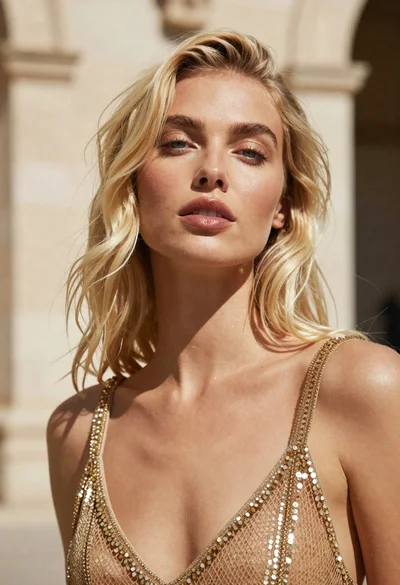
Close up portrait of blonde woman in gold beaded top against stone

Young woman leaning against white wall with beige handbag under bright sunlight