
Young woman looking over shoulder with nose ring near green foliage
Prompt
A portrait of a young woman with dark hair and a nose ring looking over her shoulder with a soft smile.

Subject: A young woman with long dark brown hair, defined eyebrows, and a small bindi on her forehead. She has a stud nose ring in her left nostril and is wearing large, dangling silver earrings with geometric shapes. Her skin tone is warm and glowing.

Clothing: She wears a sheer white dupatta draped over her shoulders, embellished with scattered silver sequins. Underneath, she wears a purple halter-neck blouse that is visible through the translucent fabric of the dupatta. A glimpse of a white bangle is visible on her left wrist.

Action: The woman is turned slightly away from the camera but looking back directly at the viewer with a gentle, engaging expression. Her head is tilted slightly to the side.

Environment: She stands in front of a window or glass door frame on the left side. The background is a bright, out-of-focus bokeh of green foliage and sunlight, suggesting an outdoor or semi-outdoor setting like a garden or patio.

Camera: A medium close-up shot with a shallow depth of field that blurs the background significantly to isolate the subject. The angle is slightly low, looking up at her face.

Lighting: Bright, natural daylight illuminates the scene from the right side, creating soft highlights on her hair and face while casting gentle shadows on the left side of her features. The lighting is high-key and airy.

Style Details: The image has a soft, cinematic portrait aesthetic with a warm color palette and a dreamy, slightly hazy atmosphere created by the bright backlighting.
Description
This prompt is useful for creating editorial portraiture featuring cultural elements, intimate lifestyle photography, and mood-setting album covers. The combination of 'soft smile' with the 'low angle' shot emphasizes a sense of gentle allure, while the 'bright, out-of-focus bokeh of green foliage' ensures the subject remains the focal point against a richly textured backdrop.
Suggestions
- Change 'purple halter-neck blouse' to 'deep emerald silk blouse' for richer color contrast.
- Swap 'silver sequins' for 'gold embroidery' to shift the metallic accent.
- Adjust 'bright, natural daylight' to 'golden hour sidelight' for warmer tones.
Category
Tags
Brown HairDark SkinFemaleLow AngleOutdoorsRealistic
Date added
June 19, 2026
Added by
PromptDexter Team
Related Prompts
More prompts with similar categories and tags.

Close up portrait of woman in swimsuit near blurred ocean water

Two smiling women holding purple drinks in front of glass windows

Young woman with dark hair at wooden table in open air setting

Young east asian woman by convenience store with mount fuji backdrop
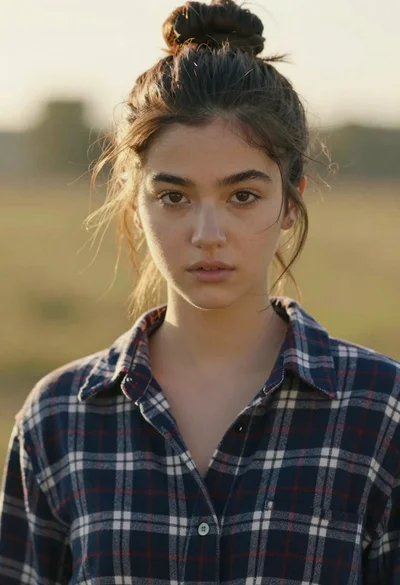
Portrait of woman in plaid shirt at golden hour
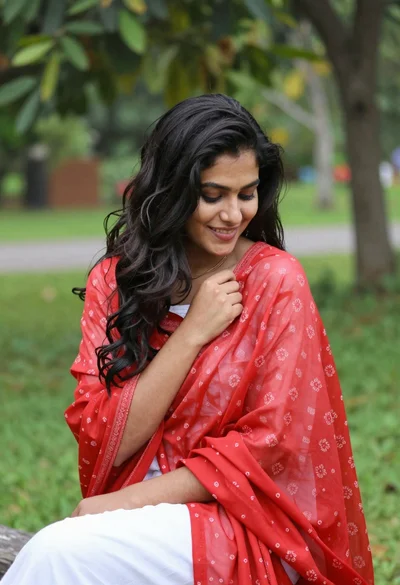
Young woman in white outfit holding red patterned shawl outdoors

Profile portrait of woman with dark hair on a soft beach
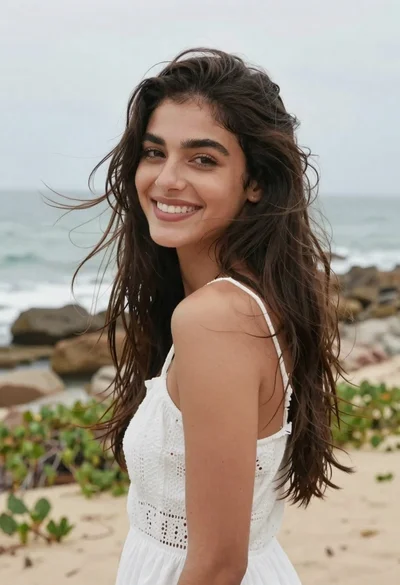
Smiling woman with dark hair looking back over shoulder at beach
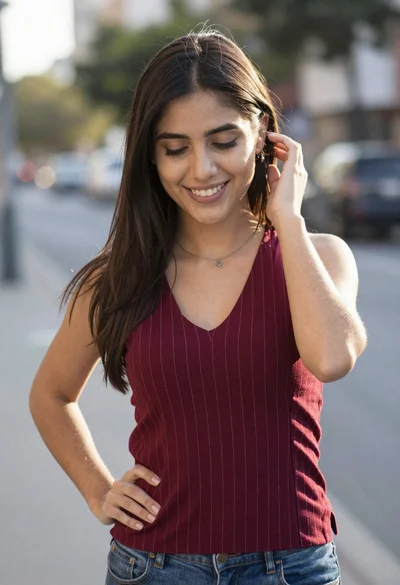
Smiling young woman in maroon top standing outdoors with blurred background

Young woman laughing while holding milkshake against grey concrete wall