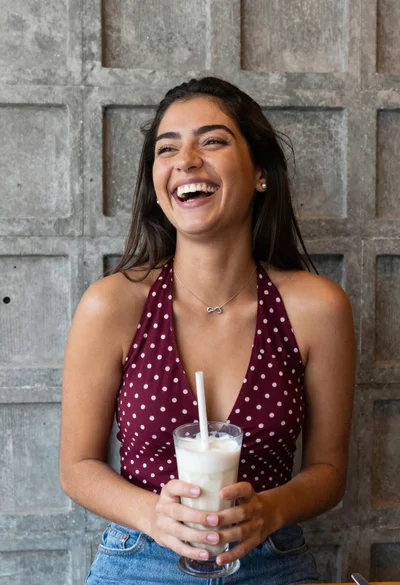
Smiling young woman in maroon top standing outdoors with blurred background
Prompt
A smiling woman with long dark hair stands outdoors in a casual pose.

Subject: A young woman with fair skin and long, straight dark brown hair that falls past her shoulders. She has defined eyebrows, subtle eye makeup, and a warm smile showing her teeth. Her eyes are cast downward in a relaxed expression.

Clothing: She wears a maroon or deep red sleeveless top featuring thin white vertical pinstripes and a V-neckline. A delicate silver necklace with a small pendant rests on her collarbone. The bottom of the top has a side slit revealing a hint of skin, and she appears to be wearing blue denim jeans.

Action: She stands in a relaxed pose with one hand resting gently on her hip and the other hand raised to touch her hair near her temple. Her body is angled slightly away from the camera while her face turns toward it.

Environment: The setting is outdoors during the day, likely in an urban or semi-urban area. The background is heavily blurred, showing indistinct shapes of trees and possibly a vehicle, creating a shallow depth of field that isolates the subject.

Camera: The shot is a medium close-up framed from the waist up, utilizing a soft-focus lens effect to blur the background significantly. The angle is slightly low, looking up at the subject.

Lighting: Natural sunlight illuminates the scene from the side and front, casting soft highlights on her hair and face while creating gentle shadows that define her features. The lighting feels warm and bright, suggesting late afternoon or early evening.

Style Details: The image has a candid, portrait photography style with a natural color palette and a focus on capturing a genuine moment.
Description
This prompt is useful for creating lifestyle portraits, casual fashion features, and personal blog content that requires subject isolation. The combination of 'soft-focus lens effect' and the 'heavily blurred background' ensures the viewer's attention remains solely on the subject's expression and the details of her 'maroon or deep red sleeveless top', preventing distracting environmental elements from competing with the portrait's narrative focus.
Suggestions
- Change 'maroon or deep red' to a specific jewel tone like 'emerald green'.
- Adjust 'blue denim jeans' to 'black coated pants' for a more cohesive look.
- Modify 'soft-focus lens effect' to 'bokeh background, 85mm lens' for greater control over the blur.
Category
Tags
Brown HairBrunetteCasual WearFair SkinFemaleLow AngleMedium ShotOutdoorsPortrait ShotRealistic
Date added
June 19, 2026
Added by
PromptDexter Team
Related Prompts
More prompts with similar categories and tags.

Young woman with dark hair at wooden table in open air setting
Young woman with brown hair sitting outdoors at night with tropical dress
Young east asian woman smiling with white flowers on sidewalk near flower
Young woman in white sheer dress sitting at cafe table outdoors
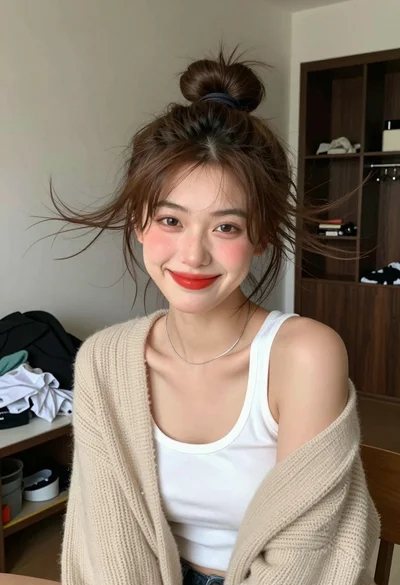
Young woman with brown hair in beige cardigan smiling indoors at camera

Photorealistic portrait of woman in red gold armor holding shield studio shot

Smiling young woman in white ruffled dress between green topiary bushes

Smiling woman in red dress sitting in white macrame hanging chair
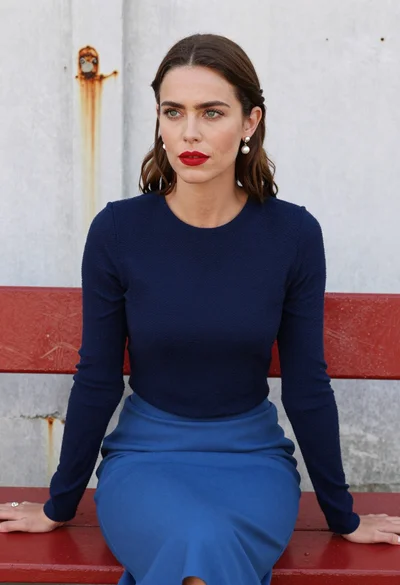
Woman with brown hair seated on red bench against weathered white wall
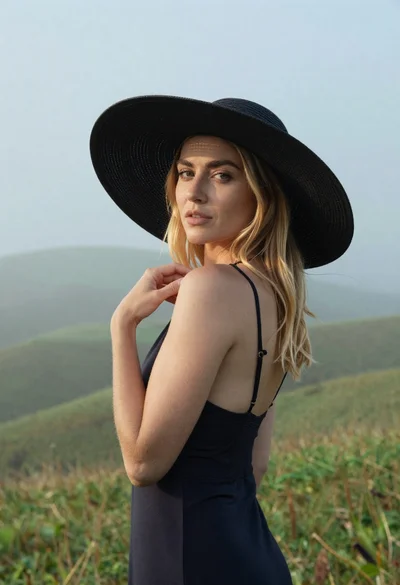
Blonde woman in black hat standing in misty green rolling hills