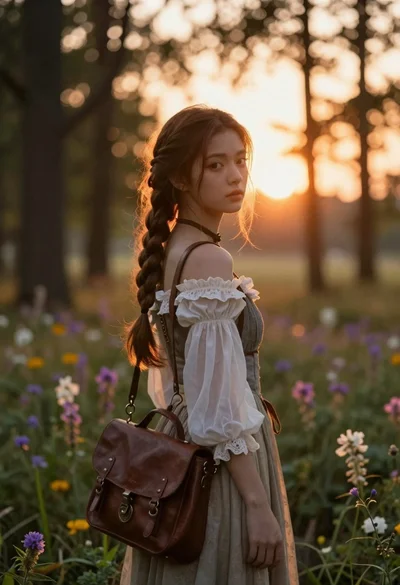
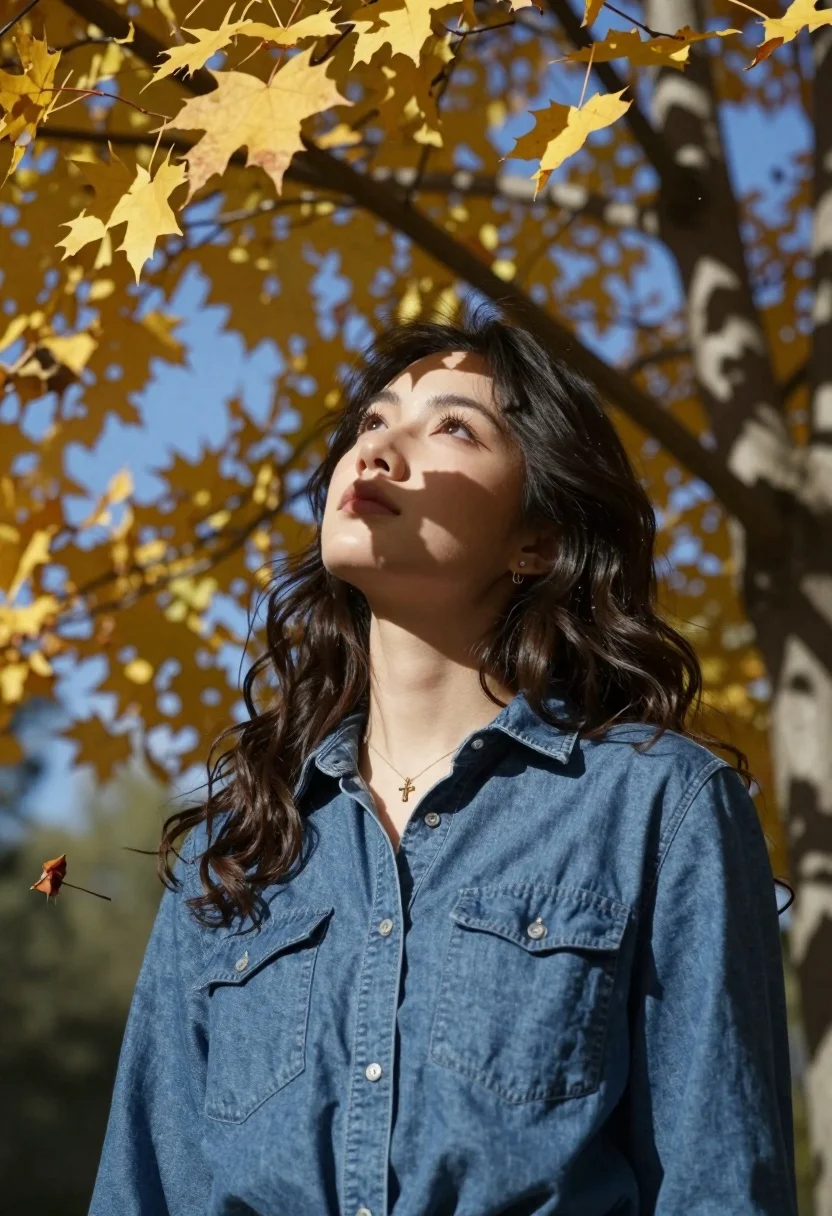
Young woman looking up through autumn leaves dappled sunlight forest setting
Prompt
A young woman with dark wavy hair stands in a sun-drenched autumn setting, looking upward with a serene expression as dappled shadows from tree branches fall across her face and denim shirt.

Subject: A young woman with long, dark brown wavy hair, fair skin, and a calm, contemplative expression gazing upwards towards the sky.

Clothing: She wears a blue denim button-up shirt with two chest pockets and silver buttons, accessorized with a delicate gold necklace featuring a small cross pendant and a small stud earring in her left ear.

Action: Her head is tilted slightly back as she looks up, her posture relaxed and still, capturing a moment of quiet reflection or admiration for the surroundings.

Environment: The background features large tree branches with yellowing autumn leaves against a clear blue sky, with several golden maple leaves falling through the air around her.

Lighting: Warm, directional sunlight filters through the trees, creating strong dappled shadows on her face and clothing while illuminating the falling leaves with a soft glow.

Camera: Shot from a low angle looking up at the subject, utilizing a shallow depth of field to blur the background branches and emphasize the woman's face and the falling leaves in the foreground.

Style Details: The image exhibits a cinematic quality with high contrast between light and shadow, rich autumnal color grading, and a soft focus that enhances the dreamy atmosphere.
Description
This prompt is useful for creating editorial portraiture emphasizing natural beauty, cinematic nature sequences, and contemplative lifestyle branding materials. The combination of 'low angle looking up at the subject' with 'dappled shadows' creates dramatic contrast that sculpts the face, while the 'shallow depth of field' ensures the viewer's focus remains tightly on her expression against the blurred backdrop.
Suggestions
- Change 'blue denim button-up shirt' to 'cream knit sweater' for a softer texture.
- Swap 'golden maple leaves' for 'crimson oak leaves' to deepen the autumn palette.
- Adjust 'low angle looking up at the subject' to 'eye level' if you want more direct engagement.
Category
Tags
Fair SkinFemaleForestLow AngleNatureOutdoorsRealistic
Date added
August 5, 2026
Added by
PromptDexter Team
Related Prompts
More prompts with similar categories and tags.
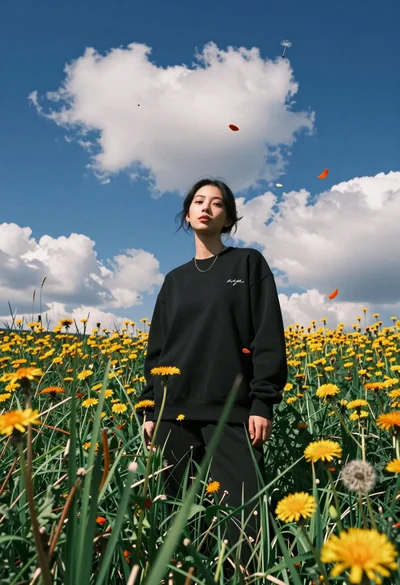
Young woman in black sweatshirt standing in sunlit meadow with wildflowers
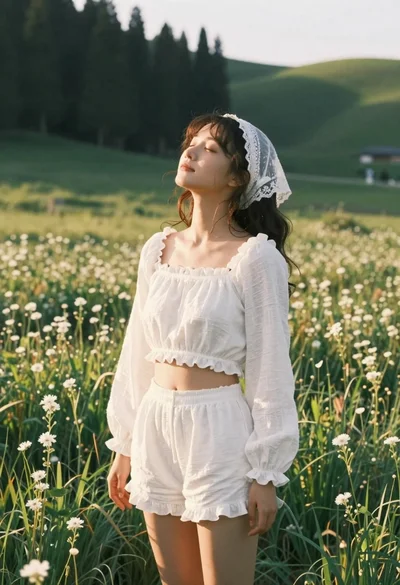
Young woman in white lace outfit standing in sunlit meadow

Young woman with short silver hair stands in snowy forest at twilight

Young man looking up under large tree with falling autumn leaves
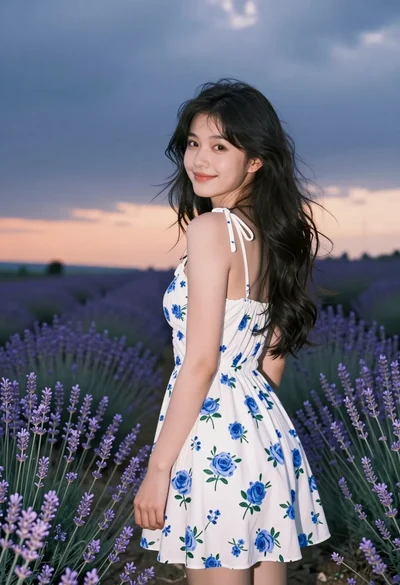
Young woman in white floral dress looking back over shoulder in lavender
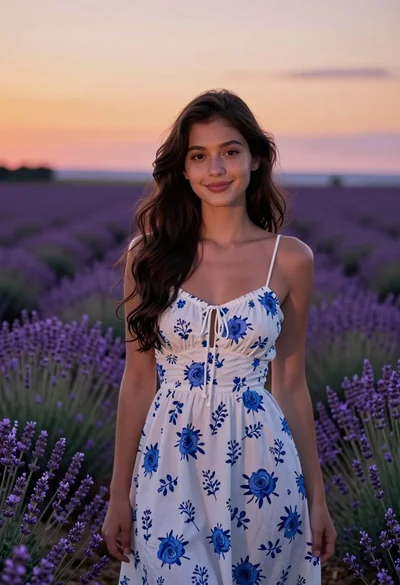
Young woman in white floral dress standing in lavender field at sunset
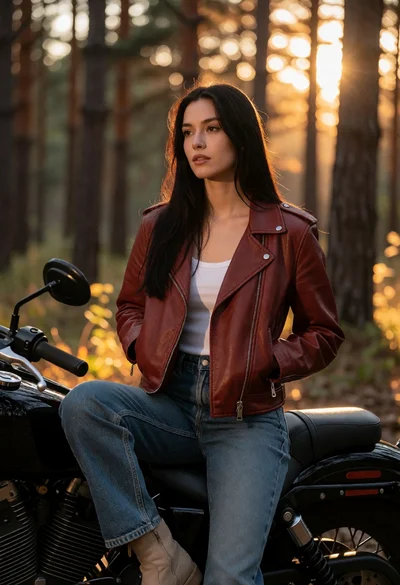
Young woman on black motorcycle in sundappled forest at golden hour
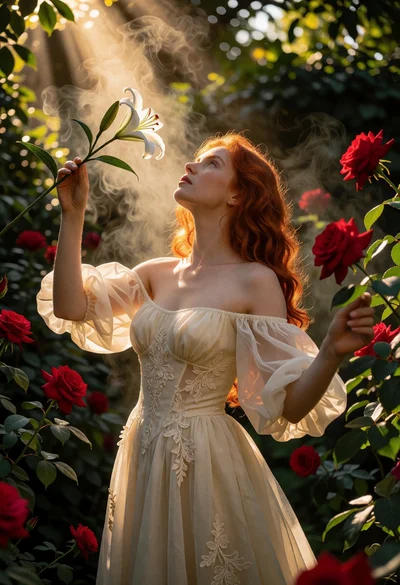
Woman with red hair holding white lily in lush garden under golden
Young woman in white dress touching tree bark within a lush forest
Young woman with dark hair standing in a dimly lit forest with