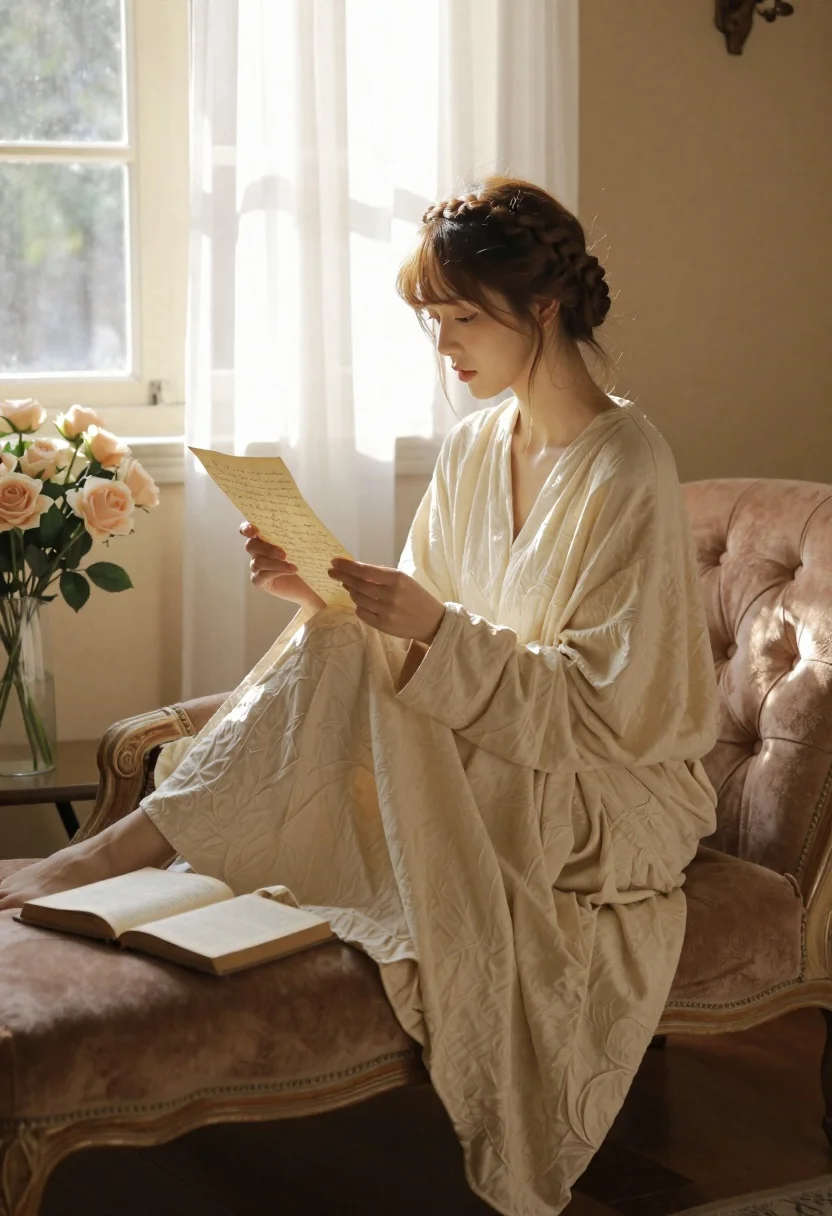
Young woman reading letter on chaise lounge by sunlit window
Prompt
A woman in a flowing cream robe sits on a vintage chaise lounge reading a handwritten letter by a sunlit window.

Subject: A young woman with fair skin and light brown hair styled in an intricate braided crown, featuring soft bangs framing her face.

Clothing: She wears a loose-fitting, long-sleeved cream-colored robe made of textured fabric that drapes elegantly over her legs and the furniture.

Action: She is seated comfortably on a pinkish-brown tufted chaise lounge, holding an open letter with both hands and gazing down at it with a calm expression.

Environment: The setting is a cozy room with warm beige walls and dark wooden floors, featuring a large window with sheer white curtains that billow gently in the breeze.

Objects: An open hardcover book rests on the chaise lounge near her feet, and a glass vase filled with pale pink roses and hydrangeas sits on a small table to the left.

Lighting: Soft, golden sunlight streams through the window from the right, casting gentle highlights on her face and creating a warm, serene atmosphere.

Camera: The shot is framed at eye level with a shallow depth of field that keeps the subject sharp while softly blurring the background elements.

Style Details: The image has a cinematic, painterly quality with rich textures and a muted, earthy color palette reminiscent of fine art photography.
Description
This prompt is useful for creating intimate portraiture, literary-themed editorial spreads, and soft lifestyle branding imagery. The combination of 'soft, golden sunlight' streaming through 'sheer white curtains' establishes a warm, serene atmosphere that complements the gentle action of reading, while the 'shallow depth of field' ensures the focus remains tightly on the subject's expression rather than distracting background details.
Suggestions
- Change 'pinkish-brown tufted chaise lounge' to 'velvet emerald chaise lounge' for a richer color contrast.
- Add 'Kodak Portra 400 film grain' to enhance the painterly quality.
- Swap 'pale pink roses and hydrangeas' for 'dried lavender stems' to shift the mood.
Category
Tags
Casual WearFair SkinFemaleIndoorsMedium ShotRealistic
Date added
June 19, 2026
Added by
PromptDexter Team
Related Prompts
More prompts with similar categories and tags.

Young blonde woman in brown top seated in modern living room setting
Woman with freckles sitting on brown leather sofa
Young woman with brown hair sitting on white sofa in bright modern
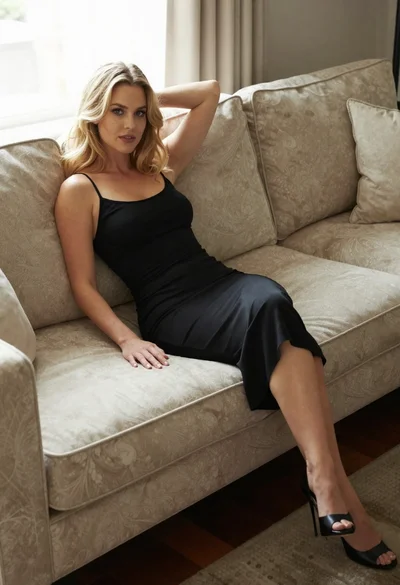
Blonde woman in black slip dress reclining on beige sofa indoors

Fair skinned woman in black sequined outfit sitting elegantly indoors
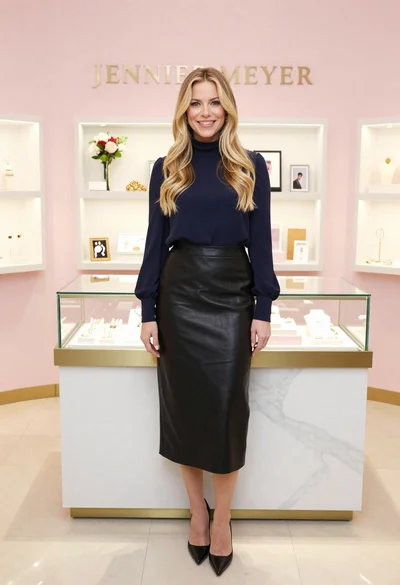
Smiling blonde woman in boutique wearing navy blouse and black skirt
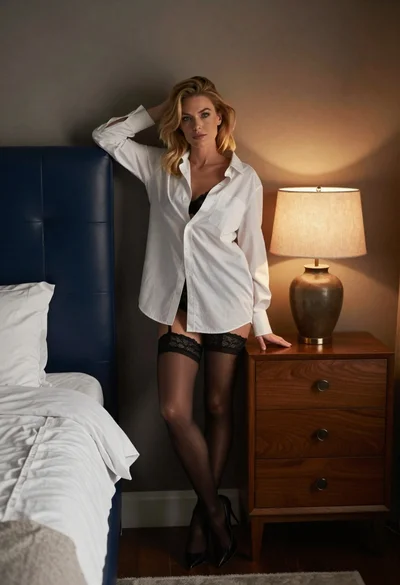
Blonde woman leaning on blue leather headboard in dimly lit bedroom
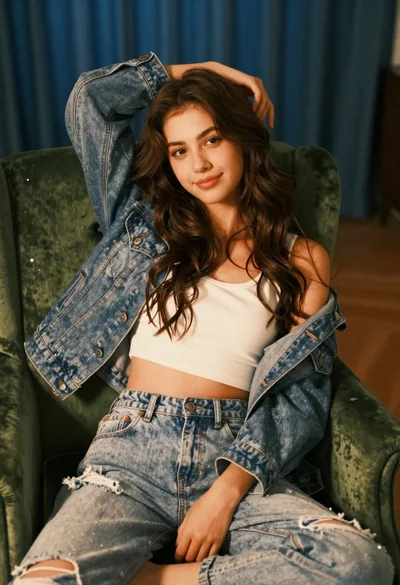
Young woman with brown hair sitting on green velvet chair indoors
Blonde woman in black dress seated indoors holding glass with soft light
Blonde woman in pink slip dress pouring tea in ornate dining room