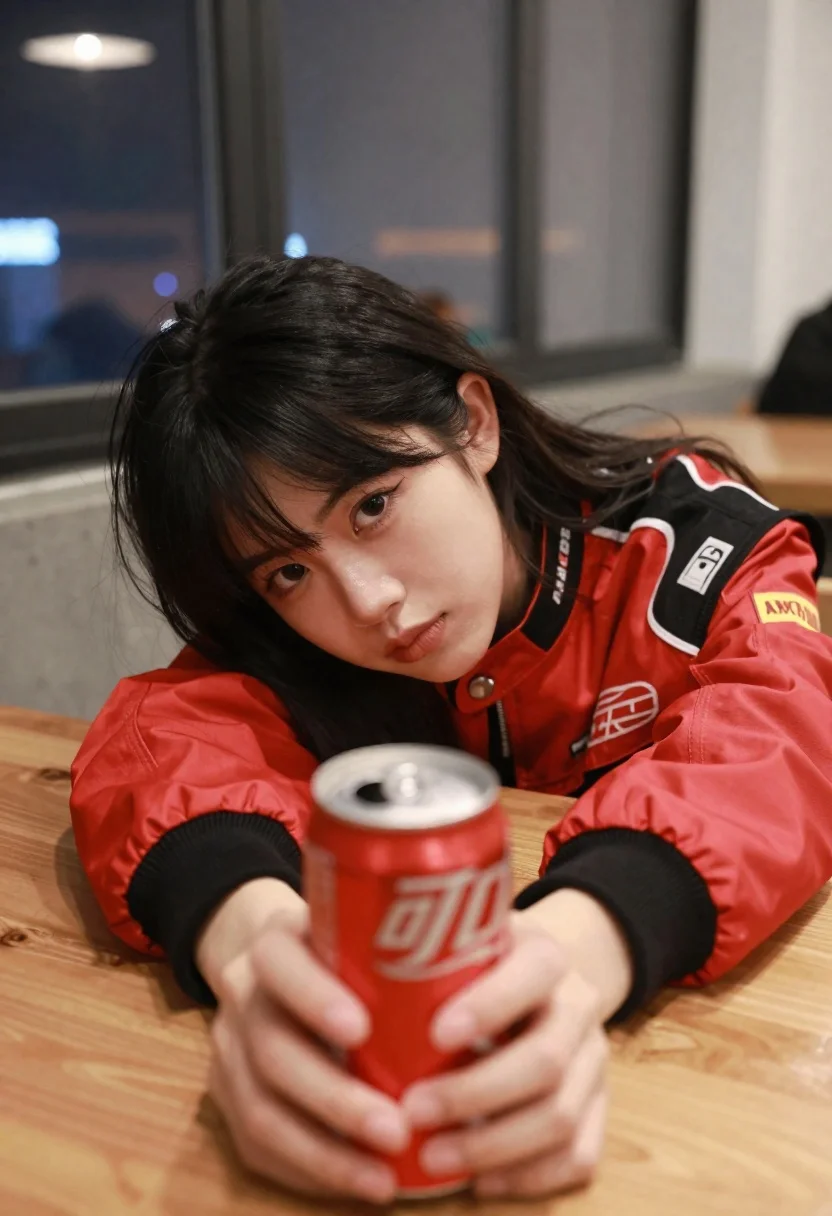
Young woman with black hair holding red soda can at low angle
Prompt
A young woman with dark hair rests her head on a wooden table while holding a red soda can in the foreground.

Subject: A young woman with long black hair and bangs, looking directly at the camera with a neutral expression.

Clothing: She wears a red racing-style jacket with black shoulders and white piping, featuring visible text logos including "MAGAREO" on the collar and a yellow patch on the sleeve.

Action: She is leaning forward with her left elbow on the table, resting her cheek against her arm, while her right hand holds a red beverage can close to the lens.

Environment: The setting appears to be an indoor dining area or restaurant at night, featuring a wooden table surface and large windows with blinds in the background showing blurred city lights outside.

Camera: The shot is taken from a low angle looking up slightly, utilizing a shallow depth of field that keeps the subject's face and the soda can sharp while blurring the background.

Lighting: The scene is lit by soft indoor artificial light, creating gentle highlights on her skin and the metallic surface of the can with minimal harsh shadows.

Style Details: The image has a candid, lifestyle photography aesthetic with natural color tones and a modern composition that emphasizes intimacy through the close-up framing.
Description
This prompt is useful for creating editorial street portraiture, beverage advertisement mockups, and intimate character studies set in urban environments. The combination of 'low angle looking up slightly' with a 'shallow depth of field' directs the viewer's focus intensely onto the subject's face and the foreground object, while the 'soft indoor artificial light' prevents harsh shadows that would distract from the vibrant red accents of the jacket and can.
Suggestions
- Change 'red racing-style jacket' to 'denim jacket with red accents' for a more casual feel.
- Swap 'wooden table surface' for 'chrome bar top' to change the material reflectivity.
- Adjust 'neutral expression' to 'slight smirk' to give her more attitude.
Category
Tags
Black HairCasual WearClose UpFemaleIndoorsLow AnglePortrait ShotRealistic
Date added
June 26, 2026
Added by
PromptDexter Team
Related Prompts
More prompts with similar categories and tags.
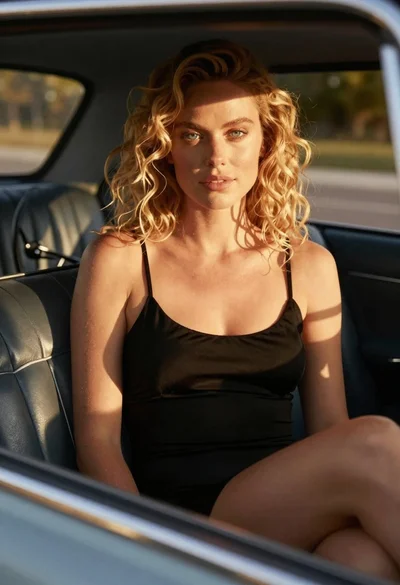
Close up of blonde woman in black dress inside vintage car

Young woman with dark hair smiling in upscale dimly lit restaurant setting
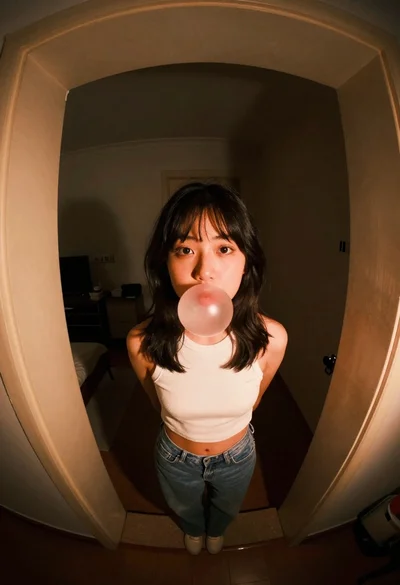
Young woman blowing bubblegum in arched doorway
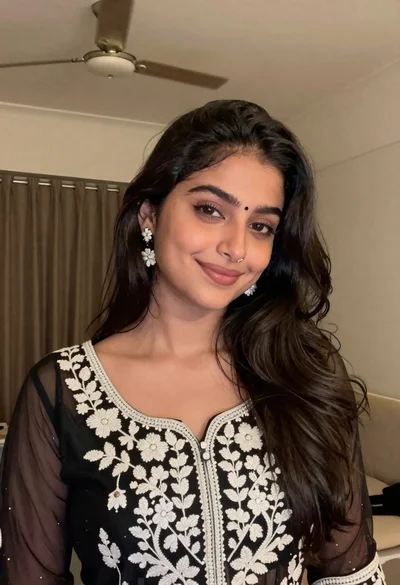
Young woman with dark wavy hair wearing embroidered top indoors portrait
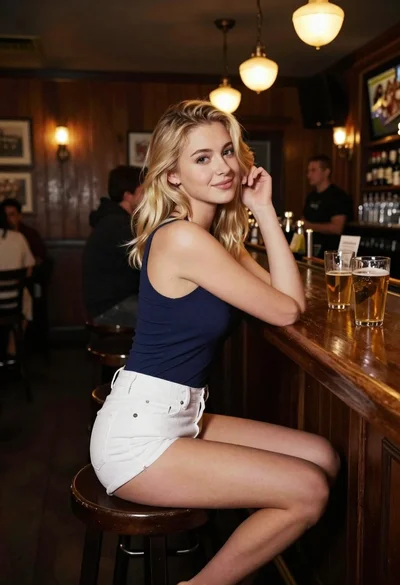
Blonde woman at a bar counter in dimly lit pub

Young woman with dark hair at wooden table in open air setting

Woman with black hair leaning indoors by glass railing in bright modern
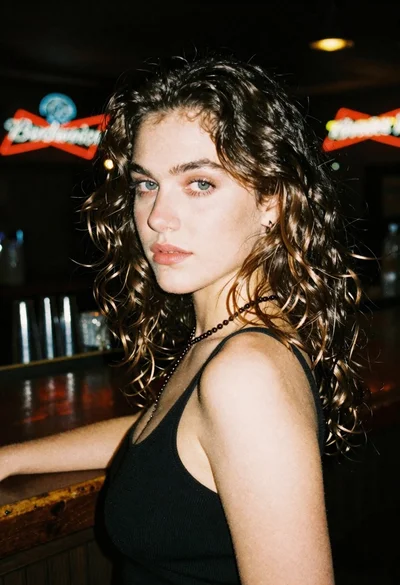
Woman with brown hair looking over shoulder in dim bar