
Young woman with dark hair smiling in upscale dimly lit restaurant setting
Prompt
A young woman with long dark hair and bangs smiles warmly at the camera in a dimly lit restaurant setting.

Subject: A young woman with long dark hair featuring straight bangs framing her face, fair skin, and a soft smile.

Clothing: She wears a black sleeveless top or dress with pink lace trim along the neckline, accessorized with a delicate gold necklace and a small pendant.

Action: She is seated at a table, looking directly into the camera lens with a relaxed expression.

Environment: The setting is an upscale restaurant interior with white tablecloths on nearby tables set with glassware and cutlery, large floor-to-ceiling windows revealing a blurred city skyline at night outside.

Camera: Shot from a slightly low angle close-up that emphasizes the subject's face and upper body against the window background.

Lighting: Warm ambient indoor lighting creates soft highlights on her skin and hair, contrasting with the cool blue tones of the city lights visible through the glass.

Style Details: The image has a candid, high-quality portrait aesthetic with a shallow depth of field that keeps the subject sharp while blurring the restaurant interior and background cityscape.
Description
This prompt is useful for creating intimate editorial portraits, sophisticated lifestyle advertising, and moody character studies. The combination of 'warm ambient indoor lighting' contrasting with the 'cool blue tones of the city lights' creates visual tension that draws focus to the subject's face, while the 'shallow depth of field' ensures the background elements—like the glassware—add context without distracting from her soft smile.
Suggestions
- Change 'black sleeveless top or dress' to 'velvet black top' for a richer texture.
- Swap 'gold necklace' for 'silver pendant' to shift the metallic accent.
- Adjust 'dimly lit restaurant setting' to 'bistro corner' for a slightly different atmosphere.
Category
Tags
Black HairCasual WearClose UpFair SkinFemaleIndoorsLow AngleRealistic
Date added
June 19, 2026
Added by
PromptDexter Team
Related Prompts
More prompts with similar categories and tags.
Young woman in black outfit sitting inside car looking at camera
Young woman with black hair in striped cardigan indoors natural lighting
Young woman with short black hair reclining on a beige sofa
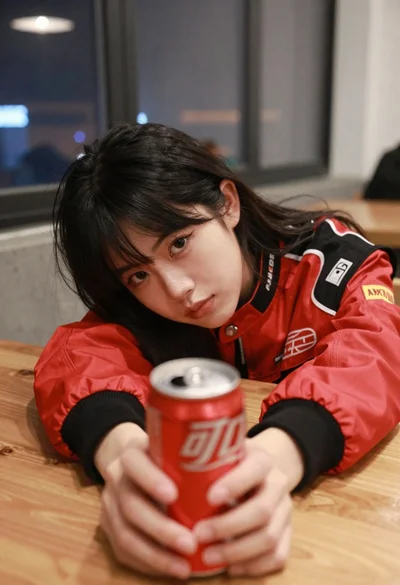
Young woman with black hair holding red soda can at low angle
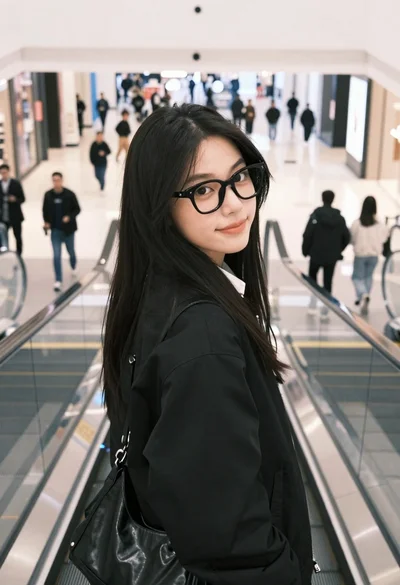
Young woman with black hair and glasses looking back over shoulder on

Young woman in floral dress seated indoors by a window with greenery

Blonde woman at a bar counter in dimly lit pub

Young woman with dark hair at wooden table in open air setting
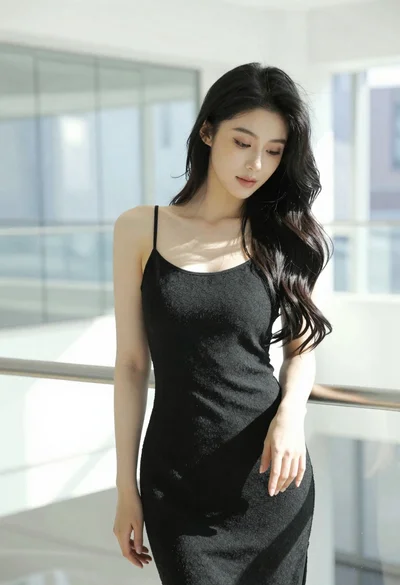
Woman with black hair leaning indoors by glass railing in bright modern
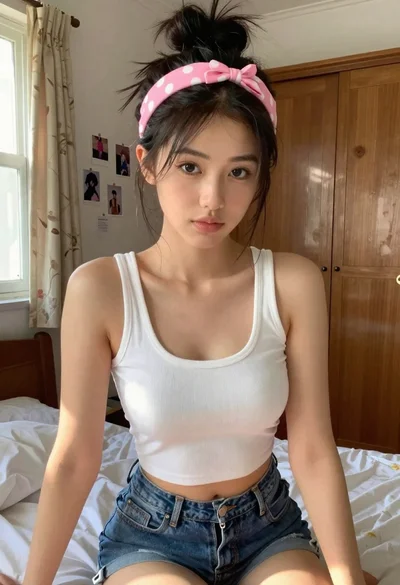
Young woman in white crop top sitting on bed by window light
