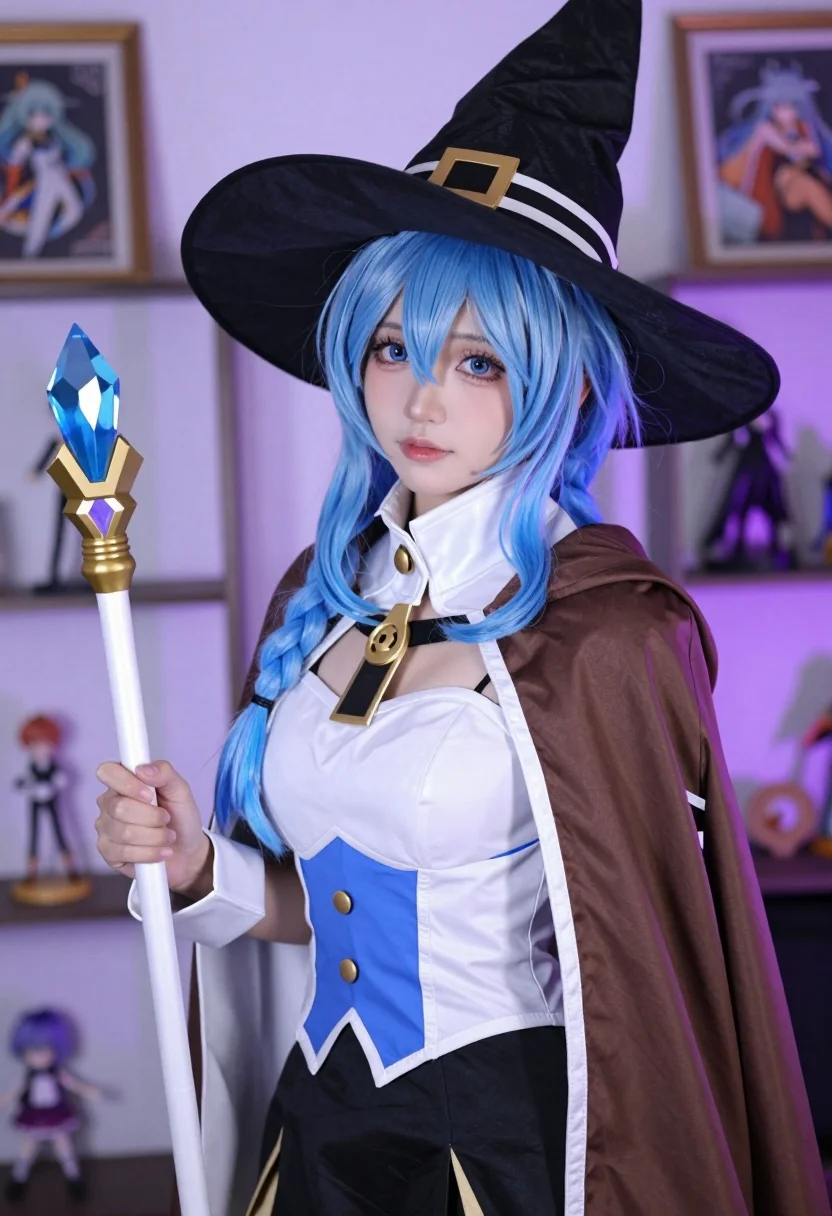
Young woman with blue braided hair holding staff in richly decorated indoor
Prompt
A young woman with long blue hair styled in a braid stands indoors holding a staff.

Subject: A young woman with vibrant blue hair and large expressive eyes wearing a black pointed witch hat with gold and white bands.

Clothing: She wears a brown cape with white trim, a white high-collared jacket with black piping and buttons, a low-cut blue top, and a black skirt.

Action: She holds a white staff topped with a blue crystal in her right hand while looking directly at the camera with a soft expression.

Environment: The setting is an indoor room with shelves displaying figurines and framed art in the background under purple ambient lighting.

Camera: Medium close-up shot with shallow depth of field blurring the background to focus on the subject.

Lighting: Soft frontal lighting illuminates her face and hair, complemented by cool purple tones from the background environment.

Style Details: High-quality cosplay photography with sharp focus, smooth skin texture, and vibrant color saturation.
Description
This prompt is useful for creating character concept art, detailed costume showcases, and narrative portraiture for fantasy media. The combination of 'soft frontal lighting' on the subject against a background bathed in 'purple ambient lighting' ensures the blue hair remains vibrant while preventing harsh shadows that would detract from the 'smooth skin texture' required for high-quality cosplay photography.
Suggestions
- Change 'blue crystal' to 'emerald crystal' for an alternative color pop.
- Add 'ornate gothic architecture' to the environment description.
- Swap 'black pointed witch hat' for 'velvet circlet' for a less costume-y feel.
Category
Tags
Cosplay CostumeFemaleIndoorsPortrait ShotRealistic
Date added
July 12, 2026
Added by
PromptDexter Team
Related Prompts
More prompts with similar categories and tags.
Young woman in ornate black and gold lehenga choli indoors portrait

Young woman in white lace dress seated against soft floral backdrop
Confident woman with dark wavy hair in white lace bodysuit indoors

Young woman seated on grey sofa against pink wall fashion portrait
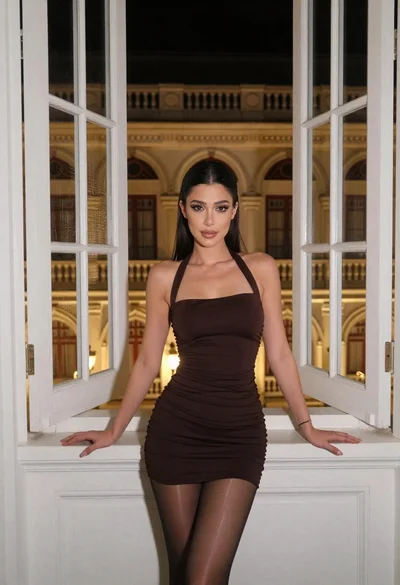
Woman in dark mini dress leaning on window sill at night

Smiling woman in floral kurta dress indoors with sheer dupatta drape

Blonde woman in striped swimsuit seated on sofa indoors studio shot
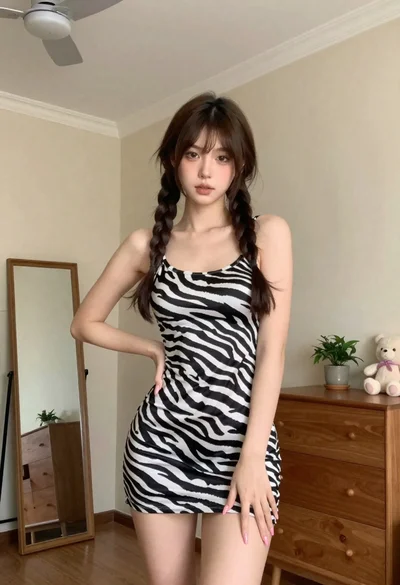
Young woman in zebra print dress indoors near wooden dresser
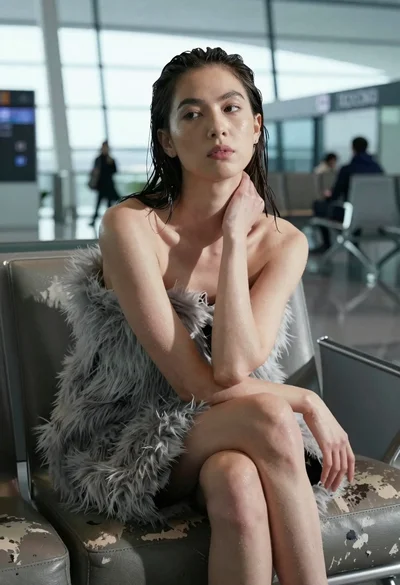
Woman with wet dark hair on leather sofa in modern lounge setting
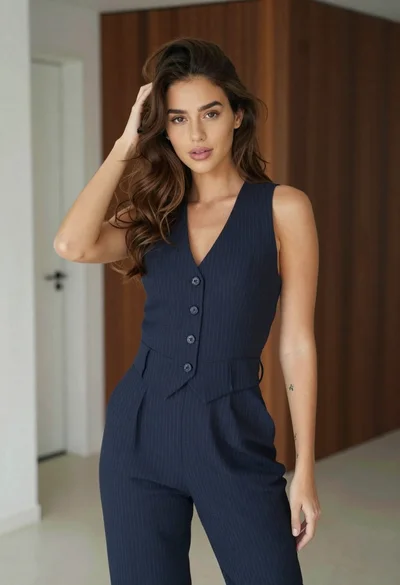
Young woman in navy jumpsuit posing indoors with soft expression