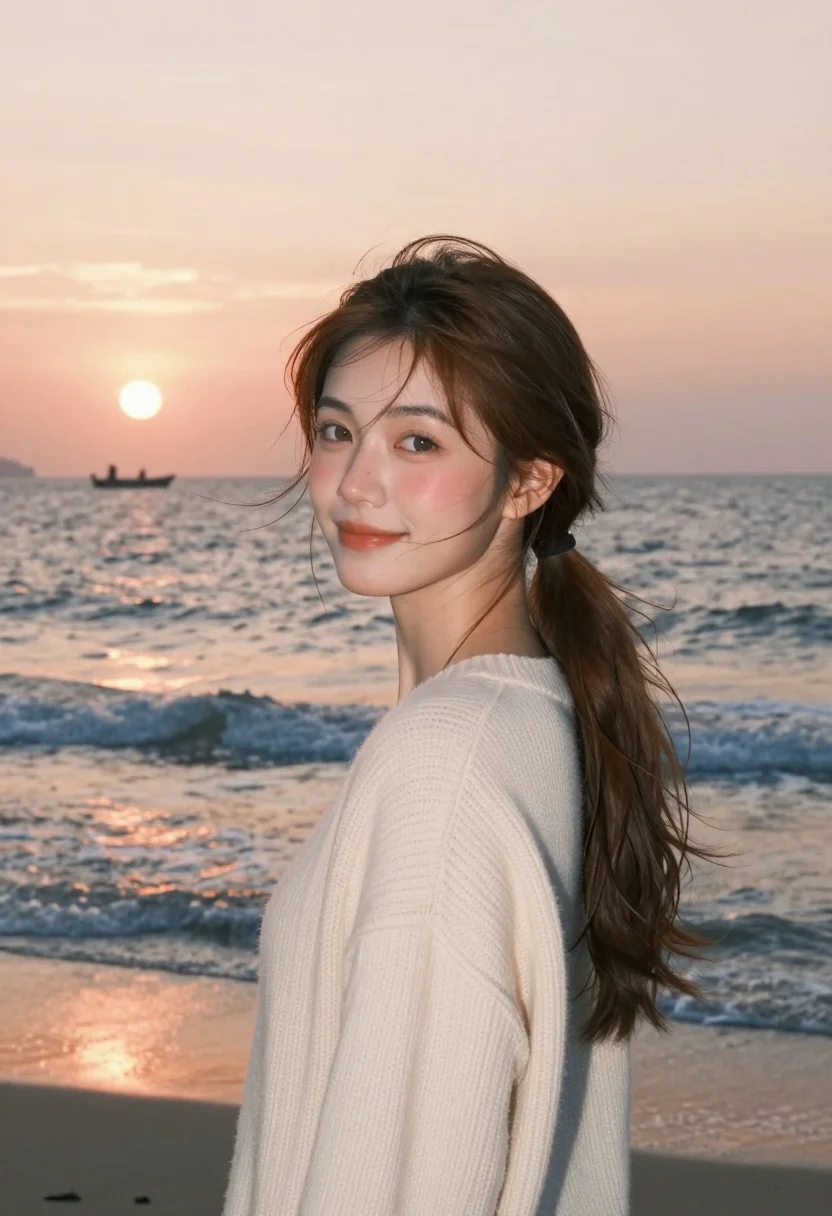
Young woman with brown hair in cream sweater on beach at sunset
Prompt
A young woman with brown hair in a ponytail stands on a beach during sunset.

Subject: A young woman with fair skin and hazel eyes looking over her shoulder at the camera. Her long brown hair is tied back in a low ponytail, with loose strands blowing gently across her face and neck. She has a soft, natural smile and rosy cheeks.

Clothing: She wears a thick, cream-colored knit sweater with a visible ribbed texture on the shoulders and sleeves.

Action: She stands in a three-quarter profile pose, turning her head to look back towards the viewer while facing away from the camera. Her expression is calm and serene.

Environment: The setting is a beach at sunset. Behind her is a vast ocean with gentle waves reflecting the warm colors of the sky. In the distance, a small boat floats on the water near the horizon line.

Lighting: The scene is lit by the soft, golden glow of a setting sun low on the horizon to the left. The light creates a warm, dreamy atmosphere and casts a gentle sheen on her skin.

Camera: A medium close-up shot with a shallow depth of field that keeps the woman in sharp focus while blurring the ocean background slightly.

Style Details: High-resolution photography with a cinematic color palette featuring warm oranges, pinks, and soft blues. The image has a smooth, polished aesthetic with natural skin textures.
Description
This prompt is useful for creating editorial travel features, romantic portrait galleries, and lifestyle branding materials that evoke nostalgia. The combination of 'soft, golden glow' lighting and the 'shallow depth of field' ensures the subject remains sharply defined against a softly blurred background, which directs the viewer's eye to her serene expression while maintaining the warm color palette suitable for evocative storytelling.
Suggestions
- Change 'cream-colored knit sweater' to 'chunky cable-knit sweater' for more visible texture.
- Swap 'golden glow' for 'rim lighting' to emphasize hair separation.
- Adjust 'medium close-up shot' to 'full body shot' to incorporate the environment more fully.
Category
Tags
BeachBrown HairBrunetteCasual WearFair SkinFemaleMedium ShotOutdoorsRealistic
Date added
August 5, 2026
Added by
PromptDexter Team
Related Prompts
More prompts with similar categories and tags.
Young woman in maroon gown on beach looking back at sunset golden
Young woman in blue floral sundress by seaside promenade with ocean view

Blonde woman in black top on balcony overlooking beige stone street
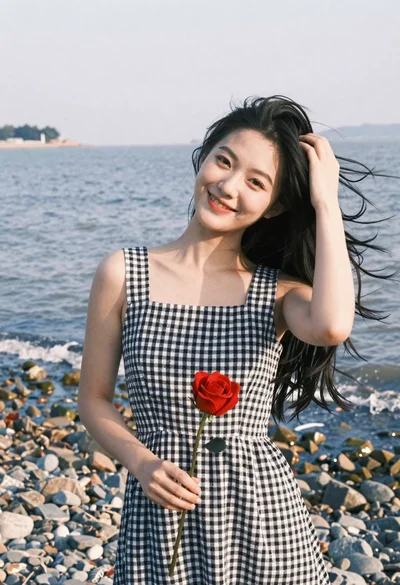
Smiling young woman in gingham dress holding red rose on pebbly beach
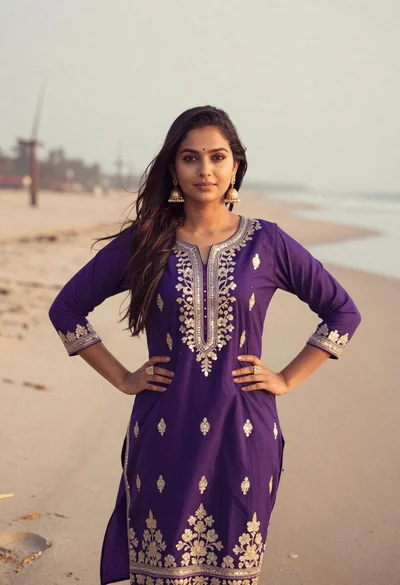
Young woman in purple embroidered dress standing on sandy beach
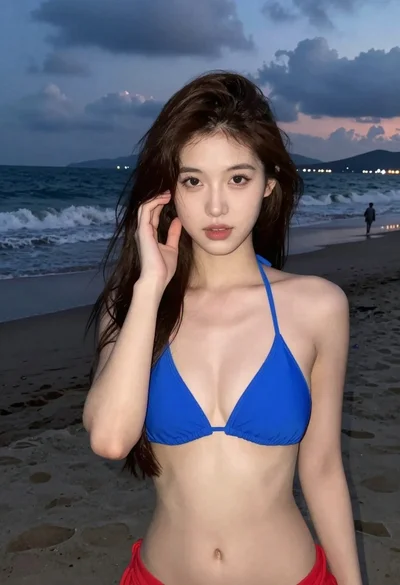
Young woman in blue bikini on beach at dusk near city lights

Fair blonde woman sitting on sandy beach looking at camera
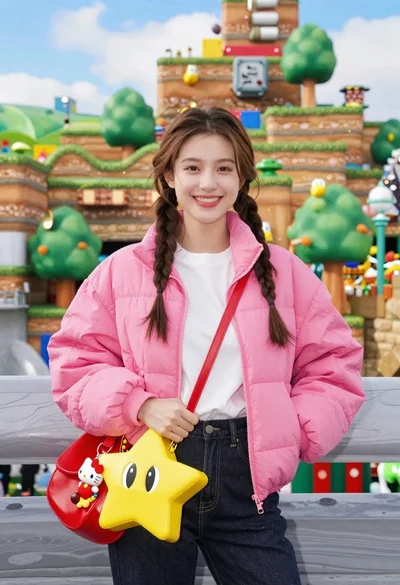
Smiling young woman in pink puffer jacket at a mario theme park
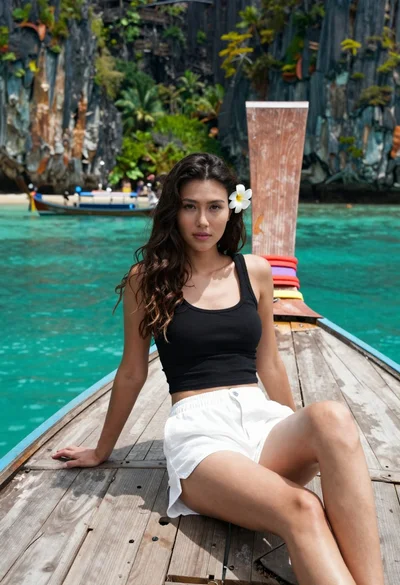
Young woman with long dark hair sitting on a traditional boat
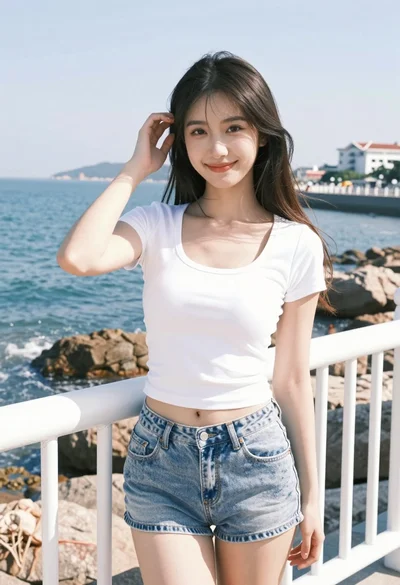
Young woman smiling on seaside pier with ocean view and white railing