
Young woman with dark hair at wooden table in cozy restaurant setting
Prompt
A young woman with long dark hair and bangs sits at a wooden table in a cozy restaurant, holding a large glass mug of lemonade to her lips while looking sideways at the camera.

Subject: A young woman with long black hair and straight bangs.

Clothing: She wears a white ribbed long-sleeved top that is slightly off the shoulder on one side.

Action: She holds a large glass mug filled with liquid and lemon slices up to her mouth, leaning forward slightly.

Environment: The setting is a warm-toned restaurant interior featuring wooden walls, a tall green snake plant in the background, and posters on the wall including one with Japanese text and another showing a smiling woman.

Objects: On the table there is a bowl of rice with a spoon, a small cup of tea, a dark bottle of sake, and a black handbag resting against the chair back.

Lighting: The scene is lit by warm ambient light that creates soft shadows and highlights the texture of her clothing and the glass.

Camera: The shot is taken from a close-up side angle with a shallow depth of field that keeps the subject sharp while blurring the background elements.

Style Details: The image has a candid, lifestyle photography aesthetic with natural color grading and a relaxed atmosphere.
Description
This prompt is useful for creating intimate cafe portraiture, editorial lifestyle features, and mood boards capturing quiet moments of leisure. The combination of 'warm ambient light' and the 'shallow depth of field' ensures that while the subject remains sharp, the background elements like the wooden walls and plant are softly blurred, preventing visual competition with her action of holding the mug to her lips.
Suggestions
- Change 'large glass mug' to 'small ceramic cup' for a more delicate feel.
- Swap 'green snake plant' for 'potted orchid' to adjust the color palette.
- Adjust 'close-up side angle' to 'over-the-shoulder shot' to incorporate more of the table objects.
Category
Tags
Black HairCafeClose UpFemaleIndoorsRealistic
Date added
June 19, 2026
Added by
PromptDexter Team
Related Prompts
More prompts with similar categories and tags.

Close up portrait of young woman with brown braid indoors
Woman taking mirror selfie in black bathrobe on peach sofa
Young woman with dark wavy hair wearing embroidered top indoors portrait
Young woman taking mirror selfie in white sports bra indoors

Young blonde woman in black lace camisole holding red rose indoors
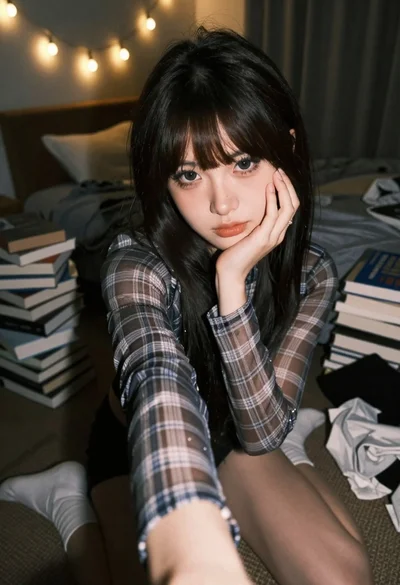
Young woman selfie in dimly lit messy bedroom

Close up portrait of blonde woman in black top inside luxury car

Young woman taking a selfie seated in a car interior during daylight

Close up of young woman lying down in dimly lit bedroom

Young woman taking a selfie in grocery aisle with pink smoothie