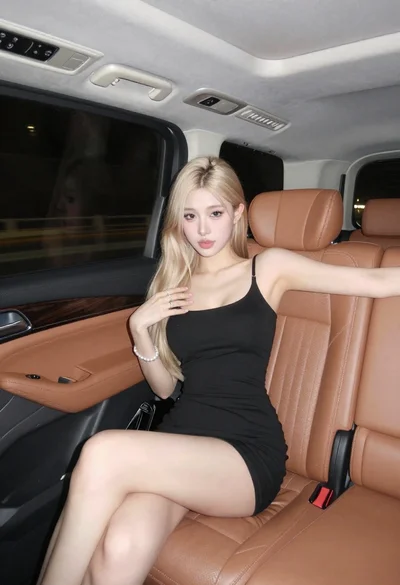

Close up portrait of blonde woman in black top inside luxury car
Prompt
A young woman with blonde hair pulled back by a black headband sits inside a dark vehicle, looking directly at the camera with a neutral expression.

Subject: A fair-skinned woman with blonde hair tied back in a ponytail and wearing a black headband. She has light-colored eyes and is seated in the passenger seat of a car.

Clothing: She wears a tight-fitting black long-sleeved top featuring a large keyhole cutout at the chest and a white logo band around the neck that reads "miu miu". A grey seatbelt crosses her torso diagonally.

Action: She is seated with her body angled slightly to the right, looking forward with a calm, unsmiling expression. Her hands are resting in her lap.

Environment: The interior of a luxury car at night, characterized by dark shadows and dim ambient lighting. A leather seat with white stitching is visible next to her.

Camera: Close-up shot taken from inside the vehicle, capturing the subject from the waist up with a shallow depth of field that blurs the background.

Lighting: Low-key lighting typical of a nighttime interior, creating soft highlights on her face and skin while leaving the car's interior in deep shadow.

Style Details: High-resolution portrait photography with a focus on fashion details and realistic skin texture.
Description
This prompt is useful for creating editorial automotive lifestyle shots, high-end commercial beauty campaigns, and moody character portraits. The combination of 'low-key lighting' and the 'leather seat with white stitching' grounds the portrait in a specific luxury setting while the 'shallow depth of field' ensures that the viewer's focus remains sharply on the subject's face and the visible fashion details.
Suggestions
- Change 'black headband' to 'gold headband' for a warmer accent.
- Swap 'tight-fitting black long-sleeved top' for 'silk black blouse' to alter the material sheen.
- Adjust 'dim ambient lighting' to 'neon glow from streetlights' for more color variation.
Category
Tags
Black HairBlondeCasual WearClose UpFair SkinFemaleIndoorsMedium ShotPortrait ShotRealisticVehicle
Date added
June 19, 2026
Added by
PromptDexter Team
Related Prompts
More prompts with similar categories and tags.
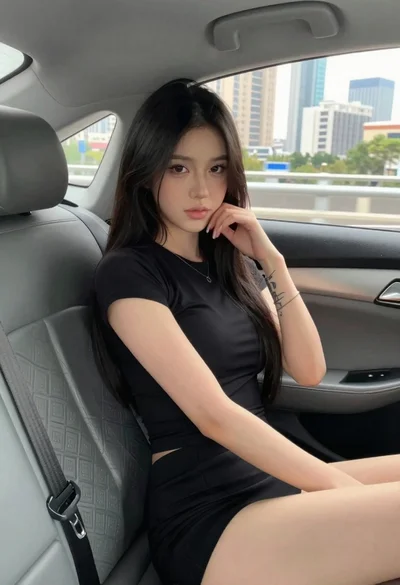
Young woman in black outfit sitting inside car looking at camera
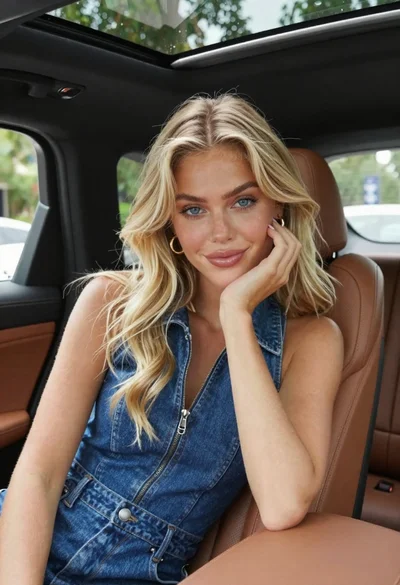
Fair skinned blonde woman in denim dress inside luxury car
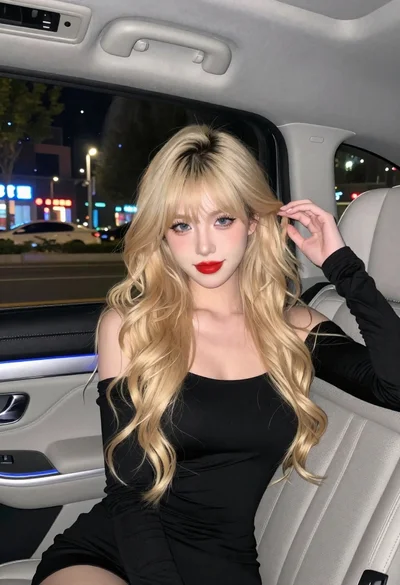
Fair skinned woman with blonde hair in luxury car interior at night
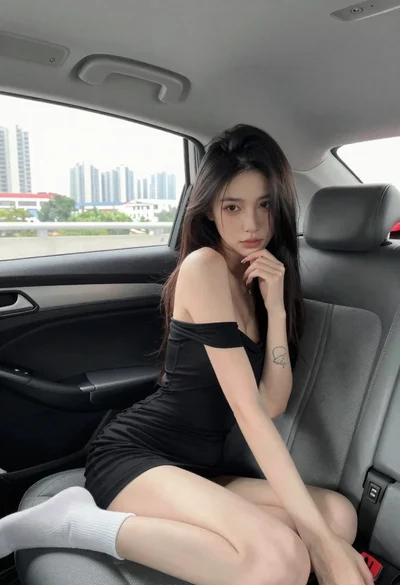
Young woman in black dress sitting inside car looking at camera
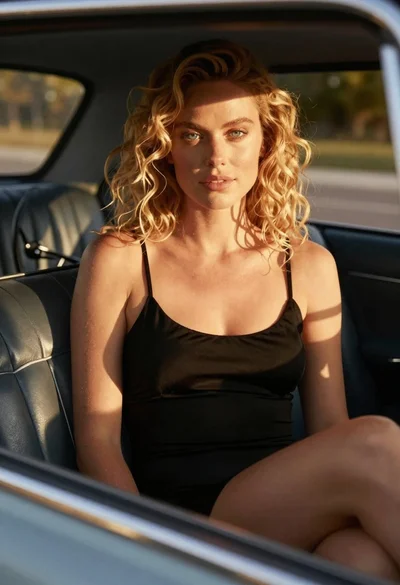
Close up of blonde woman in black dress inside vintage car
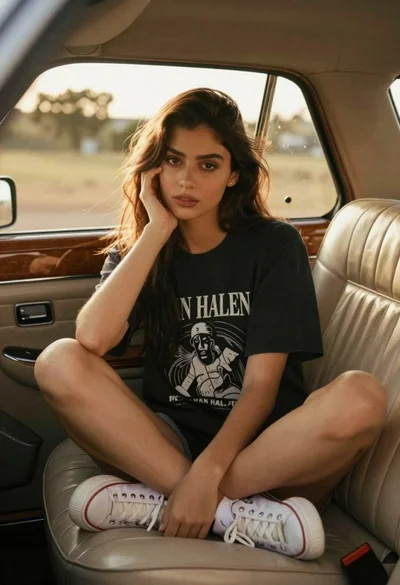
Young woman in vintage car with golden hour backlighting
Young woman with black hair in white car at sunset beach
Young woman with dark hair in car during sunset by ocean
Young woman with brown hair and denim jacket inside a subway car
Smiling blonde woman in black dress sitting in car back seat at