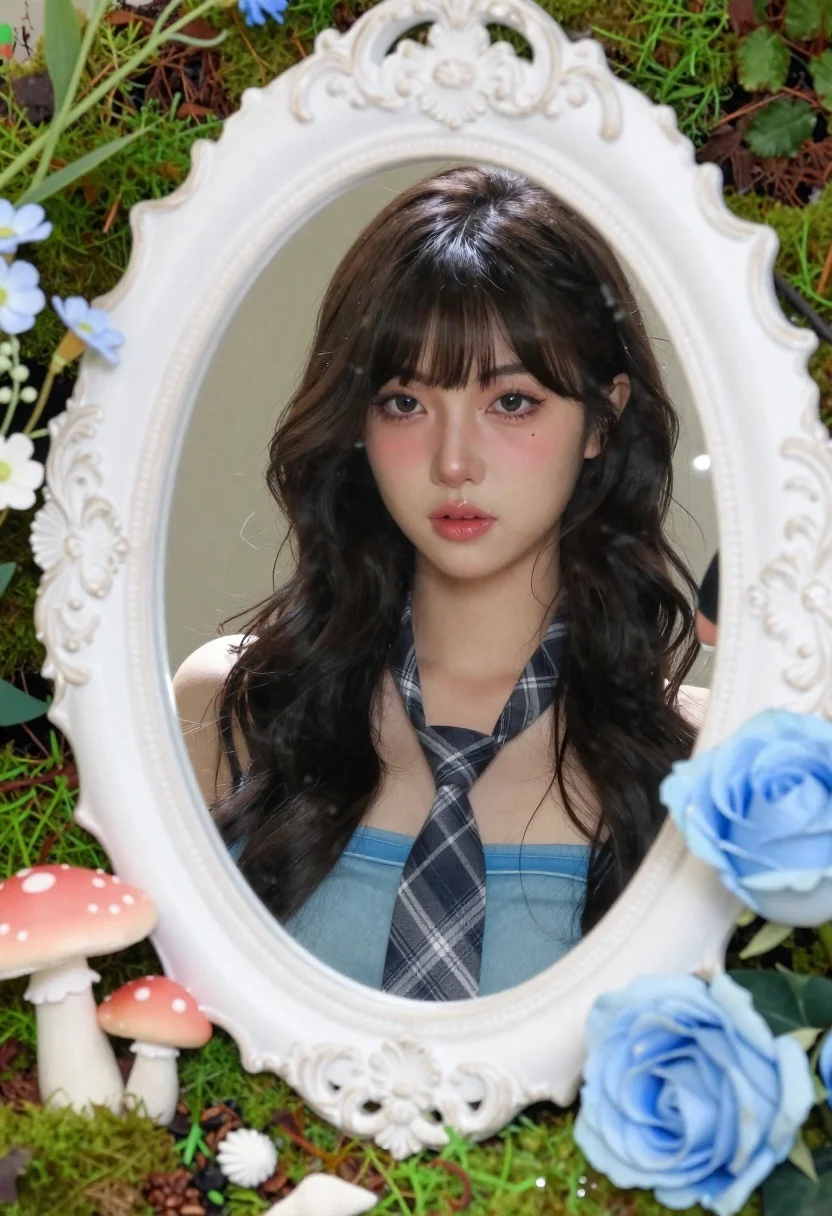
Young woman with dark hair framed by ornate mirror and flowers
Prompt
A young woman with long dark wavy hair and bangs gazes directly at the viewer through a decorative mirror frame.

Subject: A fair-skinned woman with long, dark, wavy hair featuring straight-cut bangs, wearing subtle pink eyeshadow and glossy lips.

Clothing: She wears a light blue strapless top and a grey plaid necktie tied loosely around her neck.

Action: Her expression is neutral and calm as she looks forward, framed by the mirror's reflection.

Environment: The scene is set within an ornate white ceramic mirror frame with a wavy, organic edge, surrounded by lush green moss, pink mushrooms, seashells, small wildflowers, and large blue roses.

Camera: A medium close-up shot centered on the subject's face, framed tightly by the mirror's border to emphasize the reflection.

Lighting: Soft, diffused natural light illuminates the scene evenly, creating a gentle glow on the skin and highlighting the textures of the moss and flowers without harsh shadows.

Style Details: The image features a whimsical, dreamy aesthetic with high detail in the miniature garden elements, resembling a high-quality digital illustration or photorealistic render with a fantasy theme.
Description
This prompt is useful for creating editorial beauty shots, whimsical portraiture, and concept art for fantasy narratives. The combination of 'soft, diffused natural light' and the detailed inclusion of elements like 'lush green moss' and 'large blue roses' ensures that every miniature garden component retains visible texture rather than becoming a flat backdrop, which is crucial for both high-detail illustration and realistic portraiture.
Suggestions
- Change 'light blue strapless top' to 'ivory silk slip' for more elegance.
- Add 'bokeh effect' to the camera settings for background separation.
- Swap 'pink mushrooms' for 'white foxglove' to alter the color palette.
Category
Tags
Black HairClose UpFair SkinFemaleMedium ShotNatureRealistic
Date added
June 21, 2026
Added by
PromptDexter Team
Related Prompts
More prompts with similar categories and tags.
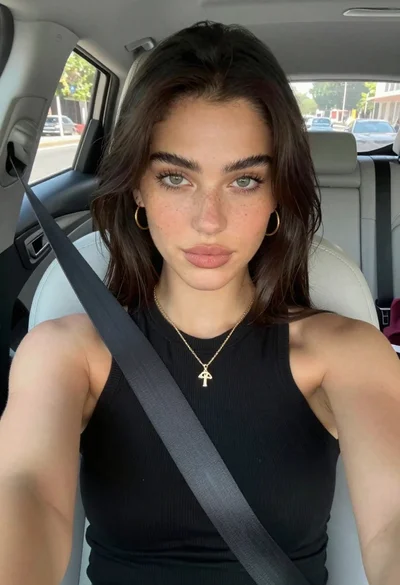
Young woman taking a selfie seated in a car interior during daylight
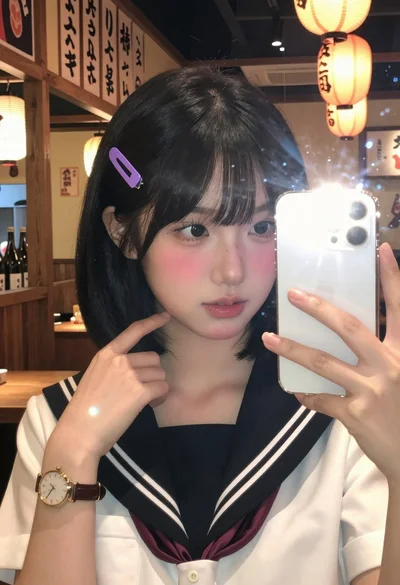
Close up mirror selfie of young woman in sailor collar at dimly
Medium close up portrait of woman with black hair indoors
Woman taking mirror selfie in black bathrobe on peach sofa
Close up selfie of young woman with black wavy hair on white
Blonde woman mirror selfie in modern bathroom wearing black jumpsuit
Young woman taking a mirror selfie in an indoor hallway setting

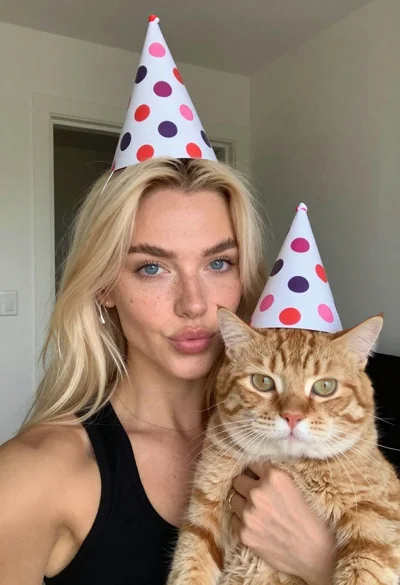
Woman with blonde hair holding an orange cat indoors