
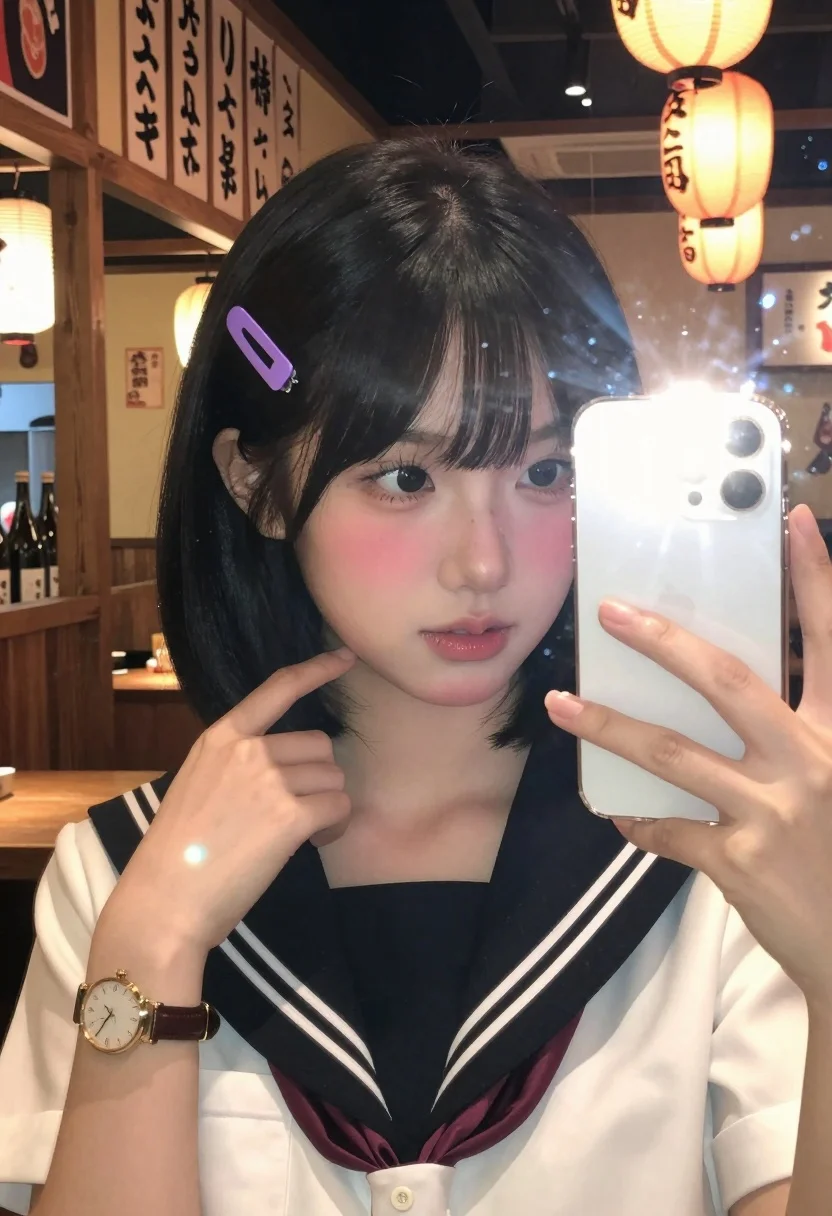
Close up mirror selfie of young woman in sailor collar at dimly
Prompt
A close-up selfie of a young woman with short black hair and bangs taking a mirror photo in a restaurant setting.

Subject: A young woman with fair skin, large expressive eyes, and a soft pink blush on her cheeks. She has a small mole near her left eye and is wearing a purple rectangular hair clip on the right side of her head. Her lips are slightly parted.

Clothing: She wears a white short-sleeved shirt underneath a navy blue sailor-style collar with three white stripes running down the front. On her left wrist, she wears a gold-rimmed analog watch with a brown leather strap.

Action: She is holding a silver smartphone in her right hand to take a mirror selfie, while her left hand gently touches the back of her neck near her hairline. Her gaze is directed at the phone screen.

Environment: The background features a warm, dimly lit interior, likely a Japanese restaurant or izakaya. Wooden paneling lines the walls, and shelves with bottles are visible in the distance. A row of vertical menu signs hangs above, and glowing orange paper lanterns provide ambient lighting.

Camera: Shot as a mirror selfie with a close-up framing that captures the subject from the chest up, emphasizing facial details and the phone screen reflection.

Lighting: The scene is lit by warm ambient light from the hanging lanterns and the bright flash of the smartphone, creating a soft glow on her face and distinct lens flare streaks across the image.

Style Details: The image has a high-definition, realistic photographic quality with vibrant colors and a shallow depth of field that blurs the background slightly to focus attention on the subject.
Description
This prompt is useful for creating intimate social media portraits, character concept art for slice-of-life narratives, and lifestyle blog features documenting casual outings. The combination of 'warm ambient light' from the lanterns contrasting with the sharp 'bright flash of the smartphone' creates a dynamic illumination that highlights both the subject's facial details and the reflective quality of the mirror surface necessary for an authentic selfie composition.
Suggestions
- Change 'purple rectangular hair clip' to 'pearl barrette' for a more classic look.
- Swap 'navy blue sailor-style collar' for 'gingham plaid blouse' to alter the pattern.
- Adjust 'gaze is directed at the phone screen' to 'looking directly into the camera lens' for stronger engagement.
Category
Tags
Black HairCasual WearClose UpFair SkinFemaleIndoorsMedium ShotRealisticSelfie
Date added
July 12, 2026
Added by
PromptDexter Team
Related Prompts
More prompts with similar categories and tags.

Close up portrait of young woman with brown braid indoors

Young woman taking a mirror selfie in a modern bedroom setting
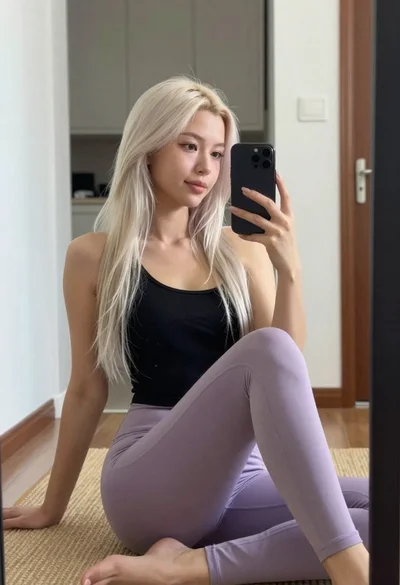
Young woman taking mirror selfie in black tank top and lavender leggings

Selfie of young woman in airplane cabin with strawberry blonde hair

Close up selfie of blonde woman in pink tank top indoors

Young woman taking mirror selfie with smartphone in sketchy illustration style
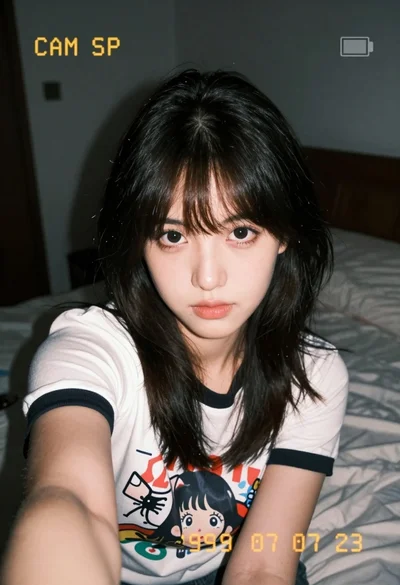
Close up selfie of young woman with dark hair in white graphic

Blonde and brunette women taking a selfie on a yacht sofa at
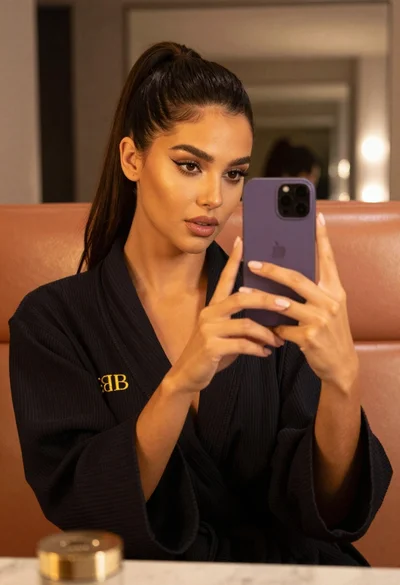
Woman taking mirror selfie in black bathrobe on peach sofa
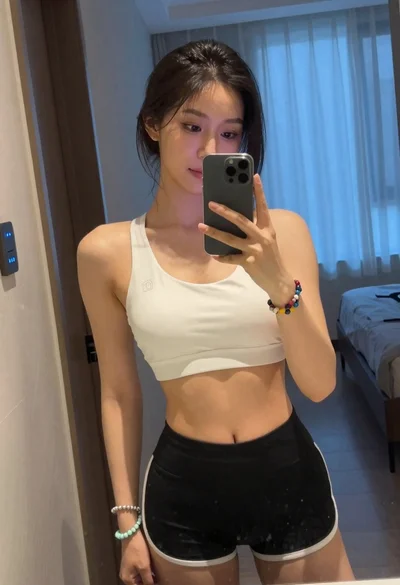
Young woman taking mirror selfie in white sports bra indoors
