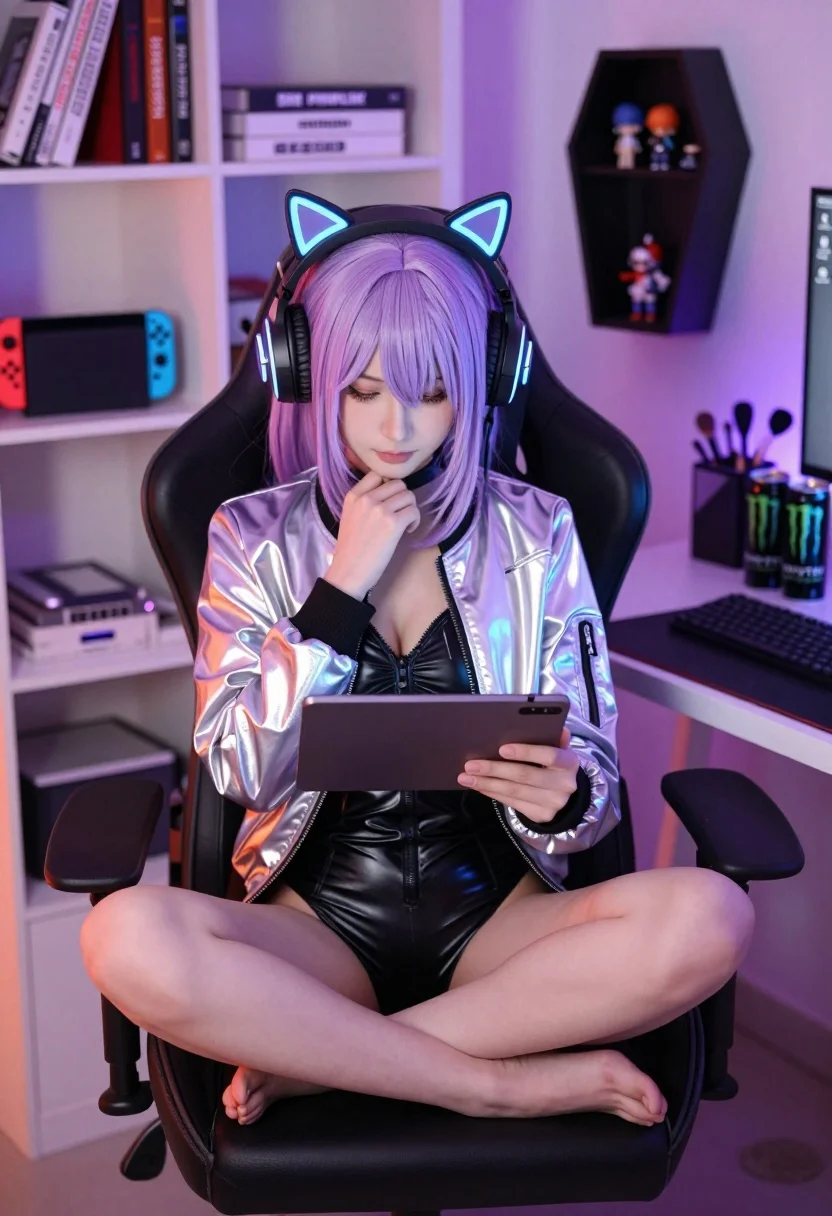
Young woman with lavender hair in holographic jacket sitting in gaming chair
Prompt
A young woman with lavender hair sits cross-legged in a gaming chair holding a tablet.

Subject: A young woman with straight, shoulder-length lavender hair and bangs, wearing large headphones with glowing blue cat ears.

Clothing: She wears a shiny silver holographic bomber jacket over a black latex-style bodysuit.

Action: She is sitting cross-legged on the seat of a black gaming chair, resting her chin on her hand while looking at a tablet held in her lap.

Environment: The setting is a bedroom or gaming room with white shelving units filled with books and a Nintendo Switch console on the left, and a black coffin-shaped shelf holding small figurines on the right.

Objects: A desk to the right holds a mechanical keyboard, mouse, Monster Energy drink cans, and a makeup organizer with brushes.

Lighting: The scene is lit by warm ambient orange light from the left and cool purple neon light from the right, creating a colorful gradient across the room.

Camera: Medium shot capturing the subject from the waist up with a shallow depth of field that blurs the background shelves slightly.

Style Details: High-quality digital photography with vibrant color grading, soft focus on the edges, and a modern aesthetic.
Description
This prompt is useful for creating cyberpunk character portraits, virtual streamer branding assets, and futuristic bedroom concept art. The combination of 'warm ambient orange light from the left and cool purple neon light from the right' establishes a dramatic, high-contrast gradient that perfectly suits the vibrant, artificial glow expected in these digital environments, while the 'holographic bomber jacket' ensures reflective surfaces catch both color sources.
Suggestions
- Change 'lavender hair' to 'electric blue hair' for a more aggressive cyberpunk feel.
- Swap 'shiny silver holographic bomber jacket' for 'iridescent vinyl trench coat' to alter the material reflectivity.
- Adjust 'Nintendo Switch console' to 'vintage CRT monitor' to ground the setting in older tech.
Category
Tags
BedroomBlack HairFemaleIndoorsMedium ShotRealistic
Date added
July 12, 2026
Added by
PromptDexter Team
Related Prompts
More prompts with similar categories and tags.

Young woman with silver hair typing at cluttered cyberpunk desk under purple

Woman in neon lit futuristic bar interior

Medium close up portrait of blonde woman in sequined jacket under neon
Joyful young woman embracing the rain on a wet city street at
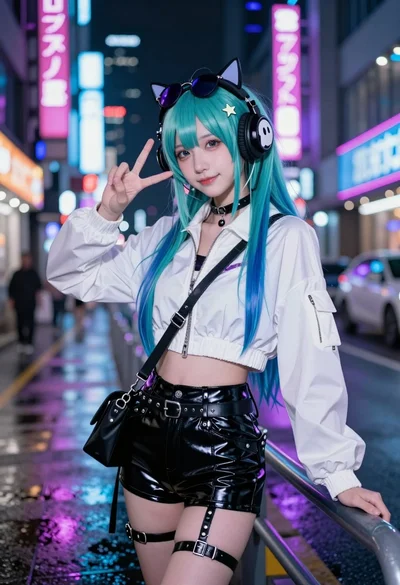
Young woman with teal hair in cyberpunk city street at night

Woman in black jacket on rainy cyberpunk city street
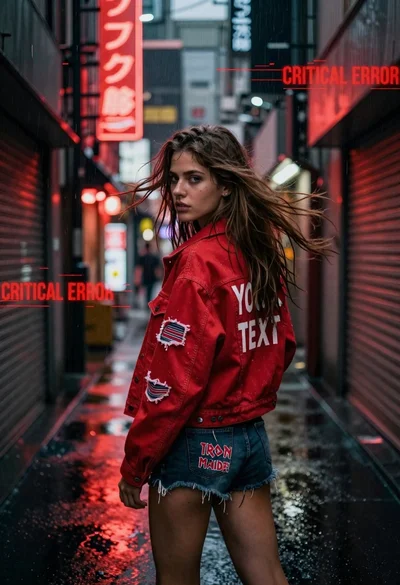
Young woman looking back over shoulder in wet neon alleyway
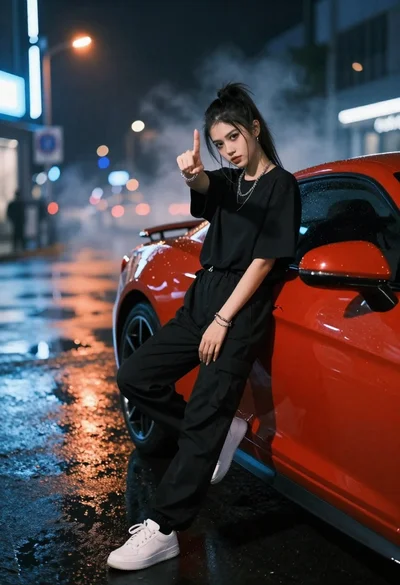
Young woman in black clothes on red sports car at night street
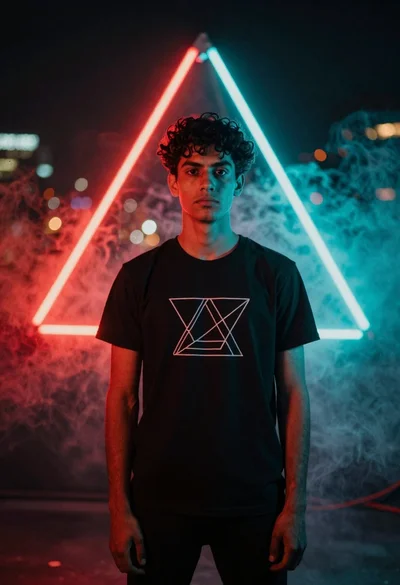
Young man in black tshirt against glowing red cyan neon frame
Young woman in black leather jacket on a dimly lit city street