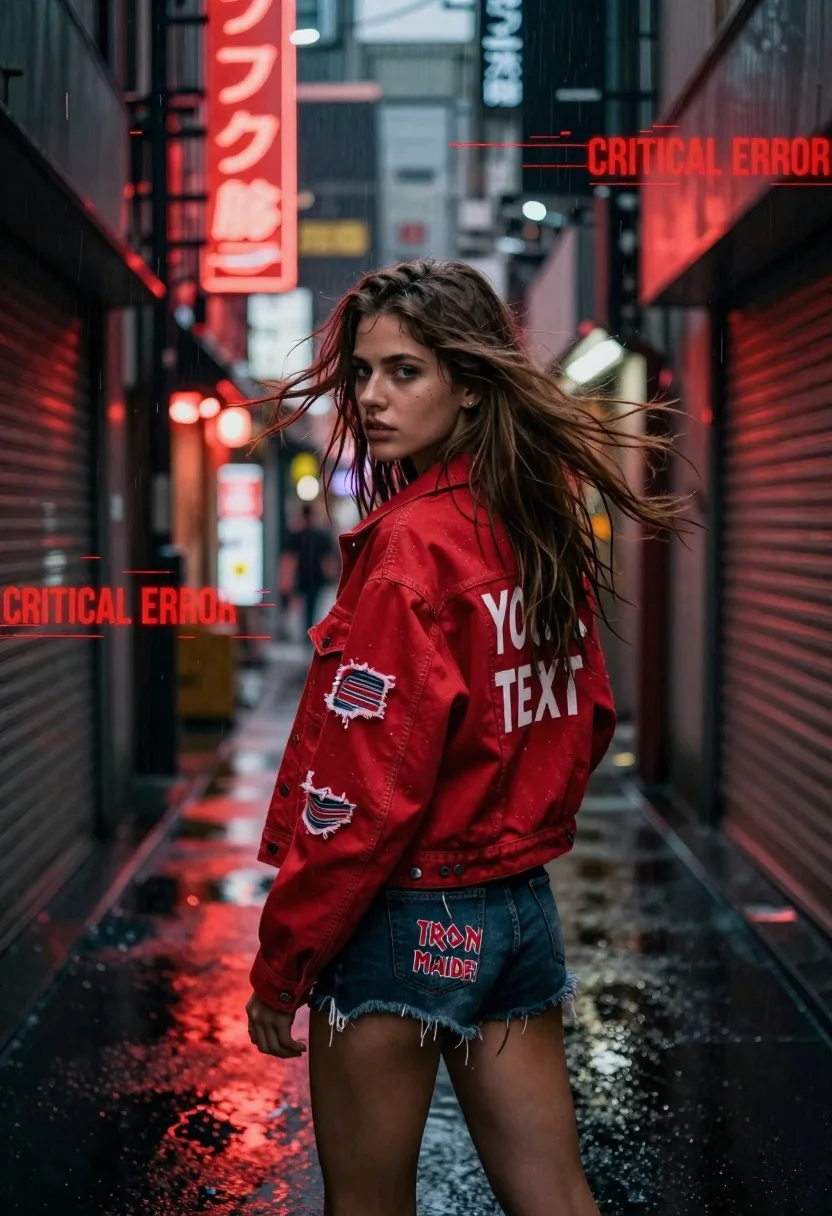
Young woman looking back over shoulder in wet neon alleyway
Prompt
A young woman with long brown hair stands in a narrow, wet city alleyway at night, looking back over her shoulder with a confident expression.

Subject: A young woman with long, windblown brown hair and blue eyes, wearing a distressed red denim jacket and dark denim shorts.

Clothing: She wears a faded red denim jacket featuring patches on the sleeves and a large white text graphic reading "YOUR TEXT" on the back, paired with dark ripped denim shorts that have an "IRON MAIDEN" logo.

Action: The woman is captured in a dynamic pose, turning her body away from the camera while looking back over her shoulder, with her hair blowing in the wind and raindrops visible around her.

Environment: A narrow urban alleyway at night, lined with closed metal storefronts and illuminated by glowing red neon signs with Japanese characters, reflecting off the wet pavement.

Camera: Shot from a medium-low angle with a shallow depth of field that blurs the background slightly to emphasize the subject, creating an immersive street photography feel.

Lighting: Dramatic nighttime lighting dominated by intense red neon glow from the signs, casting strong reflections on the wet ground and illuminating the raindrops in the air.

Text/Graphics: Glitch-style digital overlays with horizontal scanlines and the text "CRITICAL ERROR" appear in red across the upper right and left portions of the image.

Style Details: The image features a cyberpunk aesthetic with high-contrast color grading, visible rain effects, and a gritty, cinematic atmosphere enhanced by digital glitch artifacts.
Description
This prompt is useful for creating cyberpunk concept art, editorial streetwear editorials, and moody narrative scene illustrations. The combination of 'intense red neon glow' reflecting off the 'wet pavement' establishes the necessary high-contrast, saturated environment that grounds the subject within a gritty, cinematic setting, while the 'glitch-style digital overlays' provide the required technological decay characteristic of the cyberpunk genre.
Suggestions
- Change 'red denim jacket' to 'black vinyl trench coat' for more dramatic texture.
- Swap 'Japanese characters' for 'Kanji script' to refine the cultural feel.
- Adjust 'medium-low angle' to 'worm's-eye view' for increased vertical drama.
Category
Tags
AlleyBrown HairDigital ArtFemaleLow AngleMedium ShotRealisticStreetwear
Date added
June 19, 2026
Added by
PromptDexter Team
Related Prompts
More prompts with similar categories and tags.
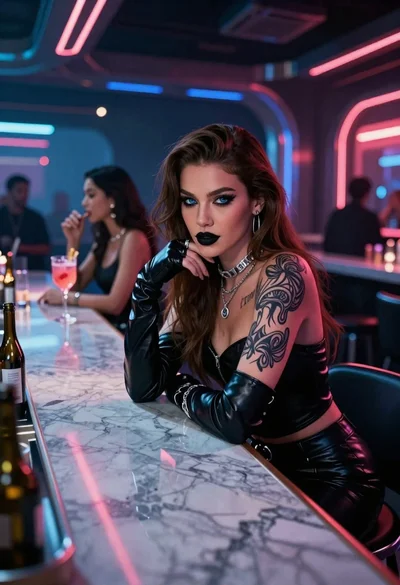
Woman in neon lit futuristic bar interior
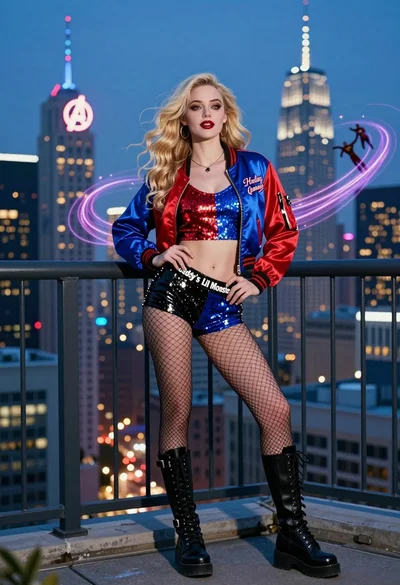
Blonde woman in bomber jacket on balcony overlooking futuristic city skyline
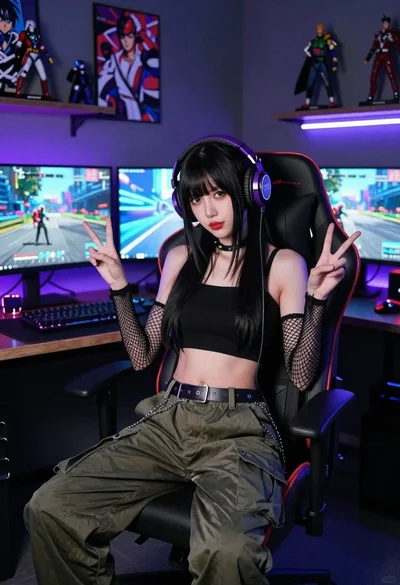
East asian woman in cyberpunk gaming setup portrait

Young woman in futuristic corridor with neon lights
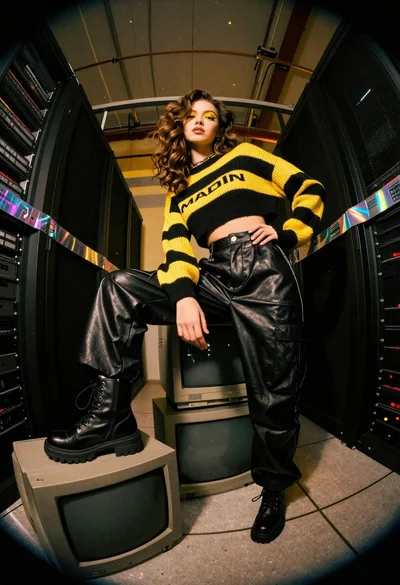
Young woman in striped sweater on stack of monitors in server room
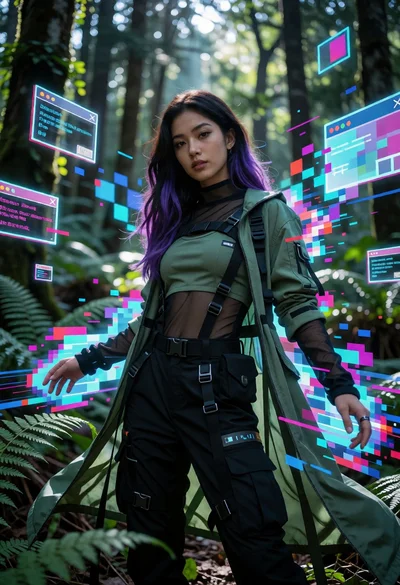
Woman in futuristic tactical outfit amidst glitching neon forest environment
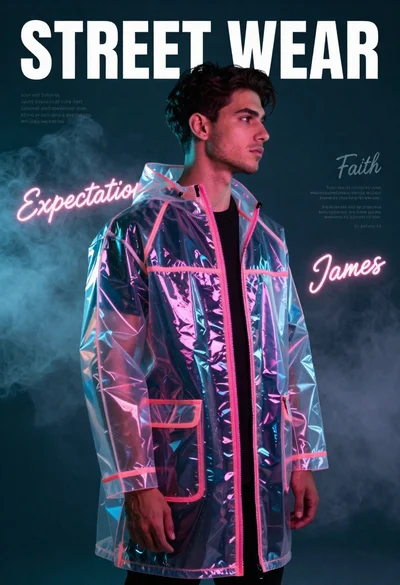
Young man in iridescent raincoat standing in smoky studio with neon lights

Futuristic android woman in metallic corridor
Young man lighting cigarette on vintage motorcycle in neon city street

Muscular man by black sports car on wet city street