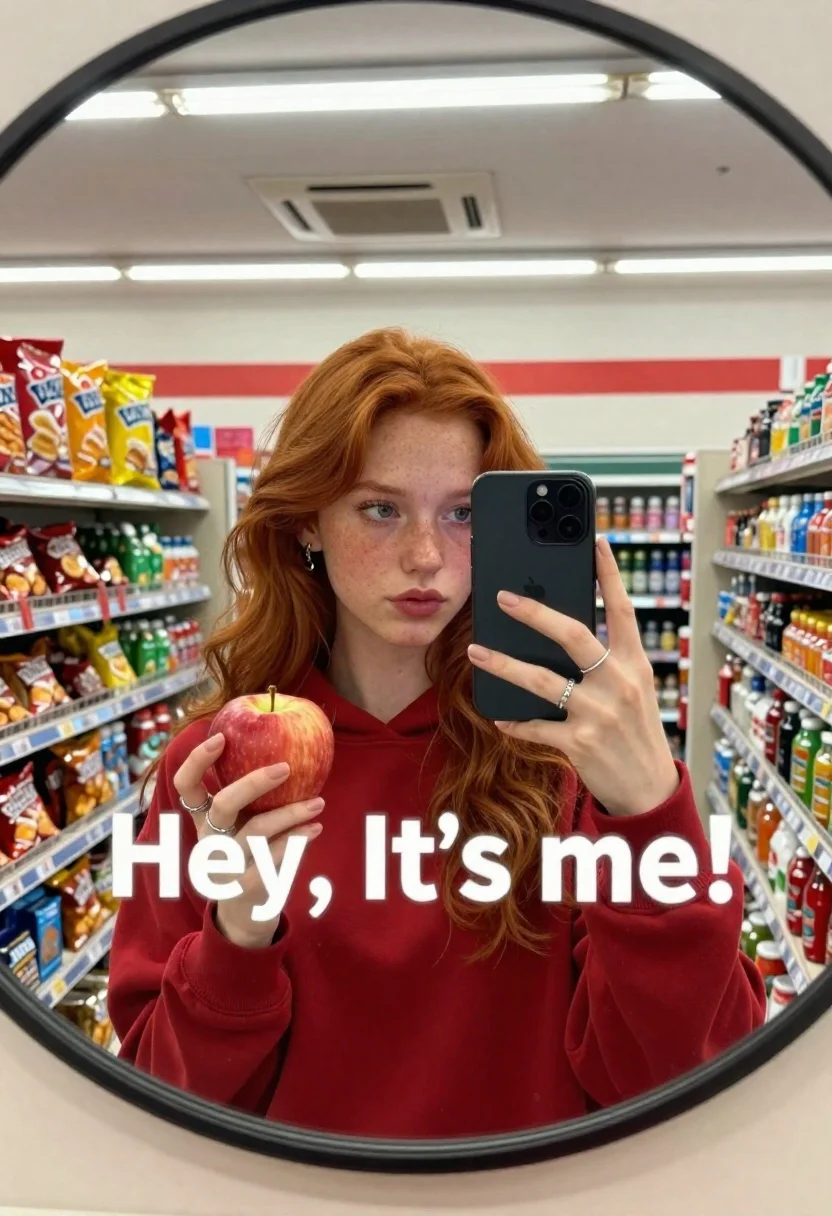
Young woman with red hair taking a mirror selfie in a convenience
Prompt
A young woman with long red hair takes a mirror selfie in a convenience store while holding a smartphone and an apple.

Subject: A young woman with long wavy red hair, fair skin, and freckles looking directly into the camera with a neutral expression.

Clothing: She wears a solid red crewneck sweatshirt and silver rings on her fingers.

Action: She holds a black smartphone up to capture her reflection in a round mirror while holding a red apple in her other hand.

Environment: The setting is a brightly lit convenience store aisle with shelves stocked with colorful chips, snacks, and beverages visible behind her.

Camera: A wide-angle perspective looking into the curved surface of a circular mirror, capturing the reflection of the subject and the store interior.

Lighting: Bright overhead fluorescent lighting creates a flat, even illumination with soft reflections on the phone screen and ceiling tiles.

Text/Graphics: Large white text reading "Hey, It's me!" is overlaid across the center of the image in a playful font.

Style Details: The image has a casual, candid aesthetic typical of social media mirror selfies with high saturation and clear focus.
Description
This prompt is useful for creating relatable social media content, character concept art mimicking everyday moments, and lifestyle blog headers. The combination of 'bright overhead fluorescent lighting' and the specific inclusion of visible store details like 'colorful chips, snacks, and beverages' grounds the image in a hyper-realistic, mundane setting that contrasts with the stylized 'large white text reading "Hey, It's me!"', making the selfie feel immediate rather than posed.
Suggestions
- Change 'solid red crewneck sweatshirt' to 'oversized graphic tee' for more casual wear.
- Swap 'round mirror' for 'bathroom vanity mirror' to change the reflection shape.
- Adjust 'high saturation' to 'muted tones' for a less vibrant social media feel.
Category
Tags
Casual WearFair SkinFemaleIndoorsRealisticRed HairSelfie
Date added
June 26, 2026
Added by
PromptDexter Team
Related Prompts
More prompts with similar categories and tags.
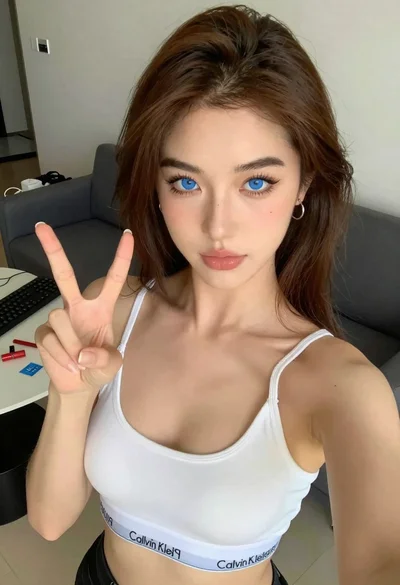
Close up selfie of young woman making peace sign indoors
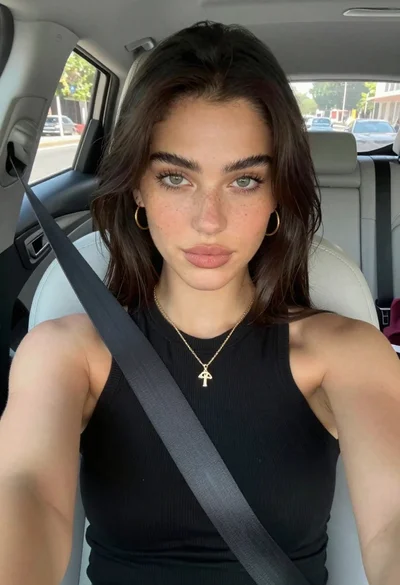
Young woman taking a selfie seated in a car interior during daylight
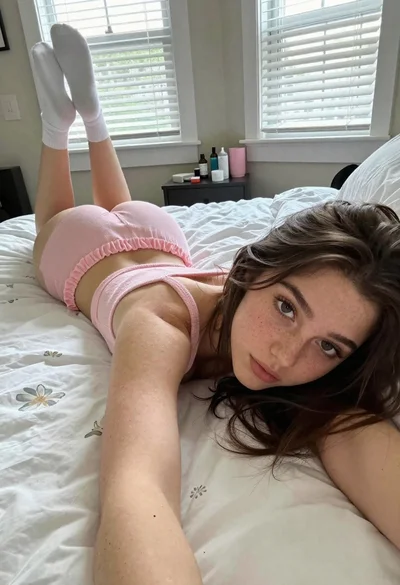
Young woman taking a selfie on bed with white floral sheets
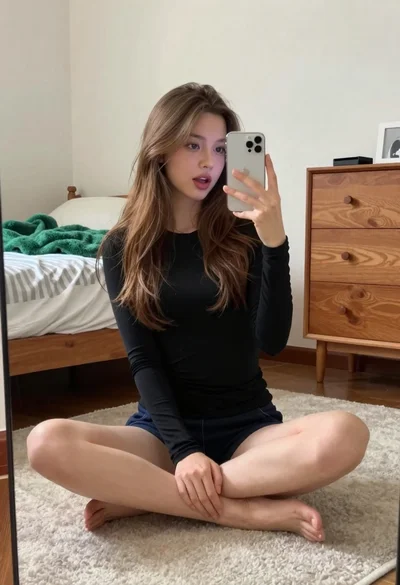
Young woman taking a mirror selfie in a modern bedroom setting
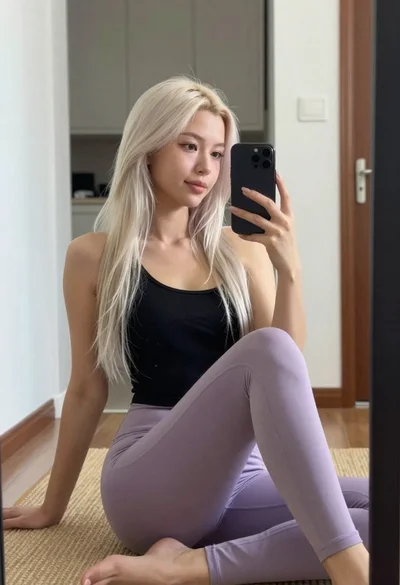
Young woman taking mirror selfie in black tank top and lavender leggings
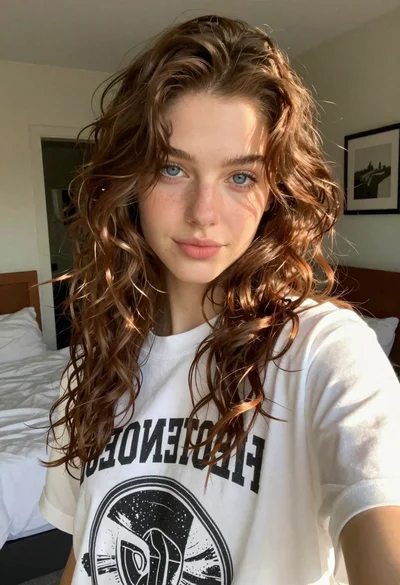
Young woman taking a selfie in a bedroom with white linens
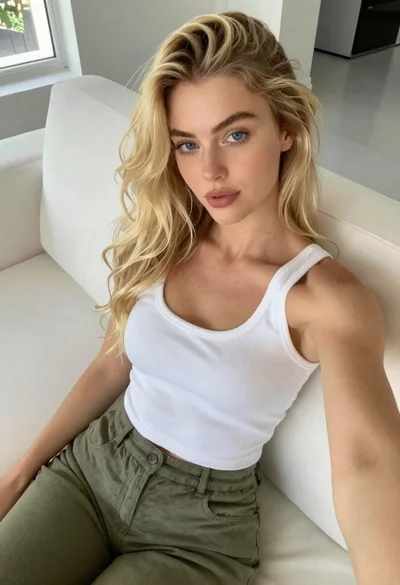
Fair blonde woman seated on white sofa in bright modern living room
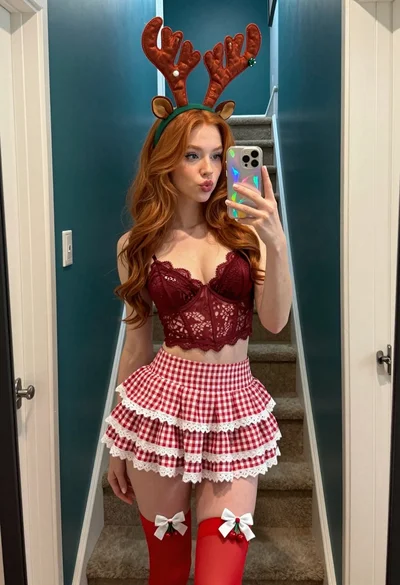
Young woman in red lace outfit taking mirror selfie in festive hallway