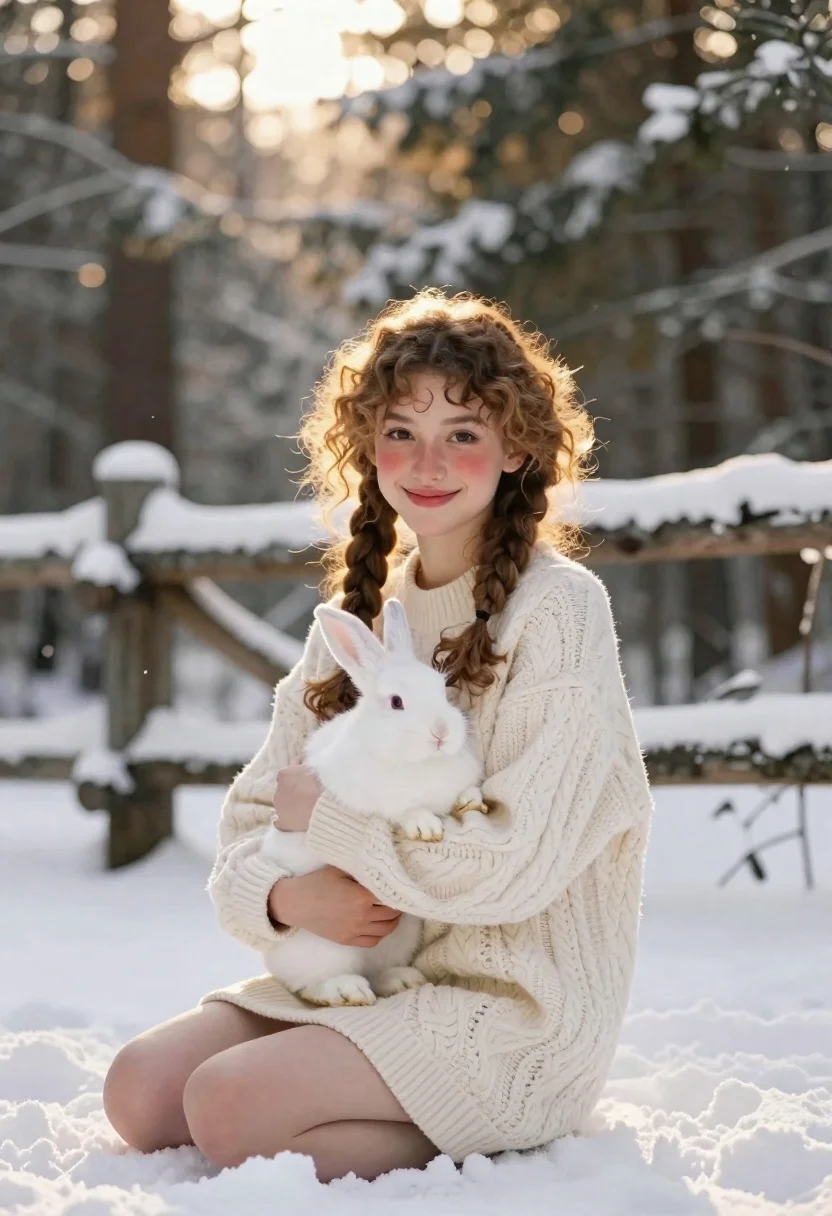
Young woman with white hare sitting in snowy evergreen forest
Prompt
A young woman with curly hair sits in a snowy forest holding a white hare.

Subject: A smiling young woman with light brown curly hair styled in two braids and rosy cheeks.

Clothing: She wears a thick, cream-colored cable-knit sweater dress that reaches her thighs.

Action: She is seated on the snow, gently cradling a large white hare in her arms while looking directly at the camera.
Second

Subject: A fluffy white hare with dark eyes and ears sits calmly in her embrace.

Environment: The setting is a winter forest with snow-covered ground and evergreen trees in the background, featuring a rustic wooden fence covered in snow behind her.

Lighting: Warm golden sunlight filters through the trees from behind, creating a soft backlight and glowing rim light on her hair and shoulders.

Camera: Shot with a shallow depth of field that keeps the subject sharp while blurring the snowy forest background into soft bokeh.

Style Details: The image has a cinematic, high-quality aesthetic with a warm color palette and a dreamy, peaceful atmosphere.
Description
This prompt is useful for creating whimsical storybook illustrations, winter portraiture for greeting cards, and editorial content featuring nature interaction. The combination of 'warm golden sunlight' providing a glowing rim light against the 'snowy forest' backdrop enhances the dreamy atmosphere necessary for both narrative and sentimental visual pieces, while the shallow depth of field isolates the subjects from distracting background elements.
Suggestions
- Change 'curly hair' to 'straight hair' for a different texture contrast.
- Swap 'cream-colored cable-knit sweater dress' for 'dark wool turtleneck' to deepen the palette.
- Add 'soft focus lens flare' to intensify the golden sunlight effect.
Category
Tags
AnimalsBrown HairCasual WearFemaleForestFull BodyLight SkinOutdoorsRealistic
Date added
June 19, 2026
Added by
PromptDexter Team
Related Prompts
More prompts with similar categories and tags.
Woman riding horse in dark forest portrait

Young woman with dog sitting on green grass in a garden setting

Blonde woman by white suv looking back at camera with dog
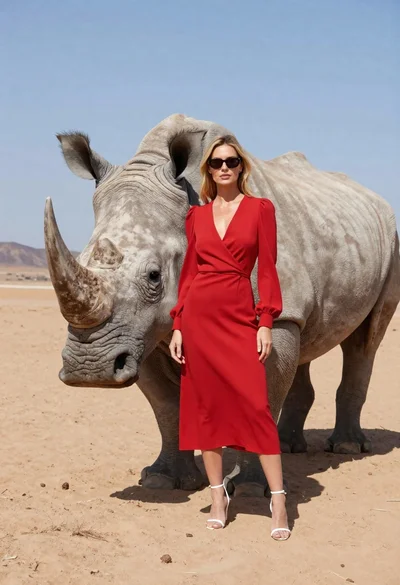
Woman standing with rhinoceros in a desert landscape
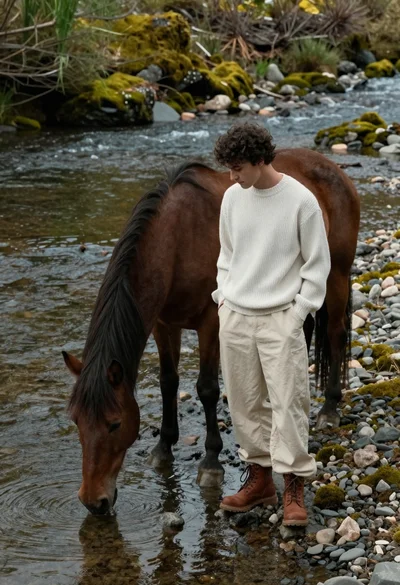
Young man standing by brown horse drinking from mossy riverbank
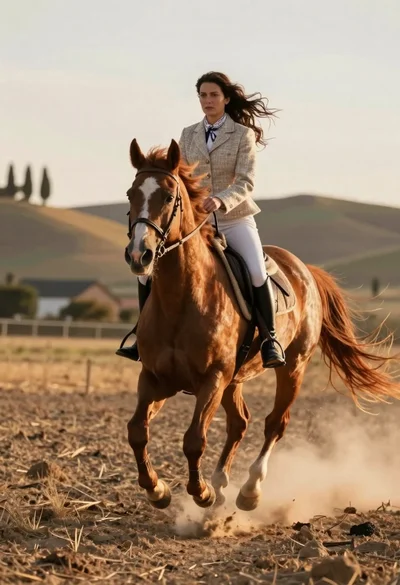
Woman riding chestnut horse galloping across dusty rural field at golden hour
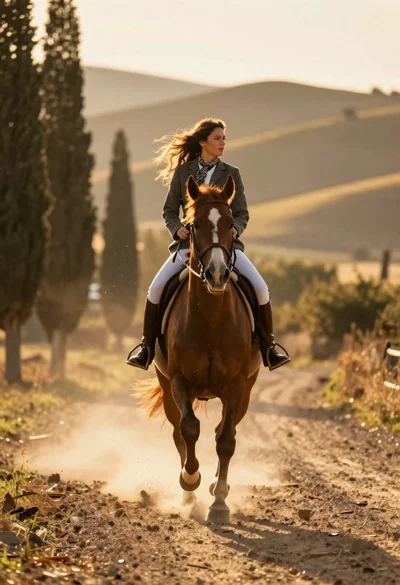
Woman riding chestnut horse galloping on dusty country road at golden hour

Woman in gingham dress sitting on bed with golden retriever dog indoors
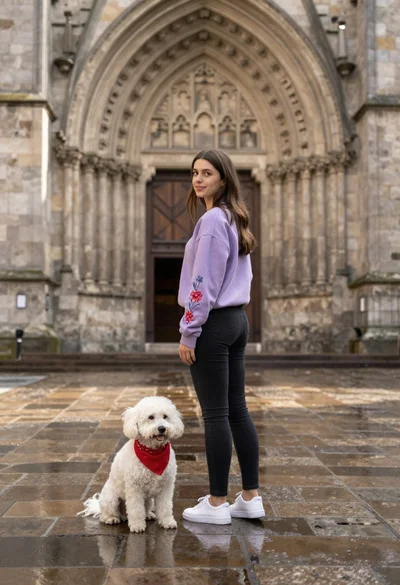
Young woman in lavender sweatshirt stands next to small white dog on
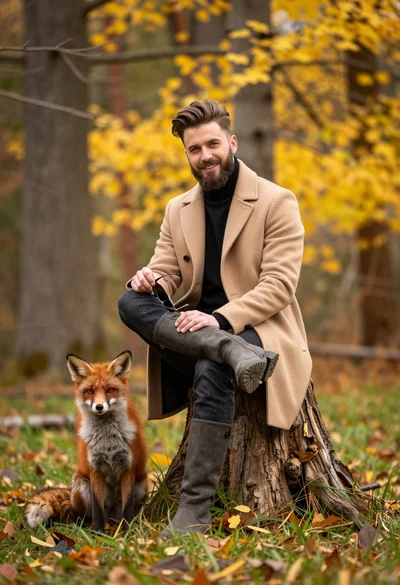
Man in beige coat and boots sitting by red fox in autumn