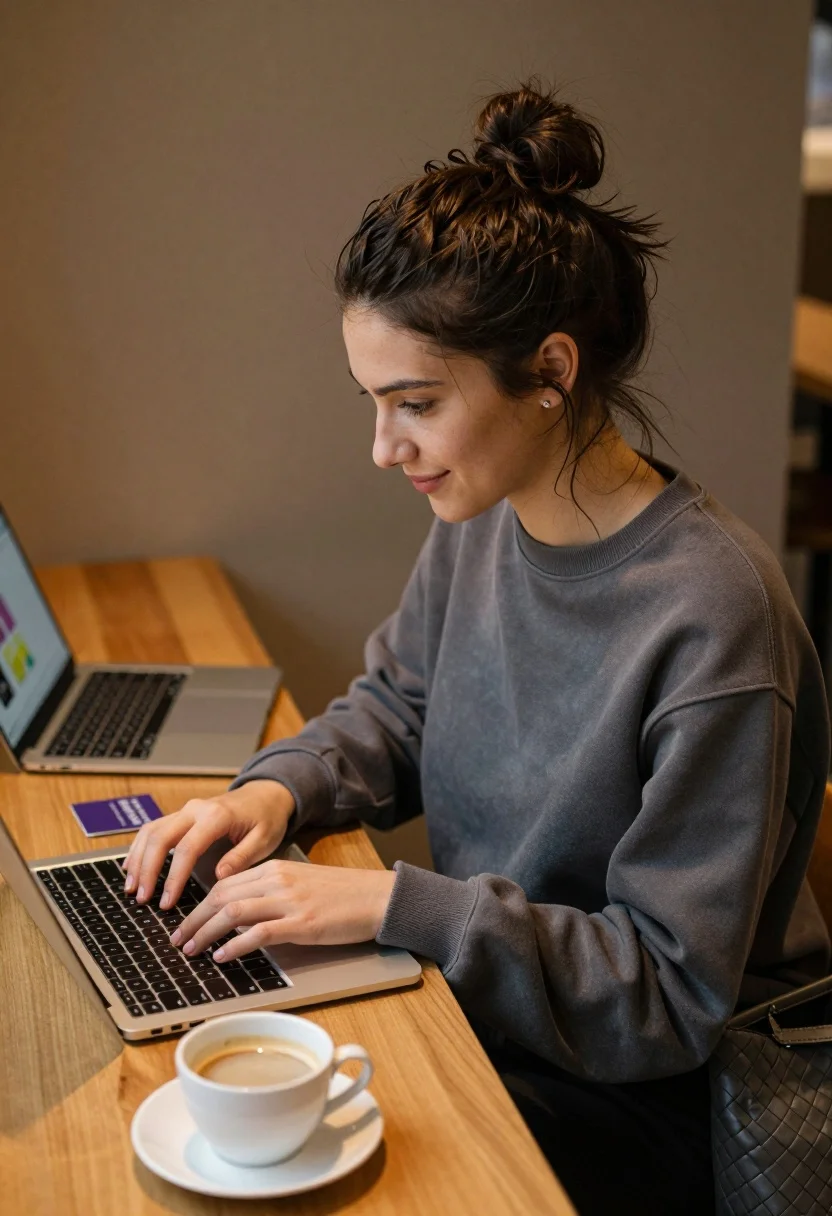
Young woman working on laptop in cozy cafe setting with coffee cup
Prompt
A young woman with dark hair tied in a messy bun sits at a wooden table working on a silver laptop.

Subject: A young woman with fair skin and dark brown hair pulled up into a high, slightly messy bun. She has a small stud earring in her left ear and is looking down at the screen with a gentle, pleasant smile.

Clothing: She wears a loose-fitting, dark grey crewneck sweatshirt with long sleeves.

Action: She is seated comfortably, typing on the keyboard of a silver laptop while gazing at the display. Her posture is relaxed and focused.

Environment: The setting appears to be a cozy cafe or office space with warm brown walls and soft ambient lighting. A second laptop is open to her left, displaying a colorful interface.

Objects: In the foreground, there is a white ceramic coffee cup filled with light-colored coffee on a matching saucer. To the right of the main laptop sits a dark grey woven tote bag. A small purple card rests on the table near the secondary laptop.

Lighting: The scene is illuminated by warm, soft indoor lighting that creates a calm and inviting atmosphere, casting gentle shadows and highlighting the texture of the wood and fabric.

Camera: The shot is taken from a slightly elevated angle looking down at the table surface, with a shallow depth of field that keeps the woman in sharp focus while blurring the foreground coffee cup and background elements.

Style Details: The image features a naturalistic photographic style with realistic textures, warm color grading, and a soft cinematic aesthetic typical of modern lifestyle photography.
Description
This prompt is useful for creating editorial lifestyle content, cozy blog headers, and commercial product placement mockups featuring work-from-home themes. The combination of 'warm brown walls' and 'soft ambient lighting' establishes an immediate sense of intimacy, while the shallow depth of field ensures that the primary subject remains sharp against a softly blurred background, directing the viewer's eye to the laptop and coffee cup.
Suggestions
- Change 'dark grey crewneck sweatshirt' to 'cream knit sweater' for a lighter feel.
- Swap 'white ceramic coffee cup' for 'amber glass mug' to alter the color palette.
- Adjust 'slightly elevated angle looking down at the table surface' to 'eye-level medium shot' for more direct engagement.
Category
Tags
BrunetteCafeCasual WearFair SkinFemaleIndoorsMedium ShotRealistic
Date added
August 5, 2026
Added by
PromptDexter Team
Related Prompts
More prompts with similar categories and tags.

Stylish young woman in denim shirt holding tablet indoors
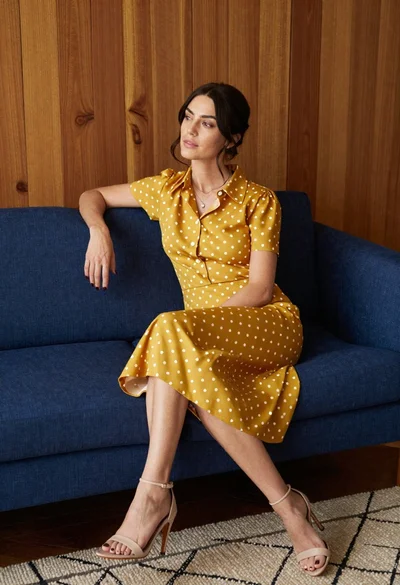
Woman in mustard polka dot dress sitting on blue sofa indoors

Blonde woman in sweater sitting in cafe with iced coffee drink

Fair skinned woman in dark velvet slip dress sitting on hotel bed

Blonde woman in black slip dress winking at table in upscale restaurant
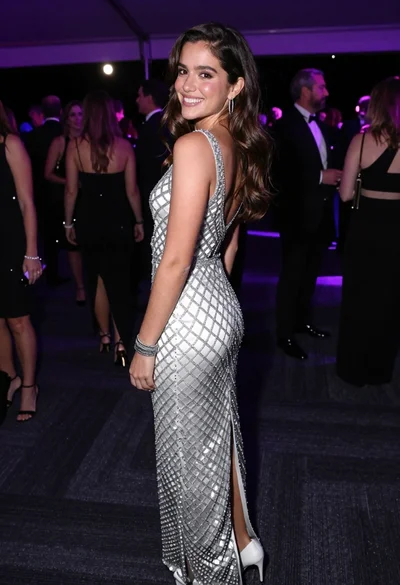
Smiling young woman in crystal gown looking over shoulder at indoor gala

Young woman in beige dress looking down in brightly lit store aisle
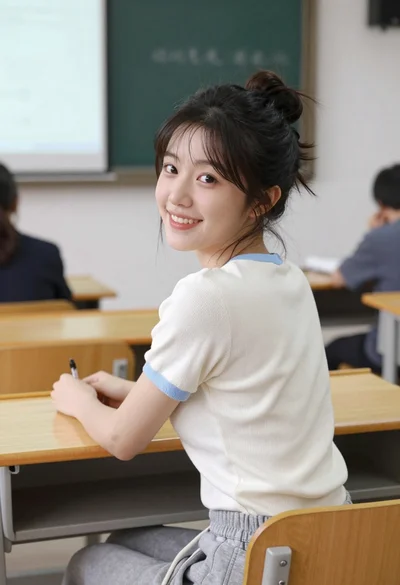
Young east asian woman smiling over shoulder at wooden desk in classroom

Young woman with dark hair sitting in cafe looking at city street
Woman in yellow dress sitting on grand marble staircase with roses