

Woman in mustard polka dot dress sitting on blue sofa indoors
Prompt
A woman with dark hair pulled back sits elegantly on a deep blue sofa against a warm wood-paneled wall.

Subject: A woman with dark brown hair styled in an updo with loose strands framing her face, featuring fair skin and a soft, contemplative expression looking slightly upward.

Clothing: She wears a mustard-yellow midi dress with white polka dots, featuring a collar, short sleeves, and a buttoned front placket, accessorized with a delicate necklace, a dark beaded bracelet on her left wrist, and nude high-heeled sandals with ankle straps.

Action: She sits in a relaxed pose with her left arm resting along the back of the sofa and her right hand gently touching her knee, displaying dark nail polish.

Environment: The setting is an interior room featuring a solid blue upholstered sofa, a textured beige rug with geometric patterns on the floor, and a background wall made of vertical wooden planks.

Camera: A medium shot captures the subject from the knees up, utilizing a shallow depth of field that keeps the woman in sharp focus while softly blurring the wooden background.

Lighting: Soft, diffused lighting illuminates the scene evenly, creating gentle shadows and highlighting the texture of the dress and wood grain without harsh contrast.

Style Details: The image has a polished, high-fashion editorial aesthetic with warm color tones and a clean composition.
Description
This prompt is useful for creating magazine feature spreads, lifestyle branding materials, and character concept art requiring an intimate setting. The combination of 'mustard-yellow midi dress' against the 'deep blue sofa' establishes a high contrast that keeps the subject visually anchored while the 'soft, contemplative expression' directs the viewer's focus inward, preventing the composition from feeling overly posed.
Suggestions
- Change 'mustard-yellow midi dress' to 'burnt orange polka dot dress' for a richer autumnal feel.
- Swap 'deep blue sofa' for 'emerald velvet sofa' to increase color saturation.
- Adjust 'soft, diffused lighting' to 'directional window light' for more dramatic shadows.
Category
Tags
BrunetteCasual WearFair SkinFemaleIndoorsMedium ShotRealistic
Date added
June 19, 2026
Added by
PromptDexter Team
Related Prompts
More prompts with similar categories and tags.

Stylish young woman in denim shirt holding tablet indoors
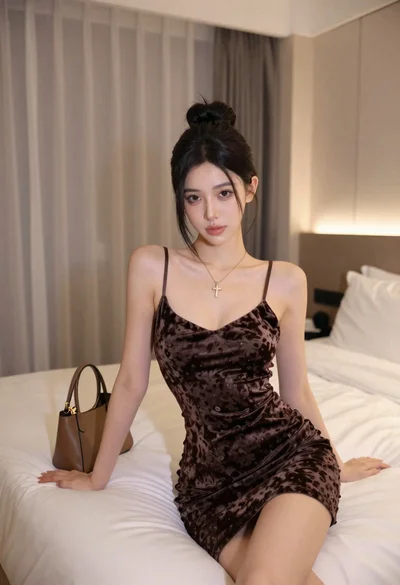
Fair skinned woman in dark velvet slip dress sitting on hotel bed

Blonde woman in black slip dress winking at table in upscale restaurant
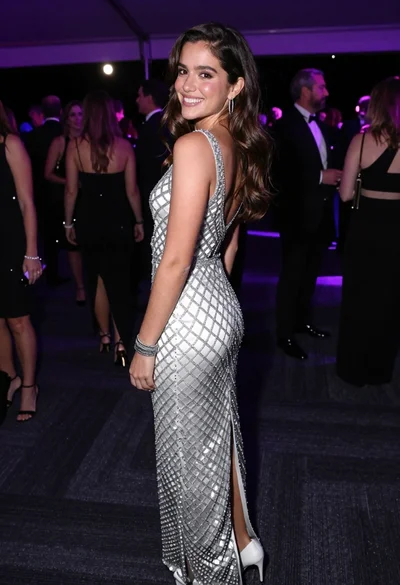
Smiling young woman in crystal gown looking over shoulder at indoor gala

Young woman in beige dress looking down in brightly lit store aisle
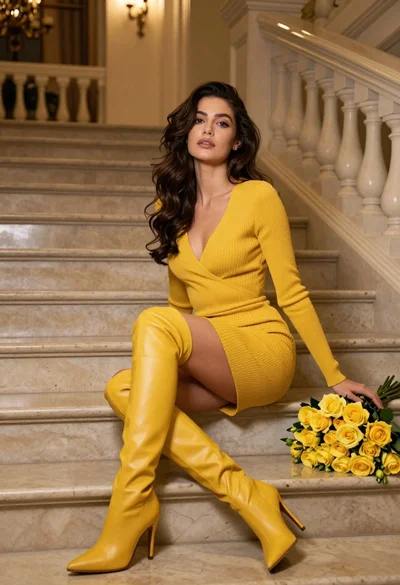
Woman in yellow dress sitting on grand marble staircase with roses
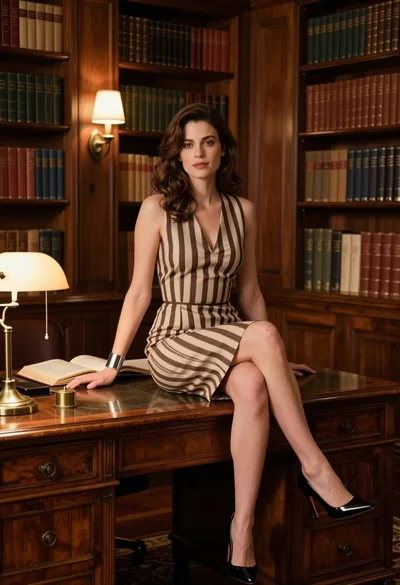
Fair skinned woman in striped dress sitting on wooden desk in library
Young woman in pink striped sundress standing in doorway overlooking mediterranean coast

Smiling woman in royal blue gown on red carpet with green foliage
Woman in white polka dot dress seated on green leather sofa
