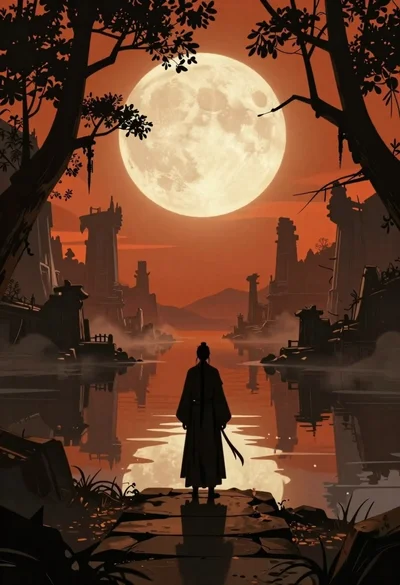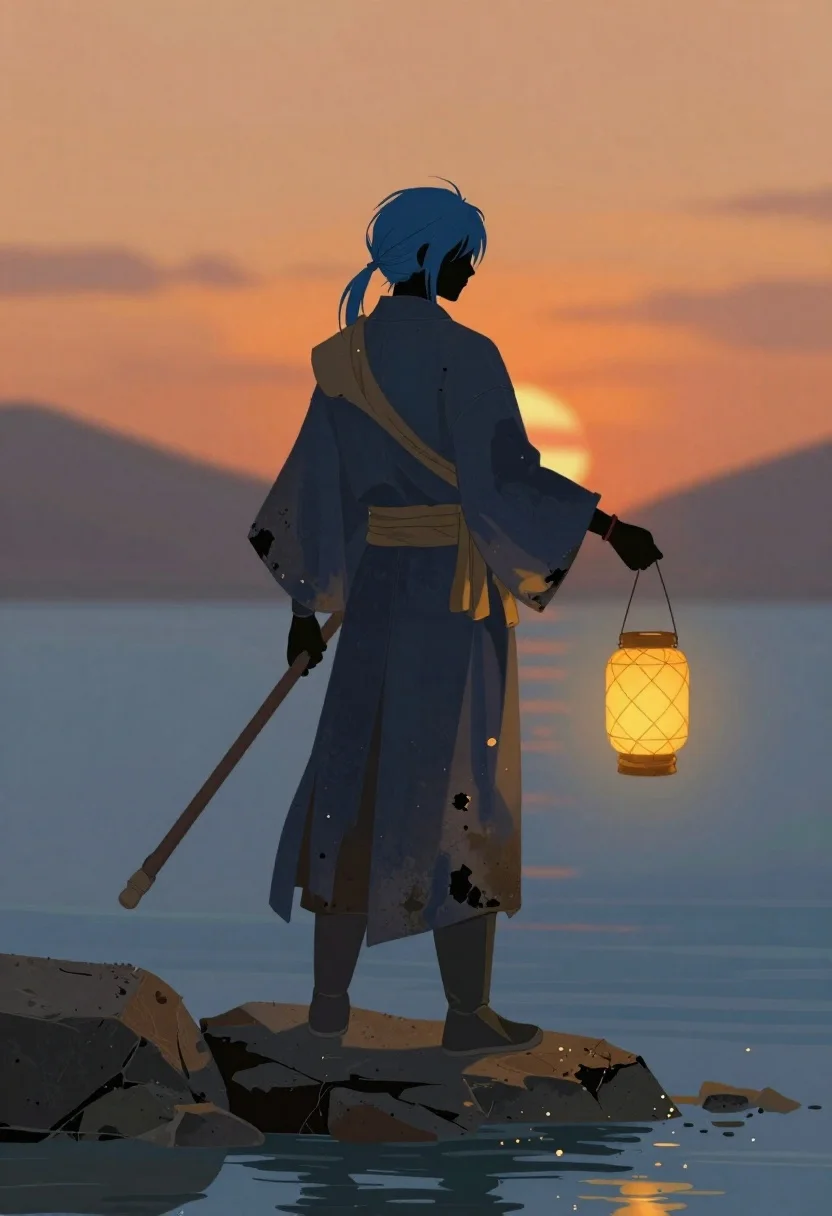
Androgynous warrior standing by water at sunset
Prompt
A digital painting of a solitary figure standing on rocky stones at the water's edge

Subject: an androgynous warrior with blue hair tied back in loose strands and a black featureless face silhouette, clad in tattered dark blue robes stained with patches that suggest wear or soot.

Clothing: layered kimono-style garments cinched by a tan sash wrapped loosely around the waist over one shoulder; wearing tall dark boots suitable for wet terrain.

Action: standing still on uneven stones facing away from the viewer, holding a staff in their left hand and carrying an illuminated lantern suspended by a chain in their right hand at chest level.

Environment: calm blue water reflecting light below the figure, with a blurred background dominated by warm orange fire or sunset glow rising behind them.

Lighting: soft ambient daylight on the left side of the character contrasted against intense warm glowing warmth from the right and rear creating dramatic backlight effects; shadows fall gently across clothing folds emphasizing texture without harsh lines.

Camera: medium full-body shot capturing subject height relative to surroundings, slightly elevated perspective looking down onto rocks while maintaining focus on silhouette profile composition.
Description
This prompt is useful for creating concept art for fantasy video games, book cover illustrations, and character splash pages depicting melancholy journeys. The combination of 'soft ambient daylight' contrasting with 'intense warm glowing warmth from the right and rear' establishes a dramatic backlight that silhouettes the figure against the sunset glow, while specifying 'shadows fall gently across clothing folds' prevents the robes from looking like flat black shapes.
Suggestions
- Change 'blue hair tied back in loose strands' to 'silver hair braided with beads' for a different fantasy feel.
- Swap 'tattered dark blue robes' for 'weathered charcoal cloak' to adjust the color palette.
- Adjust 'medium full-body shot' to 'full body, low angle' to make the figure appear more imposing.
Category
Tags
Back ViewDigital ArtFull BodyMedium ShotOutdoors
Date added
June 19, 2026
Added by
PromptDexter Team
Related Prompts
More prompts with similar categories and tags.
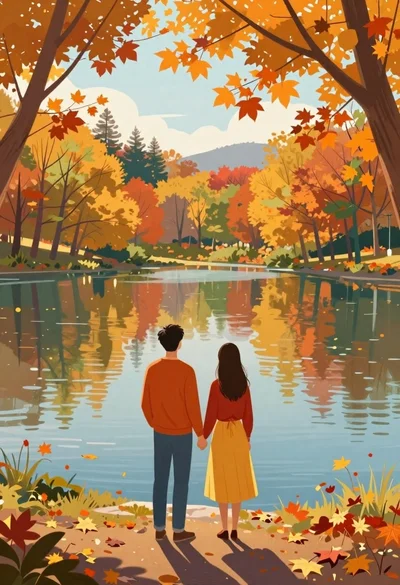
Couple looking at calm lake during autumn
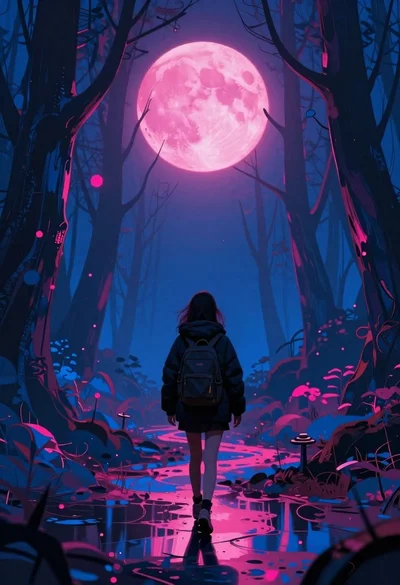
Lone figure walking through surreal forest under pink moon
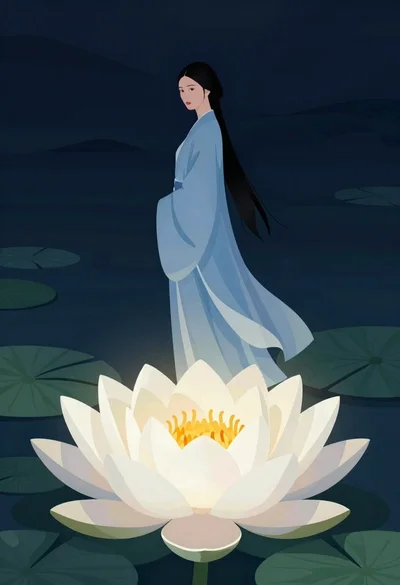
Woman standing above glowing lotus flower in dark setting
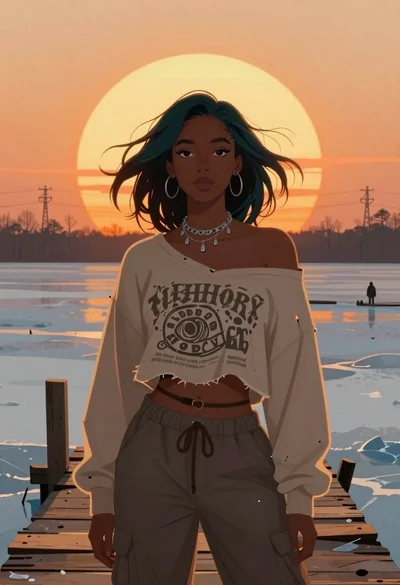
Young woman on wooden dock at sunset
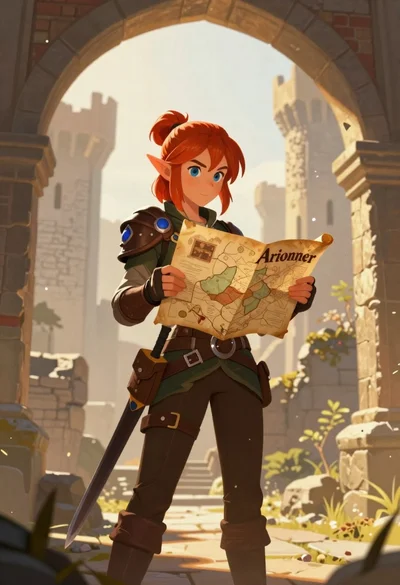
Elf woman reading map in ruined castle archway
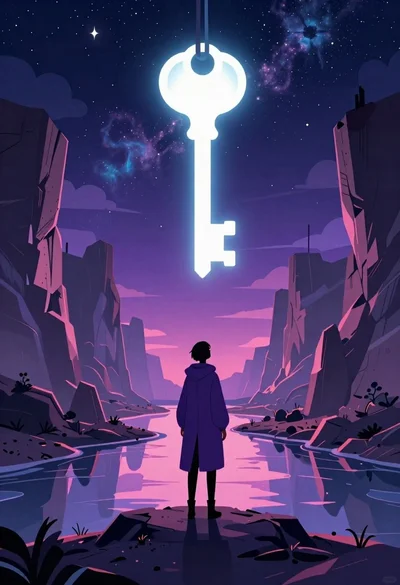
Solitary figure viewing glowing key in alien canyon
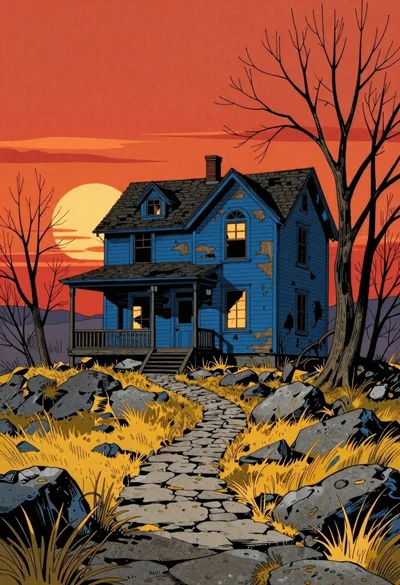
Dilapidated blue house on rocky hilltop at sunset
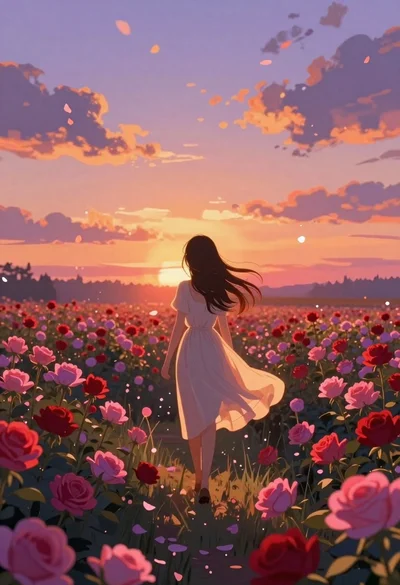
Anime girl in vast rose garden at sunset