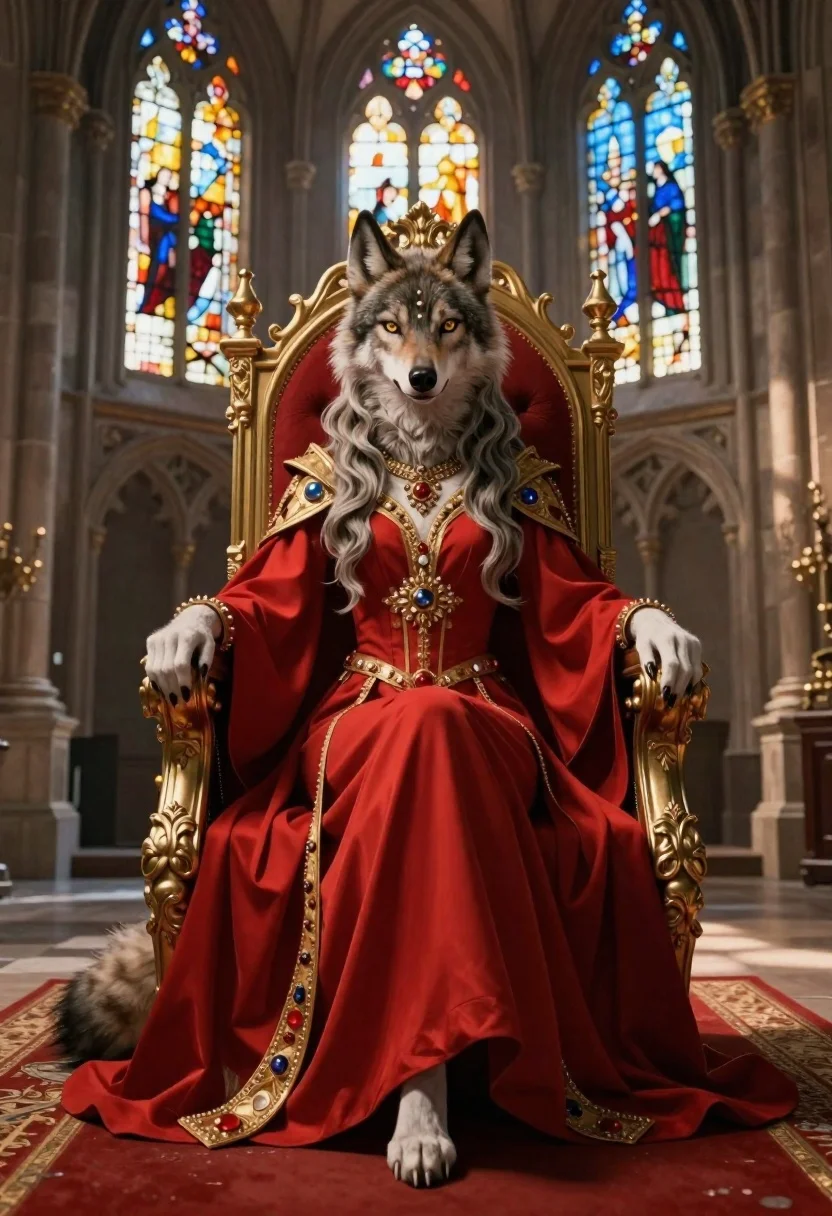
Anthropomorphic wolf on a red throne in cathedral hall
Prompt
An anthropomorphic female wolf with long flowing hair and large ears sits regally on an ornate red throne in a stone cathedral hall.

Subject: Anthropomorphic female wolf with long flowing hair and large ears.

Clothing: Regal crimson gown with gold accents, jeweled belt and cuffs, elegant jewelry around neck and forehead.

Action: Sitting regally on ornate red throne.

Environment: Grand historic stone cathedral hall with tall arched windows, stained glass light filtering into dim interior, red carpet on stone floor beneath throne.

Lighting: Soft dramatic lighting highlighting features, casting gentle shadows across stone floor and red carpet.
Description
This prompt is useful for creating fantasy character concept art, high-fantasy book covers, and regal portraiture for roleplaying games. The combination of 'regal crimson gown with gold accents' against the 'stained glass light filtering into dim interior' establishes a dramatic contrast that prevents the wolf from looking merely posed, grounding her powerful presence within the sacred architecture.
Suggestions
- Change 'ornate red throne' to 'throne carved from obsidian' for a darker feel.
- Add 'volumetric dust motes in the air' to enhance the lighting effect.
- Swap 'long flowing hair' for 'braided silver hair' to change the texture.
Category
Tags
AnimalsFemaleFull BodyIndoorsPortrait Shot
Date added
June 19, 2026
Added by
PromptDexter Team
Related Prompts
More prompts with similar categories and tags.
Sketch drawing of woman riding horse on pink background
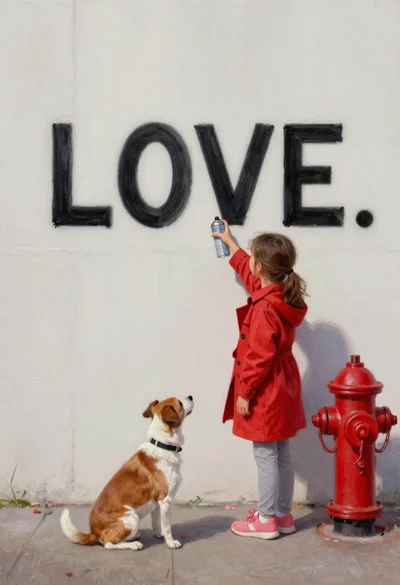
Girl painting word love on white wall with dog
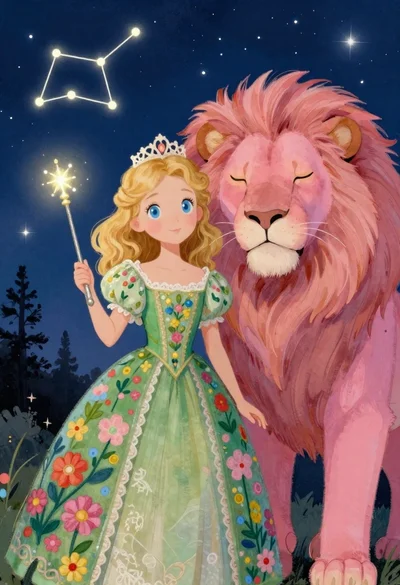
Princess and pink lion under a starry night sky

Young man in red sweater surrounded by fluffy kittens near fireplace

Monkey warrior leaping with magical staff in fantasy scene
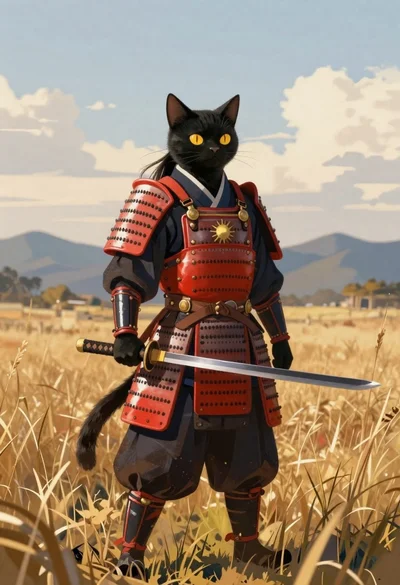
Black cat warrior in samurai armor standing in field
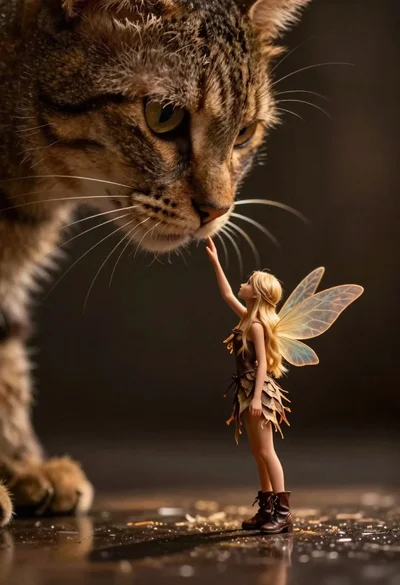
Fairy touching enormous tabby cat nose in shadow
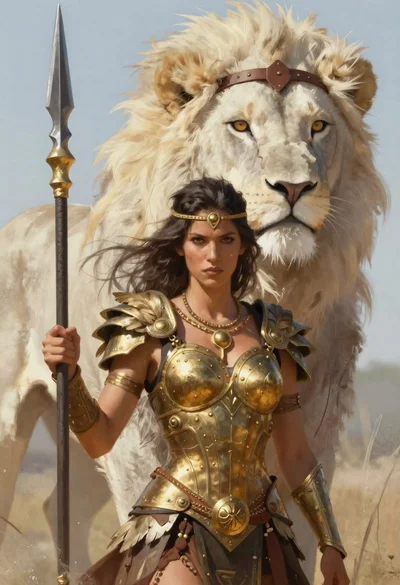
Warrior woman with spear and white lion in fantasy setting