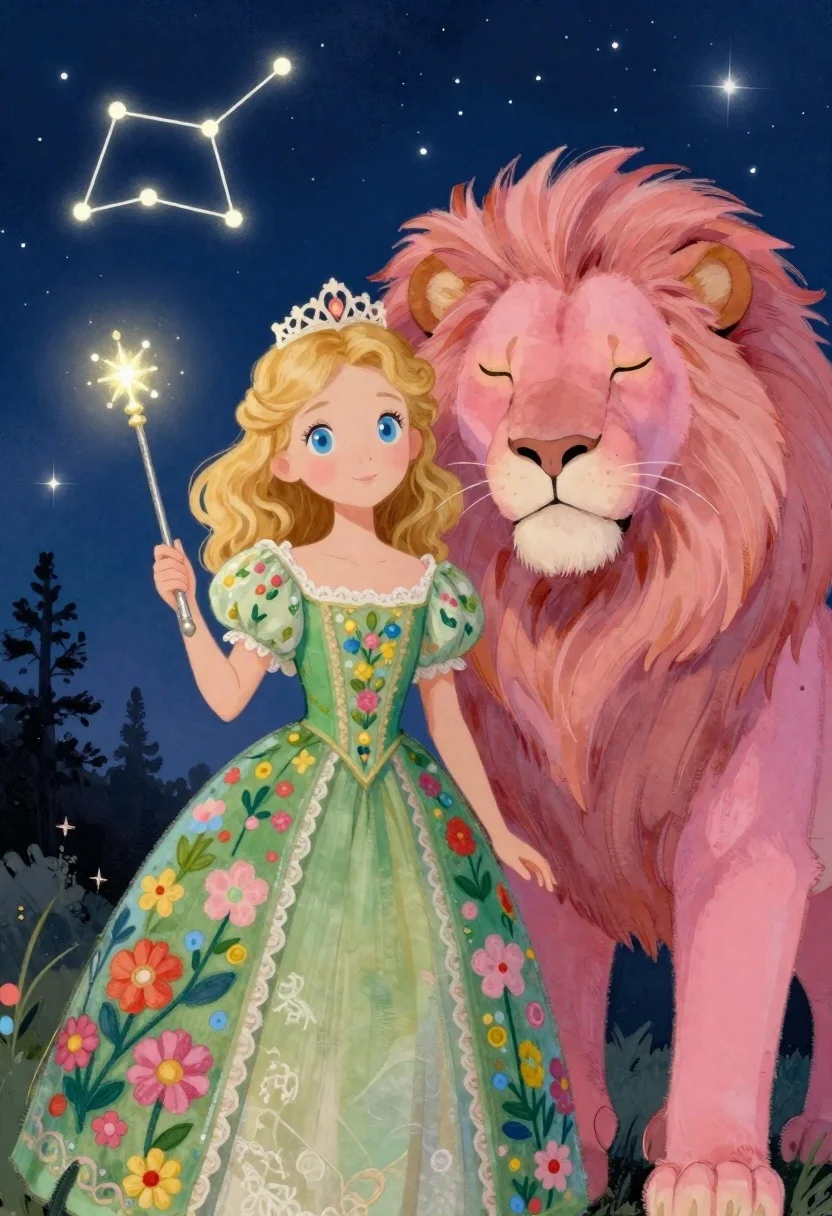
Princess and pink lion under a starry night sky
Prompt
A whimsical digital illustration of a young princess and her lion companion under the night sky

Subject: A fair-skinned girl with curly golden hair and large blue eyes, standing beside a majestic pink lion with closed amber eyes and soft features

Clothing: The girl wears an ornate green gown covered in colorful floral patterns and lace details at the neckline, topped with a delicate white crown

Action: She holds a tall sparkling wand upright while looking forward gently, her hand resting lightly on its shaft.

Environment: A deep blue night sky filled with glowing stars arranged into constellations like Orion's Belt and Ursa Major; silhouettes of dark trees frame the bottom edge against the starry backdrop.

Lighting: Soft ambient light from above highlights their faces and creates a dreamy glow around them, contrasting gently with the darker surroundings.

Style Details: The artwork features textured brushwork resembling pastel or watercolor strokes, giving it an enchanting storybook quality; every element is rendered in vibrant colors pinks, greens, golds with fine detail throughout.
Description
This prompt is useful for creating children's book illustrations, fantasy character concept art, and whimsical nursery decor designs. The combination of 'textured brushwork resembling pastel or watercolor strokes' ensures the final piece maintains an enchanting storybook quality suitable for young audiences, while the 'soft ambient light from above' prevents harsh shadows that would detract from the delicate nature of the princess and her pink lion.
Suggestions
- Change 'ornate green gown' to 'flowing emerald silk' for a richer color.
- Add 'by Beatrix Potter style' to ground the fantasy elements.
- Swap 'glowing stars arranged into constellations' for 'nebula clouds' for more abstract background interest.
Category
Tags
AnimalsBlondeDigital ArtFair SkinFemaleForestFull Body
Date added
June 19, 2026
Added by
PromptDexter Team
Related Prompts
More prompts with similar categories and tags.
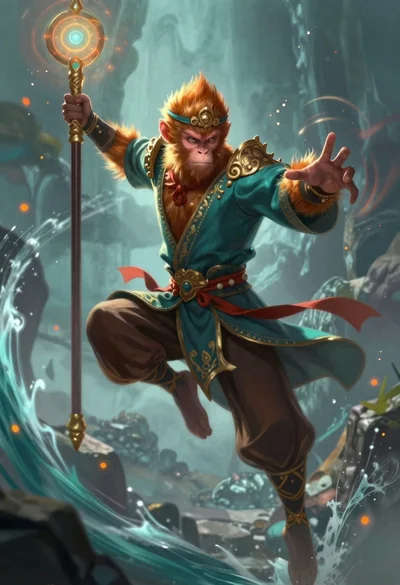
Monkey warrior leaping with magical staff in fantasy scene
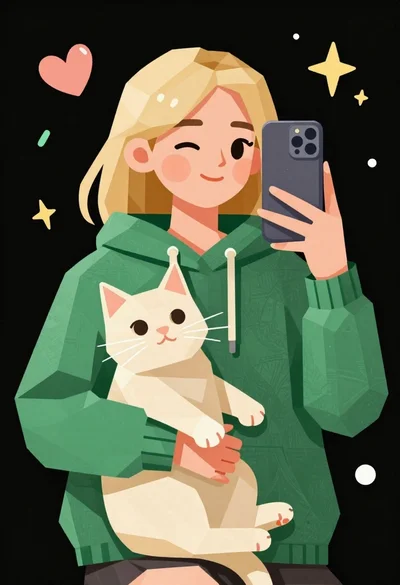
Low poly illustration of girl taking selfie with cat on black background
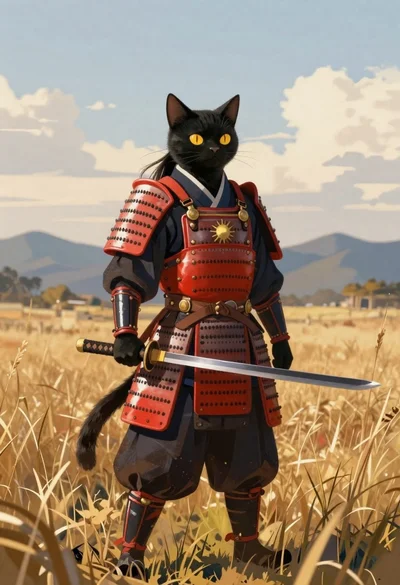
Black cat warrior in samurai armor standing in field
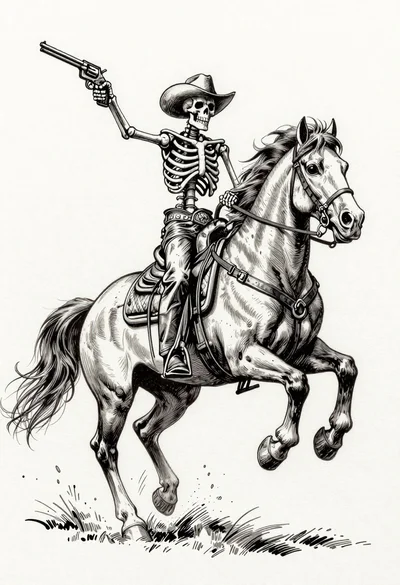
Skeleton cowboy riding a rearing horse ink illustration
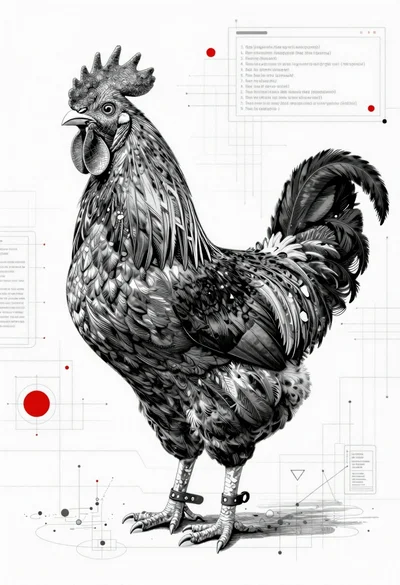
Black and white rooster on blueprint background
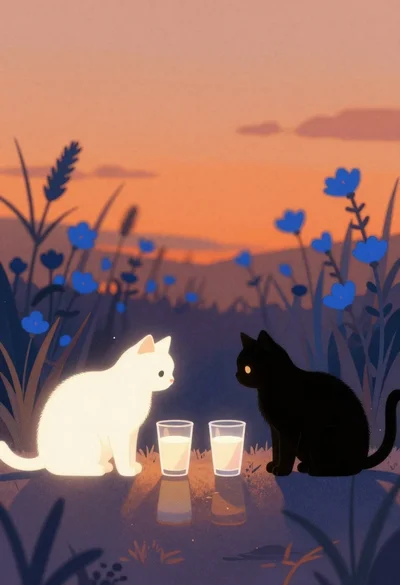
Two cats facing across reflective surface at dusk
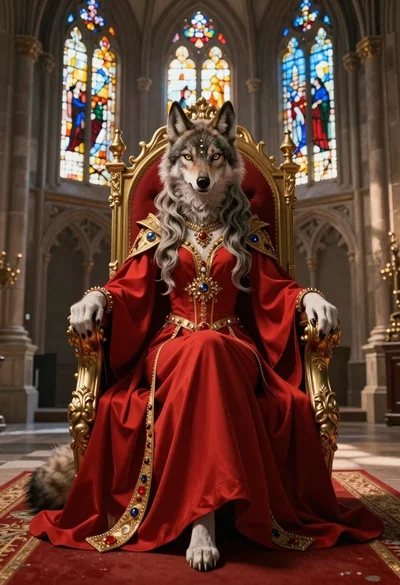
Anthropomorphic wolf on a red throne in cathedral hall
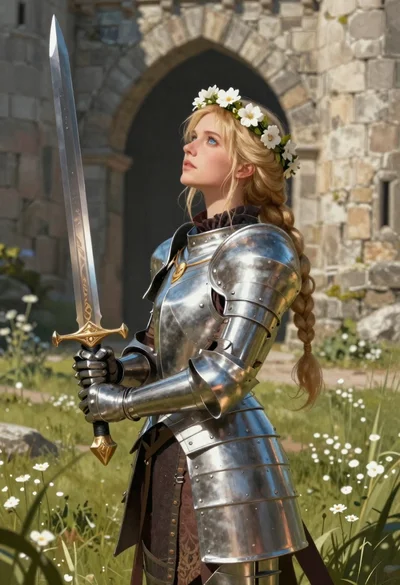
Blonde woman in steel armor before ancient stone castle