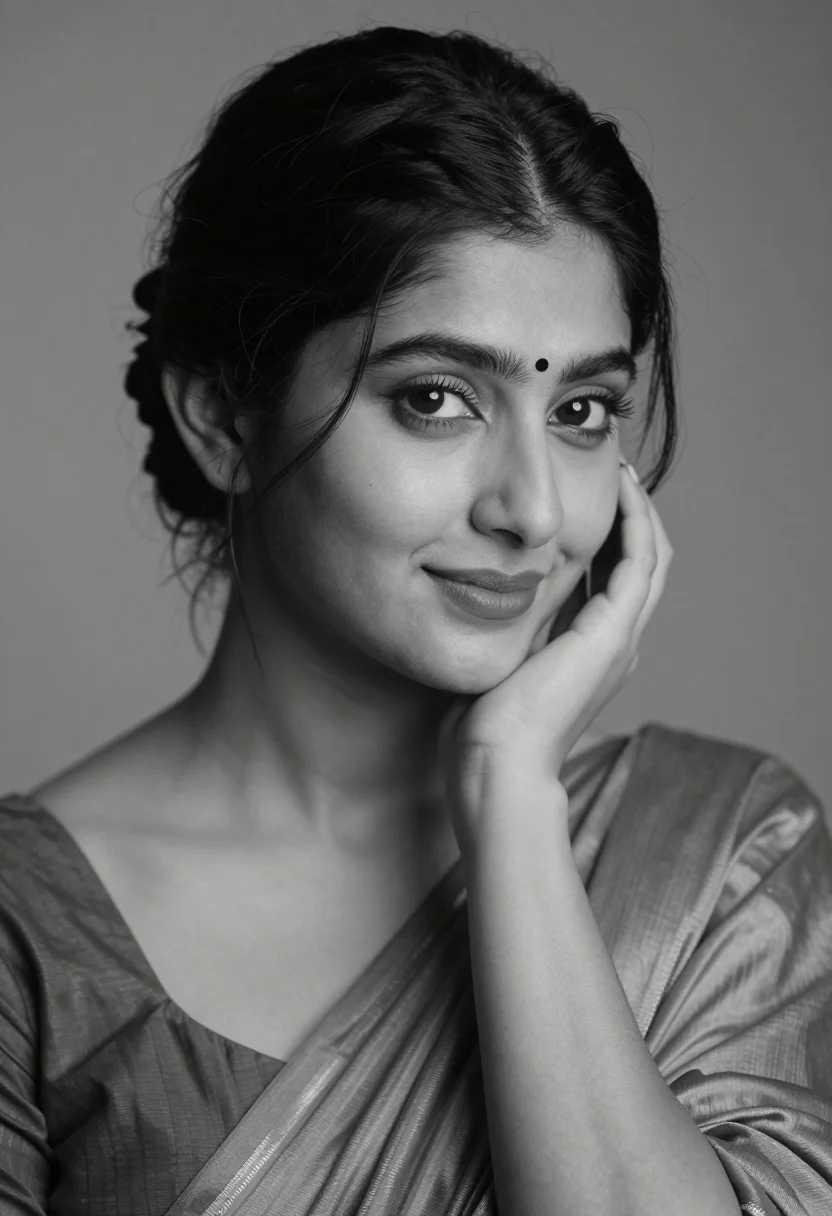
Black and white portrait of a young woman with dark hair styled in an elegant updo
Prompt
A black and white portrait of a young woman with dark hair styled in an elegant updo with loose strands framing her face.

Subject: A beautiful young woman with soft features, defined eyebrows, long eyelashes, and a small bindi on her forehead. She has a gentle, subtle smile and is looking slightly to the side.

Clothing: She wears a draped garment with a V-neckline, possibly a sari or blouse, made of a smooth fabric that catches the light softly.

Action: Her head rests gently on her right hand, with her fingers curled against her cheek in a relaxed pose.

Environment: A plain, neutral background that fades from light to dark, keeping the focus entirely on the subject.

Camera: Close-up portrait shot with a shallow depth of field, blurring the background slightly to emphasize facial details and texture.

Lighting: Soft, diffused lighting coming from the front-left, creating gentle shadows that highlight her cheekbones and nose while maintaining a calm mood.

Style Details: High-contrast black and white photography with fine grain, classic studio portrait aesthetic, and elegant composition reminiscent of timeless fashion photography.
Description
This prompt is useful for creating formal portraiture for artistic portfolios, historical character studies, and high-end beauty editorial spreads. The combination of 'soft, diffused lighting' and a 'plain, neutral background' ensures that the focus remains solely on the subject's features, while specifying 'high-contrast black and white photography with fine grain' prevents the image from looking too digitally smooth or flat.
Suggestions
- Change 'V-neckline' to 'high collar' for a more formal look.
- Swap 'gentle, subtle smile' for 'direct gaze' to increase intensity.
- Add 'Rembrandt lighting' to deepen the shadows on her cheekbones.
Category
Tags
B&wBrunetteClose UpDark SkinFemalePortrait ShotRealisticStudioTraditional Wear
Date added
August 5, 2026
Added by
PromptDexter Team
Related Prompts
More prompts with similar categories and tags.
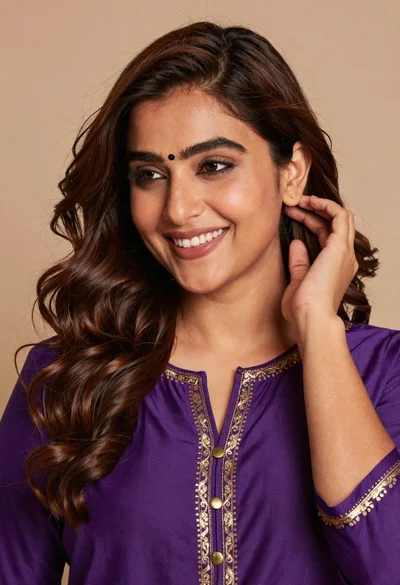
Close up portrait of smiling woman with brown hair wearing purple embroidered
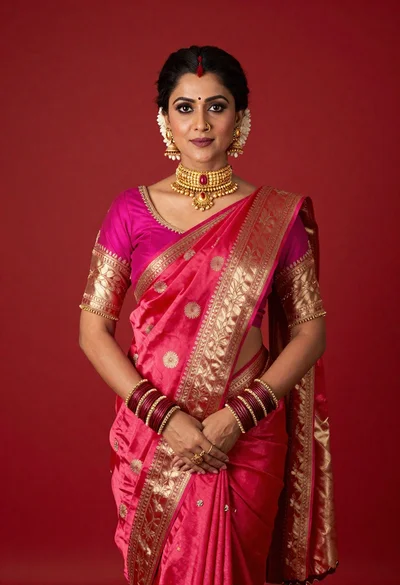
Poised woman in vibrant pink and red silk saree against solid red
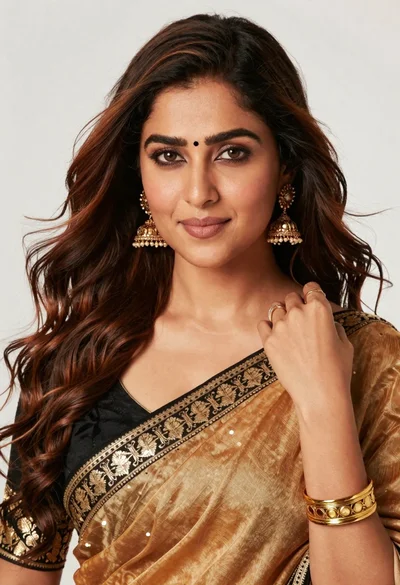
Close up portrait of woman in sari touching dark brown wavy hair
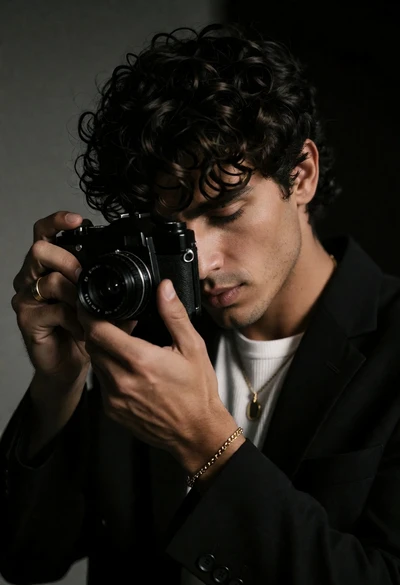
Close up portrait of man holding vintage camera in dimly lit room
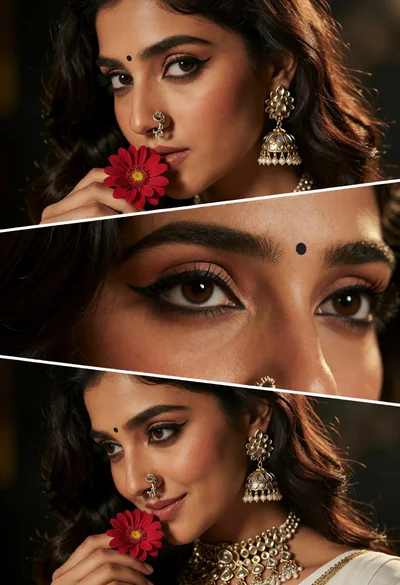
Triptych portrait of woman with dark hair and ornate traditional indian jewelry
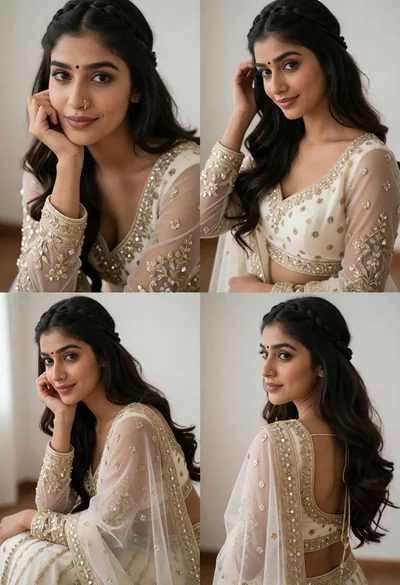
Portrait of young woman in ornate cream lehenga choli against minimalist background
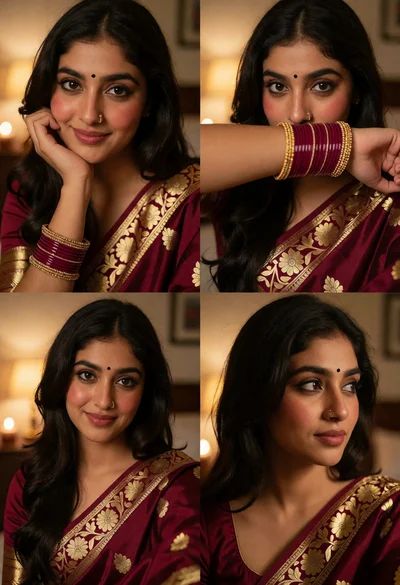
Collage of four close up portraits in traditional indian attire
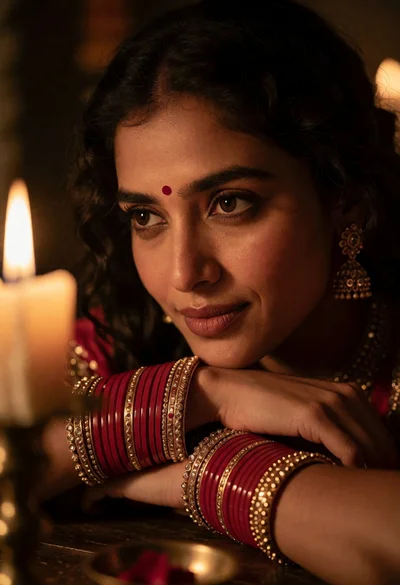
Close up portrait of woman with dark hair resting chin on crossed
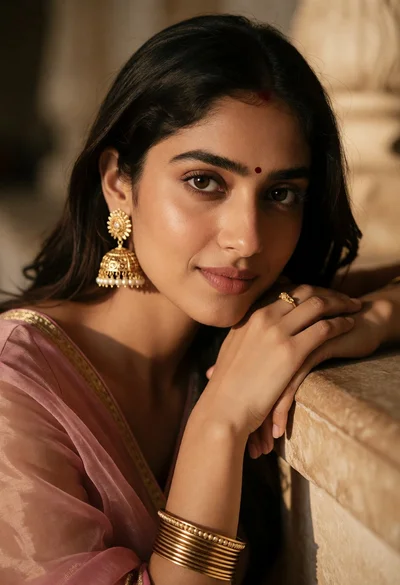
Close up portrait of young woman with dark hair and gold jewelry
Close up portrait of woman with red hair in floral dress