Joyful young woman holding gold medals against a solid black background
Prompt
A joyful young woman with long brown hair featuring blonde highlights and bangs smiles broadly while holding two large gold medals up to her cheeks against a solid black background.

Subject: A happy young female athlete with expressive eyes and a wide, toothy smile, looking directly at the camera.

Clothing: She wears a white quilted puffer jacket with visible stitching details and an American flag patch on the left shoulder sleeve.

Action: She holds two large gold medals up to her face, one in each hand, positioning them near her mouth as if playfully hiding behind them or showing them off.

Environment: The background is completely black, isolating the subject and creating a high-contrast studio portrait look.

Camera: Close-up shot with a shallow depth of field that keeps the face and medals sharp while softly blurring the edges of the hair.

Lighting: Dramatic spotlighting from the front creates strong highlights on her face and the metallic surface of the medals, casting deep shadows behind her.

Objects: Two large gold medals featuring the Olympic rings logo are held prominently in the foreground.

Text/Graphics: The blue ribbons attached to the medals display partial text reading "INDIANAPOLIS 2026".

Style Details: High-contrast photography with a focus on texture, capturing the sheen of the gold and the softness of the fabric.
Description
This prompt is useful for creating athletic achievement portraits, celebratory yearbook spreads, and high-impact promotional materials for sporting events. The combination of 'dramatic spotlighting from the front' against a 'solid black background' ensures that the metallic sheen of the gold medals and the texture of the jacket are intensely visible, preventing them from looking flat or losing detail in a busy setting.
Suggestions
- Change 'white quilted puffer jacket' to 'navy bomber jacket' for a different color contrast.
- Swap 'blonde highlights' for 'dark brown highlights' to unify the hair tone.
- Adjust 'dramatic spotlighting' to 'softbox lighting' for a more even portrait look.
Category
Tags
BlondeBrown HairBrunetteCasual WearClose UpFemalePortrait ShotRealisticStudio
Date added
June 19, 2026
Added by
PromptDexter Team
Related Prompts
More prompts with similar categories and tags.

Photorealistic portrait of woman in red gold armor holding shield studio shot
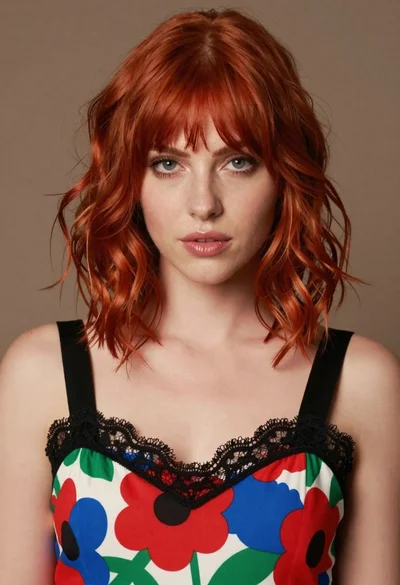
Close up portrait of woman with red hair in floral dress
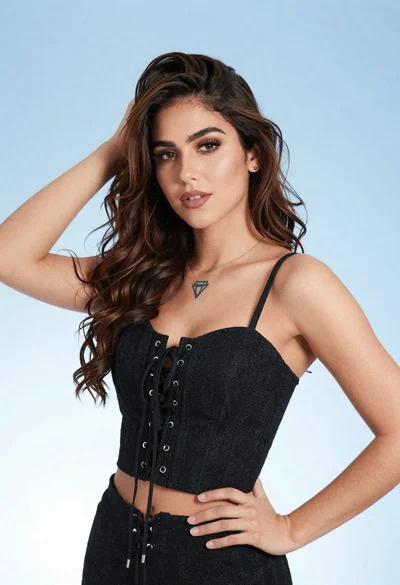
Portrait of young woman in black corset top against soft blue background
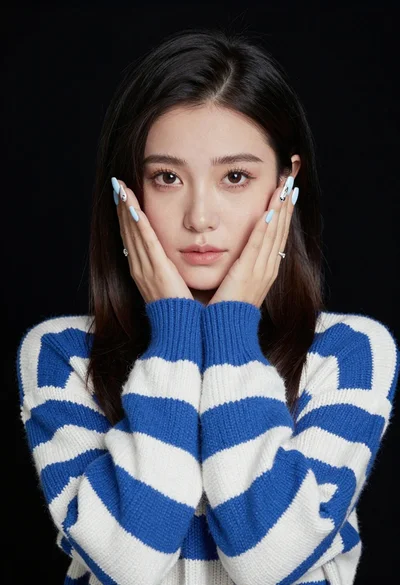
Portrait of young woman in striped sweater against dark background
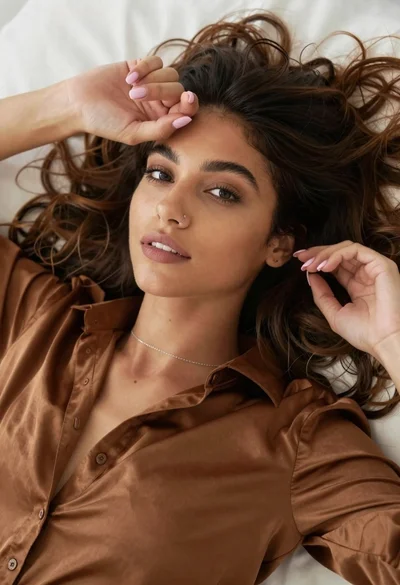
Close up portrait of young woman with brown hair on white surface
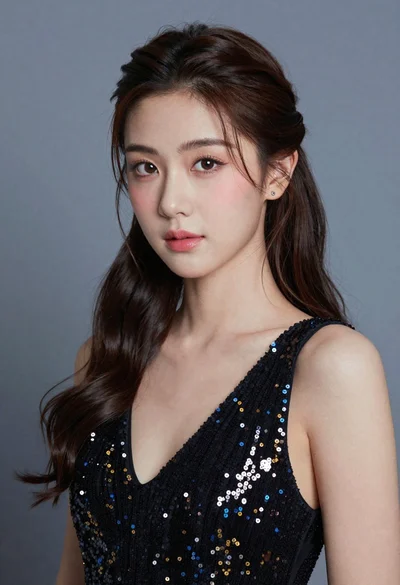
Close up portrait of young woman with dark hair in sequined black
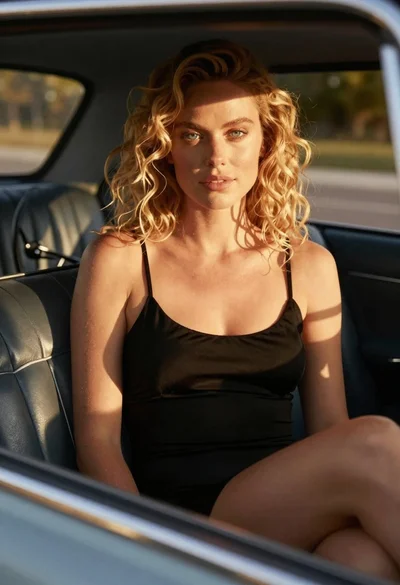
Close up of blonde woman in black dress inside vintage car
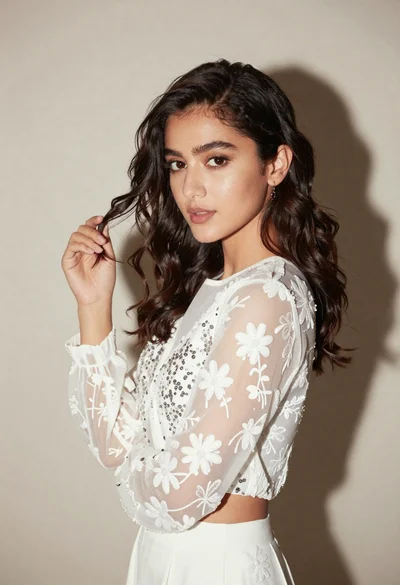
Young woman in white embroidered blouse posing against a plain studio background

Medium full length portrait of woman in brown mesh dress
Close up portrait of blonde woman touching face at golden hour