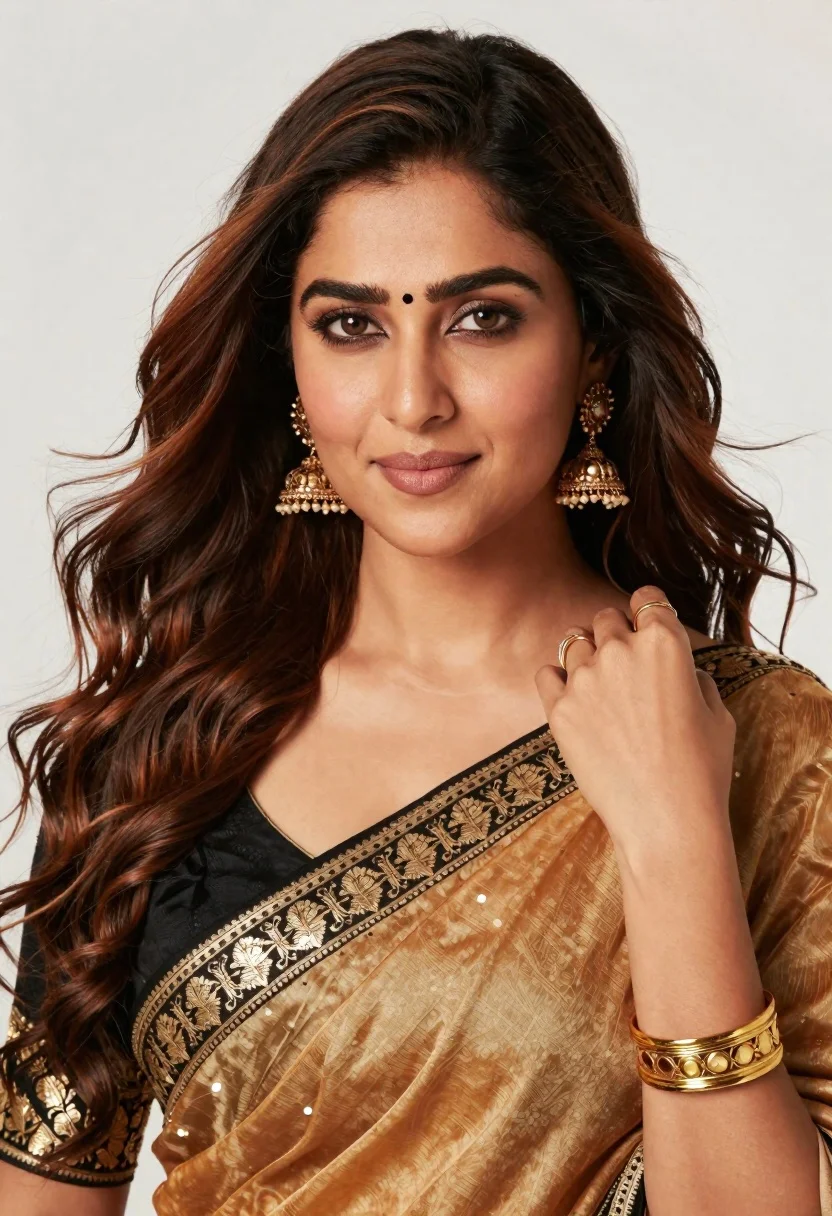
Close up portrait of woman in sari touching dark brown wavy hair
Prompt
A close-up portrait of a woman with long, wavy dark brown hair and warm skin tone looking directly at the camera with a soft smile.

Subject: A woman with long, voluminous wavy dark brown hair featuring lighter caramel highlights, defined eyebrows, a small black bindi on her forehead, and expressive brown eyes.

Clothing: She wears a traditional sari with a golden-brown silk body and a black border adorned with intricate gold embroidery and sequins; she is accessorized with large ornate gold jhumka earrings, a wide gold cuff bracelet, and rings on her fingers.

Action: Her right hand gently touches the strands of her hair near her shoulder while she gazes forward with a calm expression.

Environment: The background is a plain, bright white studio backdrop that isolates the subject.

Camera: Shot as a tight close-up portrait with a shallow depth of field to blur the background slightly and emphasize facial features.

Lighting: Soft, professional studio lighting illuminates her face from the front-left, creating gentle highlights on her skin and hair while casting soft shadows for dimension.

Style Details: High-resolution photography with warm color grading, smooth skin texture, and a polished commercial portrait aesthetic.
Description
This prompt is useful for creating high-end beauty advertisements, cultural editorial spreads, and character concept art focusing on intricate costume details. The combination of 'soft, professional studio lighting' from the front-left sculpts the face by preventing harsh shadows while the 'plain, bright white studio backdrop' ensures that the rich colors of the 'golden-brown silk body' sari remain the absolute focal point.
Suggestions
- Change 'caramel highlights' to 'copper highlights' for a warmer tone.
- Swap 'large ornate gold jhumka earrings' for 'delicate pearl drop earrings' for subtlety.
- Adjust 'soft smile' to 'subtle, knowing gaze' for more intensity.
Category
Tags
Brown HairClose UpDark SkinFemalePortrait ShotRealisticStudioTraditional Wear
Date added
June 19, 2026
Added by
PromptDexter Team
Related Prompts
More prompts with similar categories and tags.
Close up portrait of smiling woman in red indian bridal attire
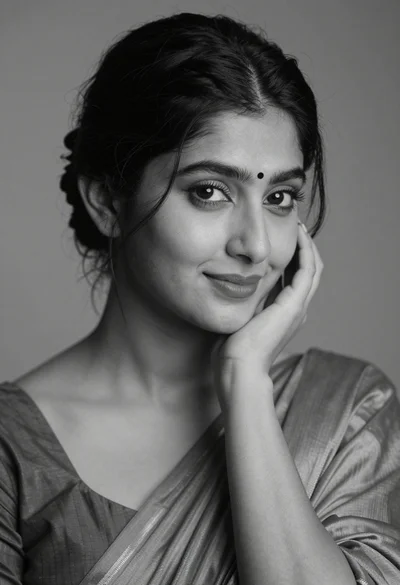
Black and white portrait of a young woman with dark hair styled in an elegant updo
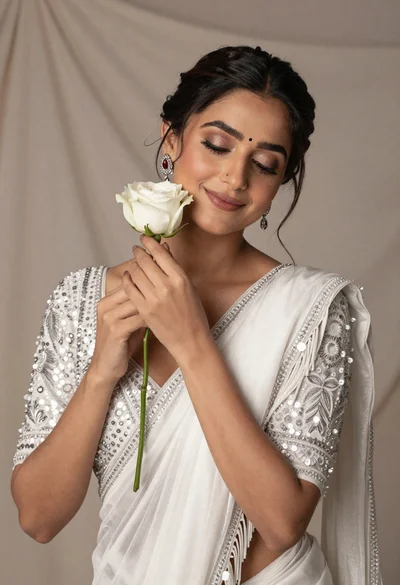
Beautiful woman with dark hair holding white rose in shimmering saree
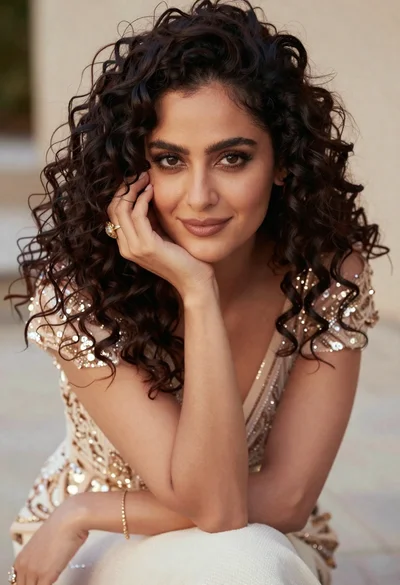
Close up portrait of woman with dark curly hair in champagne gown
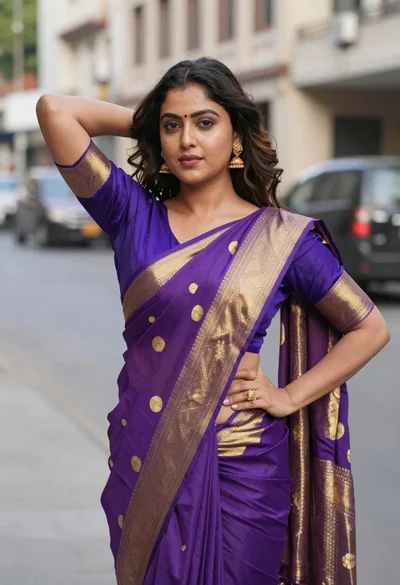
Woman in purple and gold saree standing on an urban city street
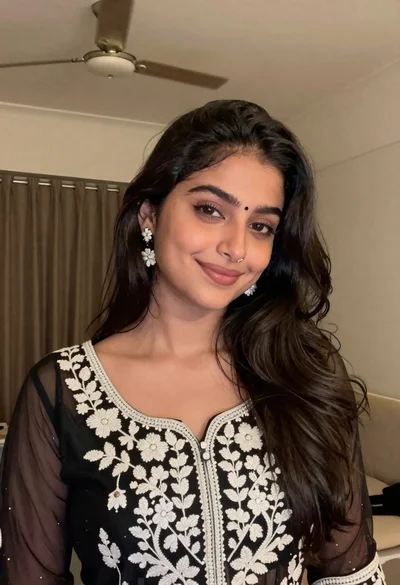
Young woman with dark wavy hair wearing embroidered top indoors portrait

Close up portrait of smiling woman with dark hair resting head on
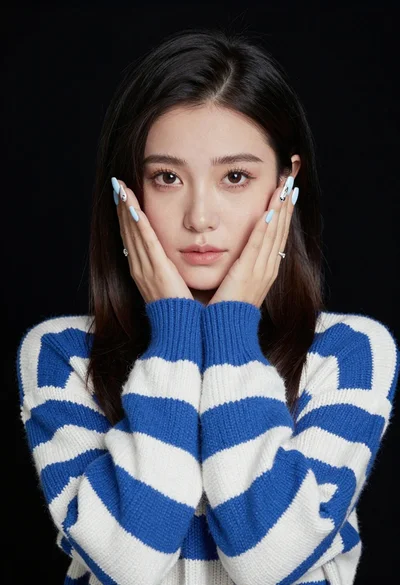
Portrait of young woman in striped sweater against dark background
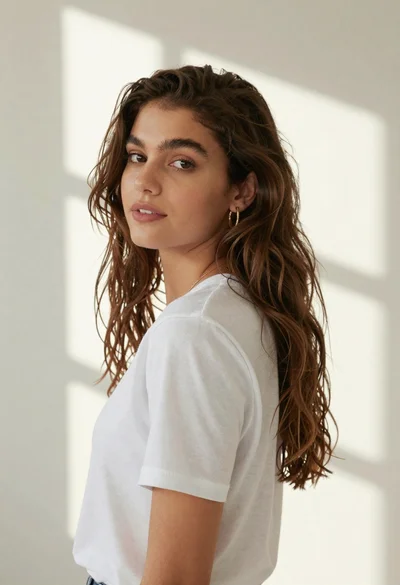
Woman in white tshirt against striped sunlight backdrop
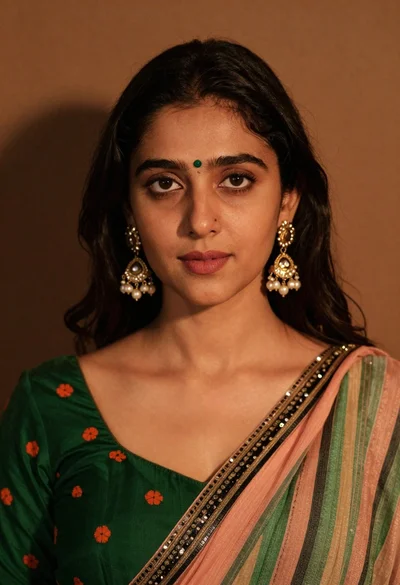
Close up portrait of young woman with dark hair wearing traditional indian